Best AI Proposal Generator Tools for 2026
Compare AI proposal generator tools for freelancers, consultants, and teams. Find the right fit for drafting, design, sharing, and job applications.

Some AI tools write client proposals. Apply with AI focuses on a different task: finding suitable Upwork jobs and preparing tailored applications while you keep control of submission. Here are eight options, with a clear look at who each one fits and what kind of proposal work it supports.
Table of Contents
- Apply with AI — tailored Upwork proposals and job applications
- QorusDocs: proposal automation for Microsoft 365 teams
- PandaDoc: proposal creation and management for client-facing teams
- AutogenAI: bid and RFP responses for larger teams
- Propal: interactive proposals for creative service businesses
- AI Proposal Generator by Venngage: design-led proposals
- AI Project Proposal Generator by QuillBot: quick project drafts
- AI Proposal Generator by Template.net: editable drafts from prompts
- AI Project Proposal Generator by Taskade: drafting inside a broader workspace
- Frequently asked questions
- Conclusion
1. Apply with AI — tailored Upwork proposals and job applications
Apply with AI is a Chrome extension for freelancers using Upwork and job seekers applying through LinkedIn or employer websites. It’s the best fit when the hard part isn’t laying out a sales document. It’s sorting through roles and writing relevant applications without losing sight of what you’re claiming.
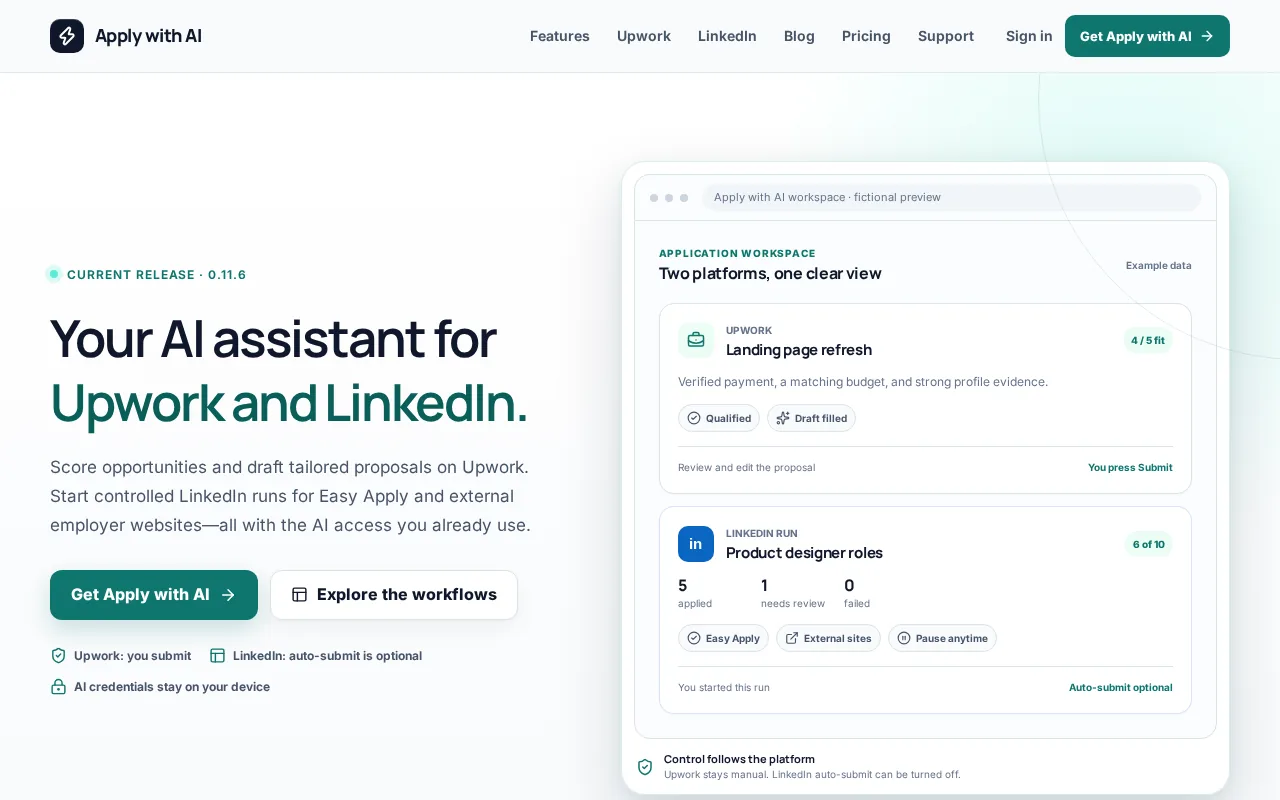
On Upwork, it can score and filter jobs, qualify opportunities, then draft or fill proposals, screening answers, and replies. You review the result and press Send or Submit yourself. It doesn’t automatically submit proposals or send messages. For LinkedIn and supported employer sites, you start an application run and can turn off auto-submit when you want a final review.
The difference matters: it works on job fit and application drafting, while most tools below help build proposals to send to clients. Freelancers can read more about Upwork Auto Bid vs. AI Proposal Writing before deciding what level of automation they want.
Use Apply with AI when you want help preparing an application but still want to check every detail before it goes out.
2. QorusDocs: proposal automation for Microsoft 365 teams
QorusDocs is an AI-driven proposal automation platform for sales and business development teams that use Microsoft 365. It’s a fit for teams building proposals as part of an established sales process, rather than for an individual freelancer sending occasional pitches.
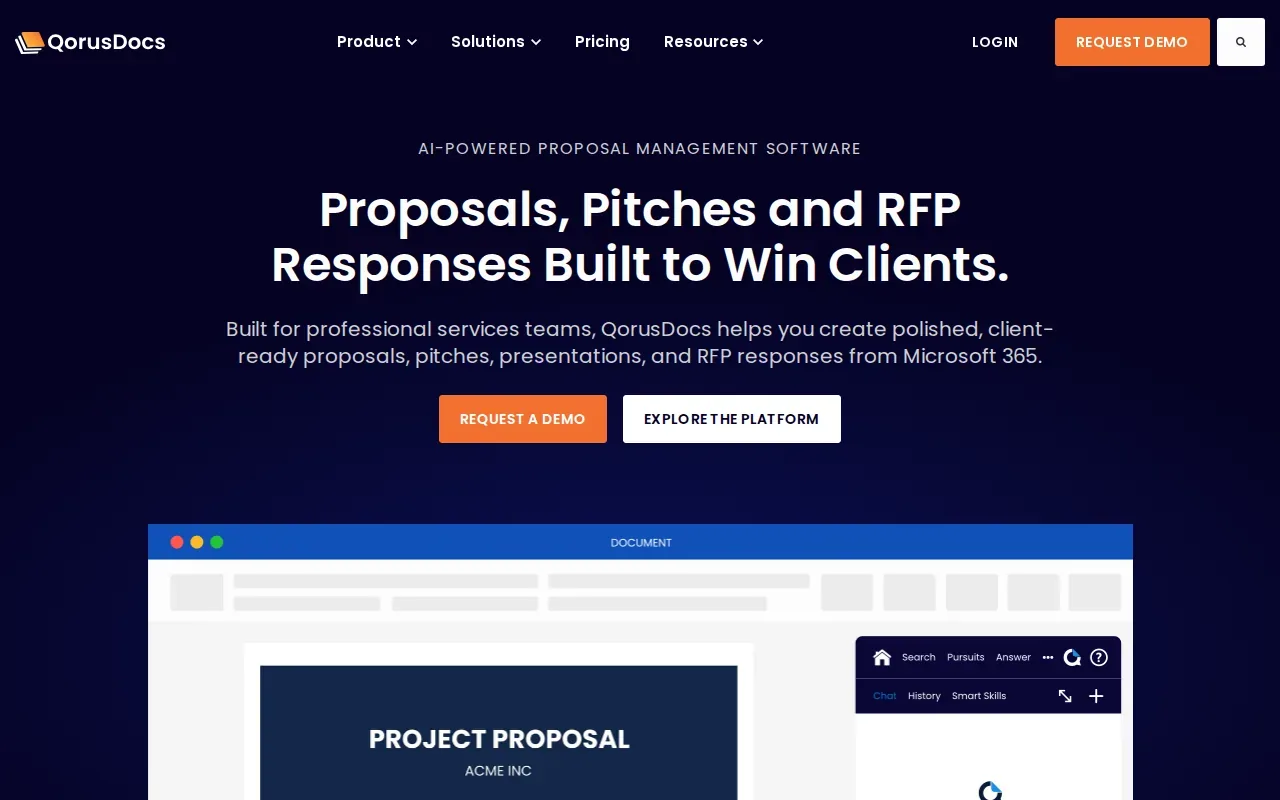
Its AI-driven templates generate proposals inside Word, PowerPoint, and Outlook. That can help when a team already drafts sales material in those apps and wants proposal work to stay close to its existing documents. A business development team, for example, may need to prepare a consistent proposal without moving each draft into a separate writing tool.
The trade-off is focus. QorusDocs is built around team proposal automation, not job scoring or applications on Upwork, LinkedIn, or employer career sites. If you mainly need a brief, tailored freelance pitch, its broader team workflow may be more than you need.
Choose it when Microsoft 365 is already central to how your sales team writes and shares proposals.
3. PandaDoc: proposal creation and management for client-facing teams
PandaDoc is an AI-driven proposal management platform for sales teams, client-facing professionals, and small to midsize businesses. It fits teams that need to manage a proposal after drafting it, not just produce a first pass of the text.
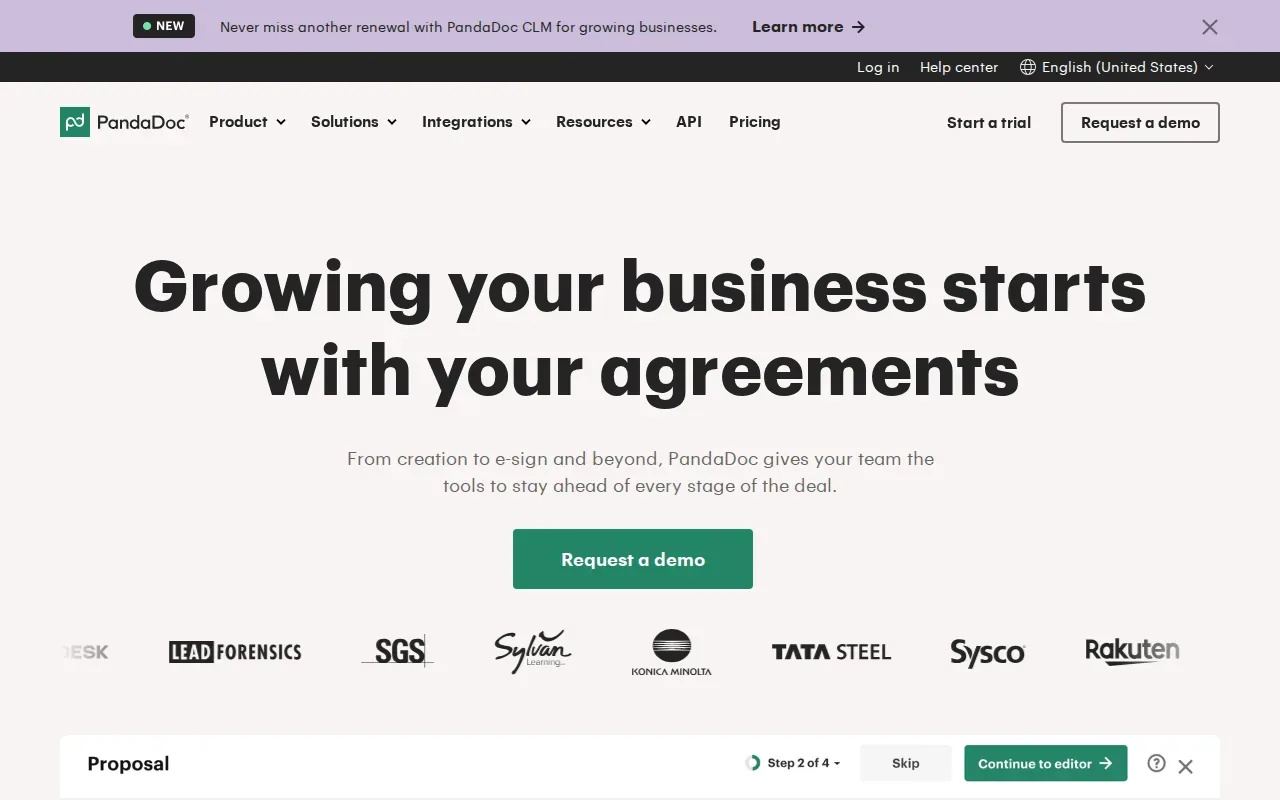
AI can generate proposals, while the platform helps teams create, edit, track, and manage business proposals. It also automates document workflows with e-signatures. That can make sense when several people take part in a client document and the team needs proposal work connected to review and signing.
For a freelancer who sends a small number of simple pitches, though, this may be more tool than the work calls for. It doesn’t focus on choosing suitable freelance jobs or preparing applications for job boards. Before adopting it, map out which parts of your current document process you actually need to manage.
It’s strongest for client-facing teams that need both proposal drafting and document workflow support.
4. AutogenAI: bid and RFP responses for larger teams
AutogenAI is an AI-powered proposal generator for bid, tender, and RFP response teams. It’s aimed at larger enterprises, regulated industries, and teams that handle formal bids, where a response may need to draw on organization-specific knowledge.
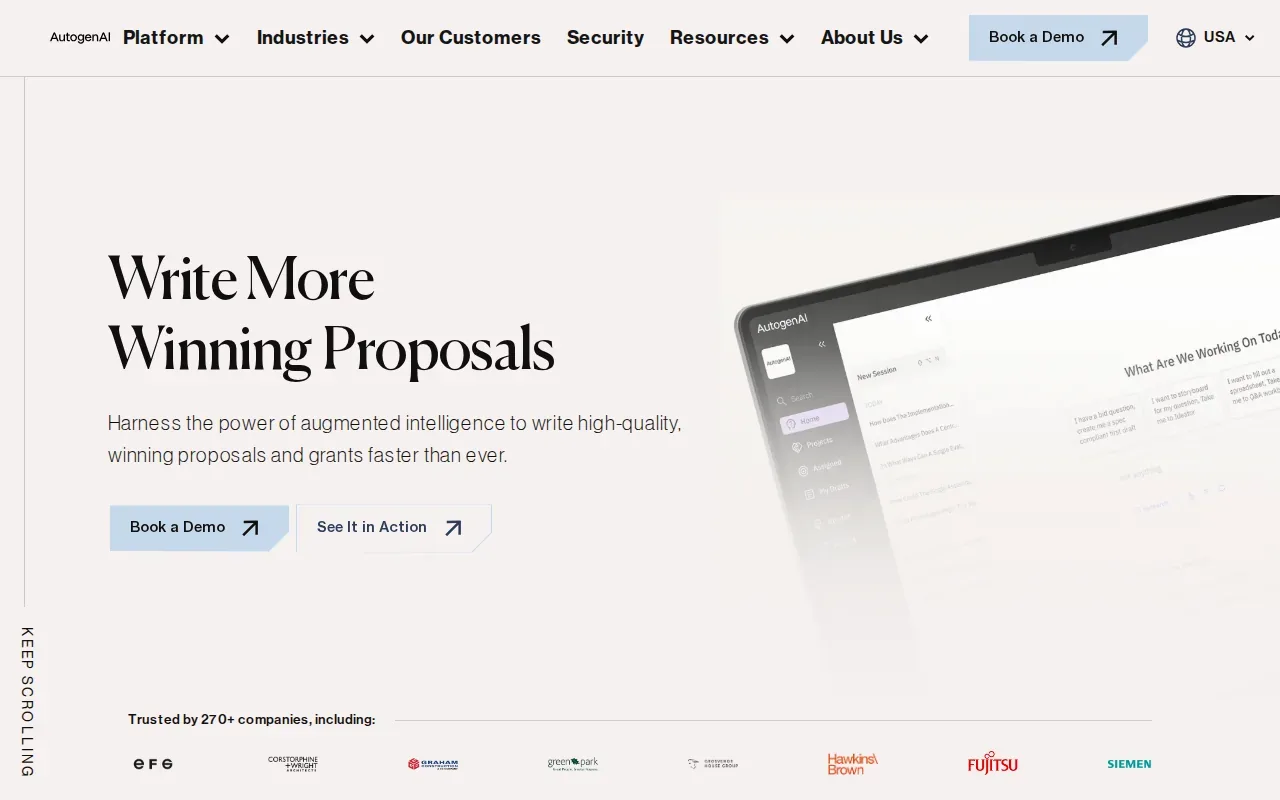
The tool generates tailored bid and tender responses using organization-specific models. That makes it a different kind of option from a quick project proposal writer. A team responding to a formal request can use it to draft against its own context rather than start each response from a blank page.
That focus also sets a limit for independent workers. AutogenAI isn’t positioned as a job application assistant for Upwork or LinkedIn, and its bid-team use case may not match a freelancer’s day-to-day needs. People comparing tools should first check whether they need formal RFP support or simply a short, personal proposal.
Pick it for organized bid work, not routine applications to freelance jobs.
5. Propal: interactive proposals for creative service businesses
Propal combines AI drafting with an interactive proposal workflow. It’s best for digital agencies, design studios, and freelance creators who pitch services to business clients and want the proposal to do more than sit in a static file.
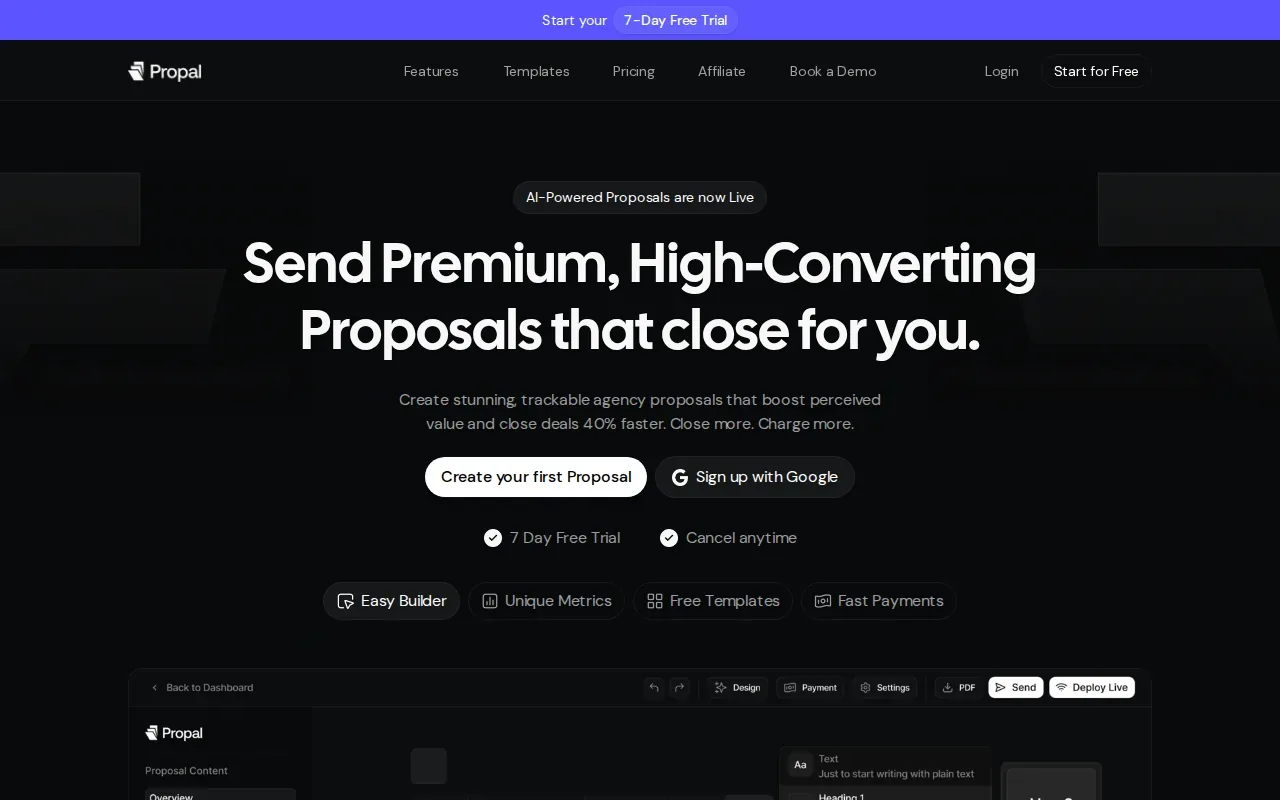
Its AI drafts a proposal in under a minute. You can then add embeds for Calendly, Loom, Stripe, Notion, or Miro. That lets a client open a live proposal and find linked material or next actions in the same place. For example, a creative studio could pair its scope with a short video overview and a booking link.
Propal has a free trial, but the interactive format won’t suit every proposal. If a client expects a simple document, a live workflow may add steps without helping the decision. It also targets business-to-business service proposals, not applications to posted jobs.
Consider Propal when client review and interactive content are part of your sales process.
Key Takeaway: Apply with AI is built around job fit and user-reviewed applications. Most other options here focus on proposals for clients, bids, or project plans.6. AI Proposal Generator by Venngage: design-led proposals
AI Proposal Generator by Venngage builds on a design platform. It’s a fit for freelancers, consultants, or agencies that need a polished proposal layout and want to work on the visual design as well as the copy.
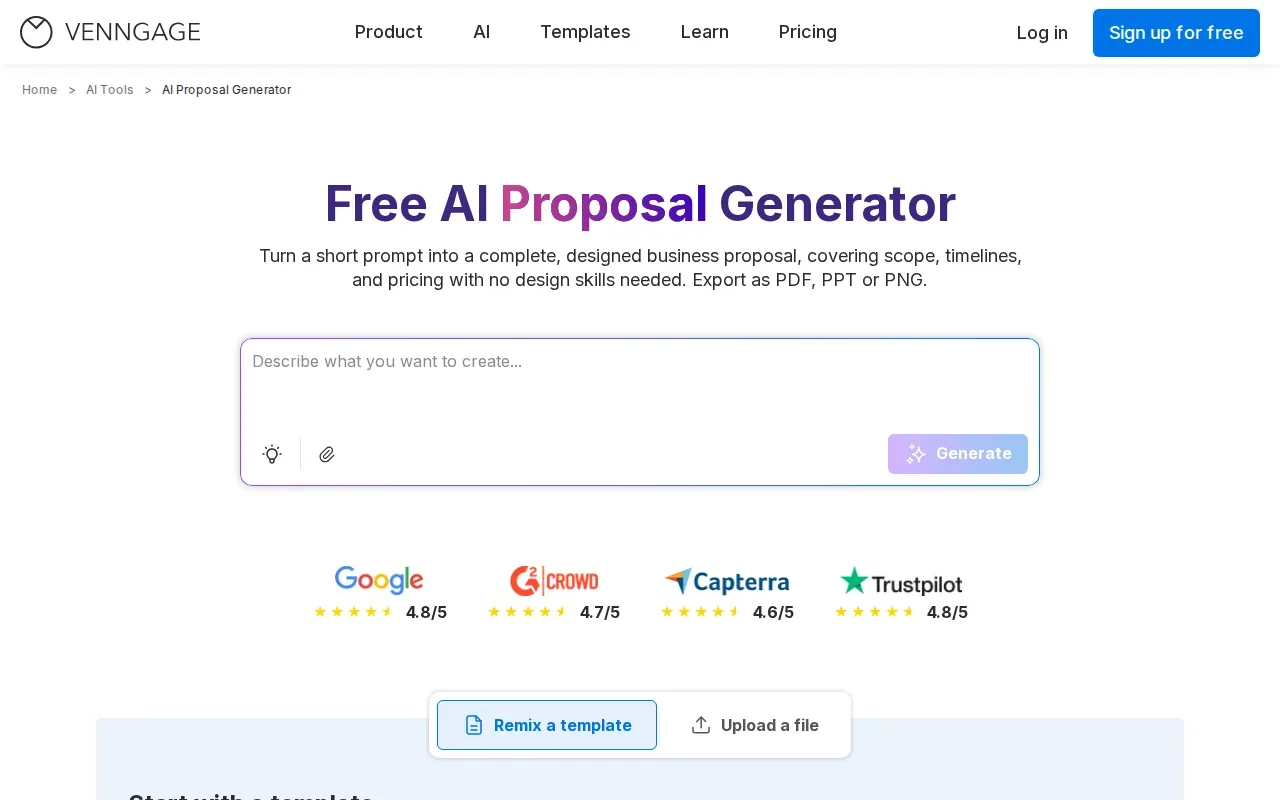
Start with a prompt that explains the audience, service, scope, deliverables, and timeline. The generator can draft a structured proposal with sections such as a summary, problem statement, solution, pricing, and next steps. Then refine the text and adjust visuals, colors, fonts, or layout in the editor. Brand assets can help keep a set of proposals consistent.
Venngage supports export as PDF, PPT, or PNG. That gives you options for an email attachment or a presentation, though you should check which export features are available to you before settling on a format. Its focus is designed documents, not tracking job fit or filling application forms.
This is the strongest match on the list when visual polish is a key part of how you present your work.
7. AI Project Proposal Generator by QuillBot: quick project drafts
AI Project Proposal Generator by QuillBot makes customizable drafts for business, research, or grant proposals. It’s a reasonable fit for students, researchers, and small-business owners who need a structured project proposal rather than a full client sales workflow.
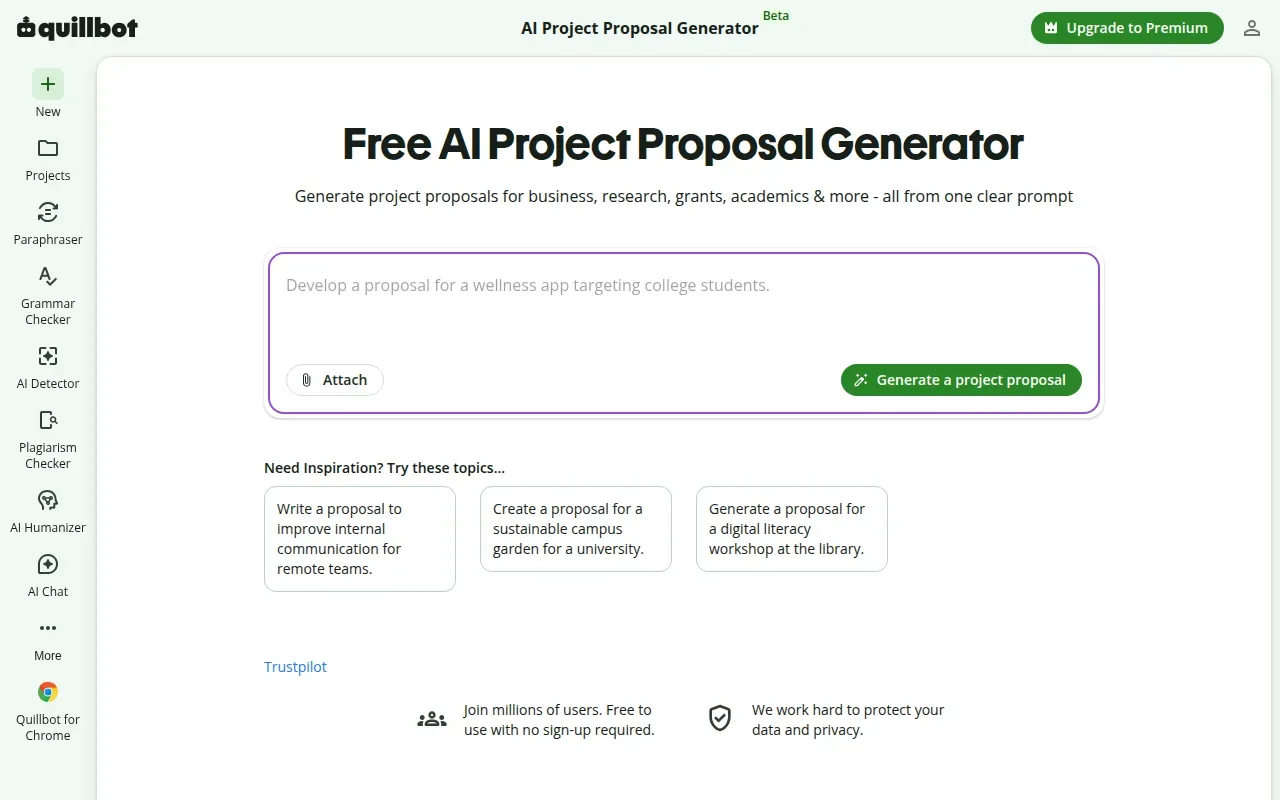
A prompt can give you a first draft to review and shape around the actual project. That can save time on basic structure, but the text still needs your facts, scope, and budget details. Check every claim before sharing it, especially if the document will support a funding request or set expectations with a client.
QuillBot’s strength is quick drafting across several project types. For a short project brief, its narrower drafting role may be enough.
Use it to get a draft started, then make sure the final proposal reflects the work you can actually deliver.
8. AI Proposal Generator by Template.net: editable drafts from prompts
AI Proposal Generator by Template.net turns voice or text prompts into editable proposals. It’s useful if you want to describe the project in plain language, then adjust the draft and its design before sending it.
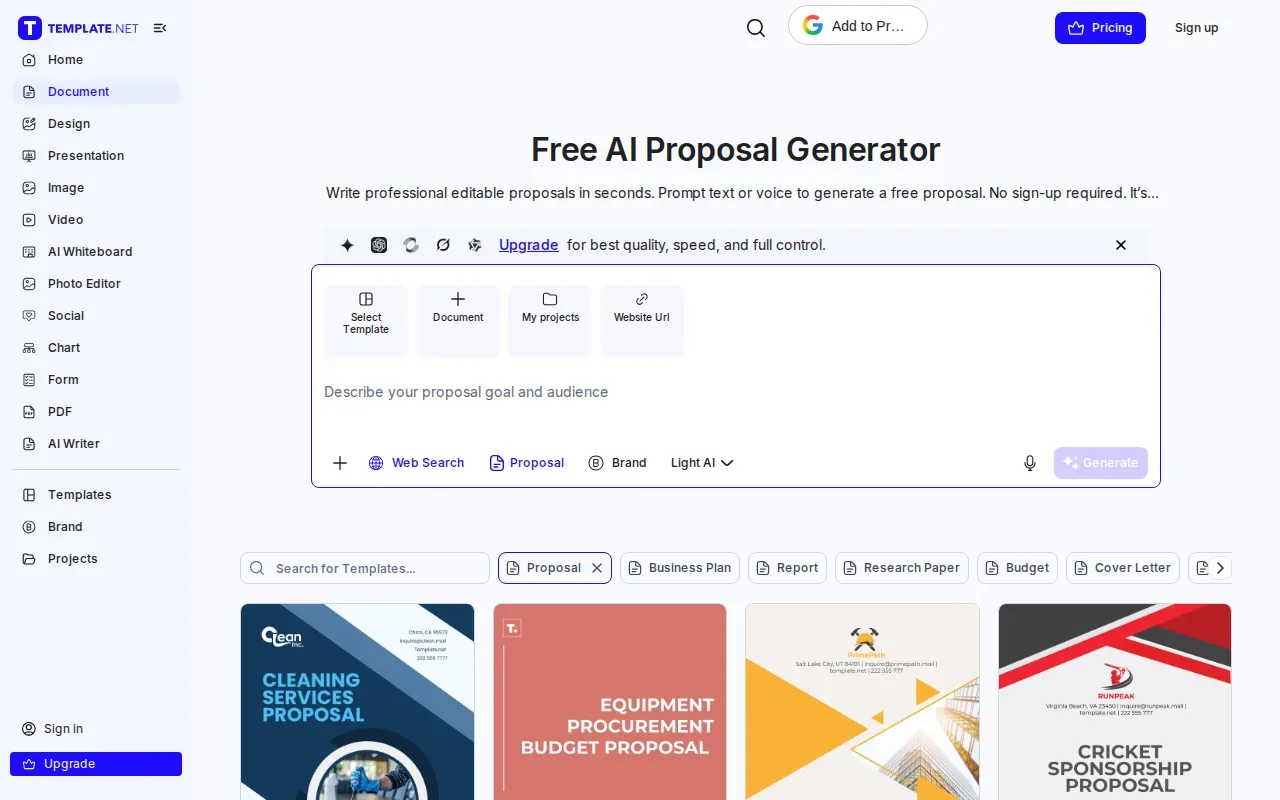
The generator supports editable content and lets users customize elements such as brand colors, fonts, and tone. Template.net also describes support for voice prompts, multilingual drafting, and common file exports. Those options may help when you need to start a proposal hands-free or prepare a version for a different language. Review the final wording either way; a prompt can’t confirm your budget or promise that a proposed scope is accurate.
Since the output is editable, it can be a starting point for a client pitch or funding request. Its role is to draft and shape a proposal, rather than find suitable jobs or guide an application through a job site.
It’s worth a look when prompt-based drafting and editing matter more than a dedicated sales workflow.
9. AI Project Proposal Generator by Taskade: drafting inside a broader workspace
AI Project Proposal Generator by Taskade creates a project proposal inside the broader Taskade workspace. It’s a fit for people who already use that workspace and want a proposal draft to lead into project planning.
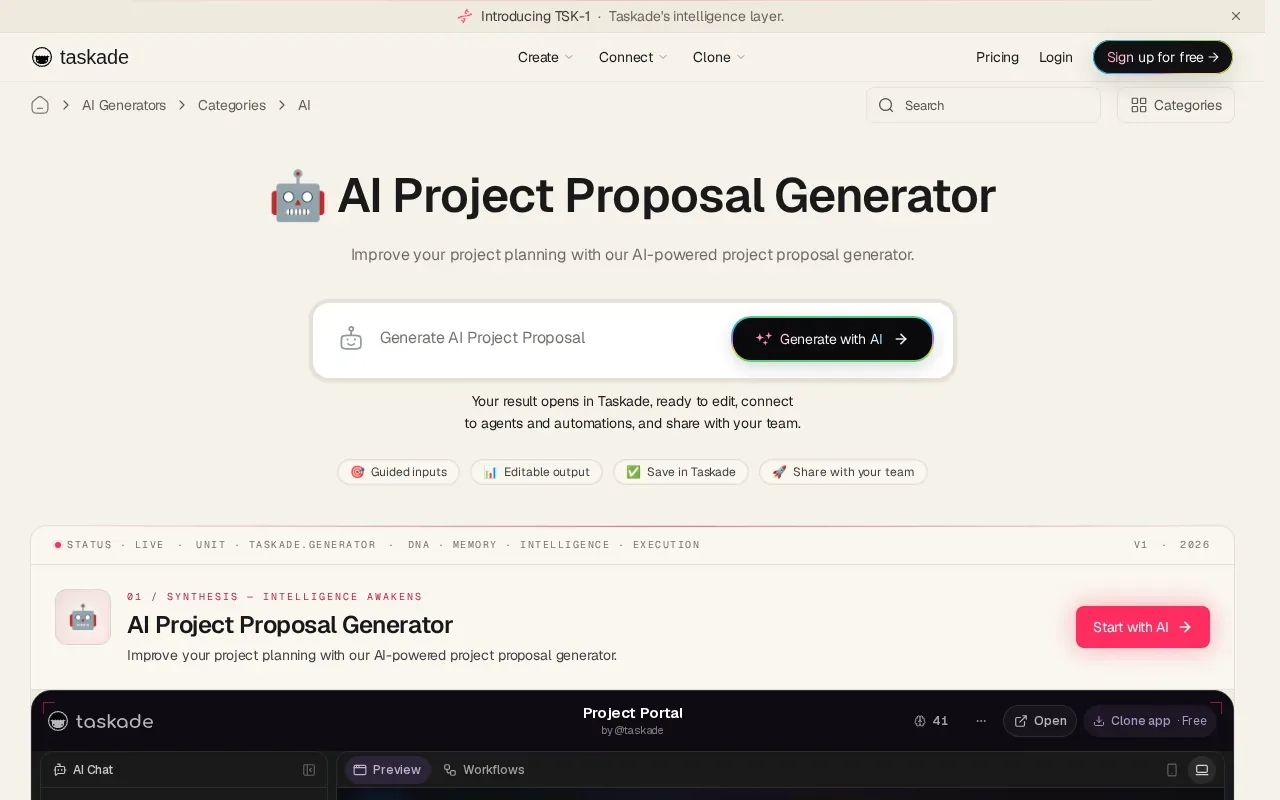
Describe the project, and the generator can draft its scope, deliverables, timeline, budget, and risks. Once you approve the proposal, you can turn it into a live plan. That connection can help a consultant or project manager carry the approved outline into the work itself, rather than re-entering the same details in a separate planning tool.
Taskade’s appeal depends on that handoff. If you only need a one-off proposal document, a workspace with broader planning features may be unnecessary. It also doesn’t replace a job application tool that scores opportunities or fills forms.
| Best match | Proposal task | Useful decision check |
|---|---|---|
| Project planners | Draft a proposal and turn it into a live plan | Will the draft continue into work planning? |
| Freelance job seekers | Prepare an application for a posted role | Do you need job scoring and user review before submission? |
| Client-facing teams | Write, design, or manage client proposals | Do you need a designed file, interactive flow, or document workflow? |
The table points to the main choice: pick a tool based on what happens after the first draft, not only on how quickly it writes.
Frequently asked questions
What is an AI proposal generator?
An AI proposal generator uses a prompt or project details to draft proposal content. Some tools also help with design, editing, sharing, or document workflows. The right type depends on the proposal: a freelance application needs job-specific details, while a client proposal may need a clear scope, timeline, and budget. Review generated claims before sending.
Can AI write an Upwork proposal?
Yes, an AI proposal generator can help draft an Upwork proposal, but the draft should match the job and your real experience. Apply with AI can score and filter opportunities, then draft or fill proposal fields for you to review. You remain responsible for checking the details and pressing Upwork’s Send or Submit button.
Which proposal generator is best for freelancers?
It depends on what you mean by proposal. For applying to Upwork projects, Apply with AI helps assess job fit and prepare a tailored application for your review. For a client-facing service proposal, Propal supports interactive proposals, while Venngage focuses on designed documents. Choose by the task you need to complete, not by the word “AI” alone.
Can an AI proposal generator make a PDF?
Some AI proposal generators can export or create PDF files, while others focus on editable drafts or interactive sharing. Check the export options for the specific tool and plan you’re considering. If a client needs a PDF, preview the file before sending it and confirm that links, layout, and pricing are correct.
What should I check before sending an AI-generated proposal?
Check that the proposal reflects the client’s request and the work you can deliver. Confirm the scope, timeline, price, and any claims about your skills or past work. Remove generic text that doesn’t fit the situation. An AI proposal generator can save drafting time, but you’re still accountable for the final document or application.
Conclusion
For Upwork freelancers who want help finding suitable jobs and drafting applications without handing over the final send, start with Apply with AI. For a client-facing proposal, choose from the other tools based on whether you need design, an interactive document, or project planning. Try it on one relevant opportunity, review every detail, and decide if the workflow fits.