Best Business Proposal Template Tools: 10 Options
Compare 10 business proposal template tools by use case, format, and key features. Find a fit for agency pitches, sales teams, or live presentations.
Publisher disclosure: Apply with AI makes the extension discussed on this site. Product mentions and comparisons reflect that commercial interest.
Editorial update · October 29, 2026: removed unsupported research claims and reviewed unrelated links. The original publication date is unchanged.

A good business proposal template gives you a clear starting point, but the right tool depends on how you pitch and who needs to review it. Here are 10 options for client proposals, sales teams, live presentations, and formal bids, with a note on when each fits.
Table of Contents
- Propal — Interactive proposals for freelancers and agencies
- Proposify — Proposal workflows for mid-market sales teams
- Venngage — Design-led templates with a free tier
- Canva — Quick, visual proposals for solopreneurs
- Template.net — Slide-style proposals for live pitches
- Visme — Presentation-focused proposals and RFP responses
- PandaDoc — Proposal documents within a sales workflow
- Inventive AI — RFP, DDQ, and security-questionnaire responses
- AutogenAI — Long-form proposals for bids and tenders
- Better Proposals — Sales proposal templates for small businesses
- Compare the 10 business proposal template options
- Frequently asked questions
- Conclusion
1. Propal — Interactive proposals for freelancers and agencies
Propal builds web-based proposals for agencies, design studios, and freelancers pitching business clients. Its template collection includes options for branding, content creation, design, development, and lead generation.
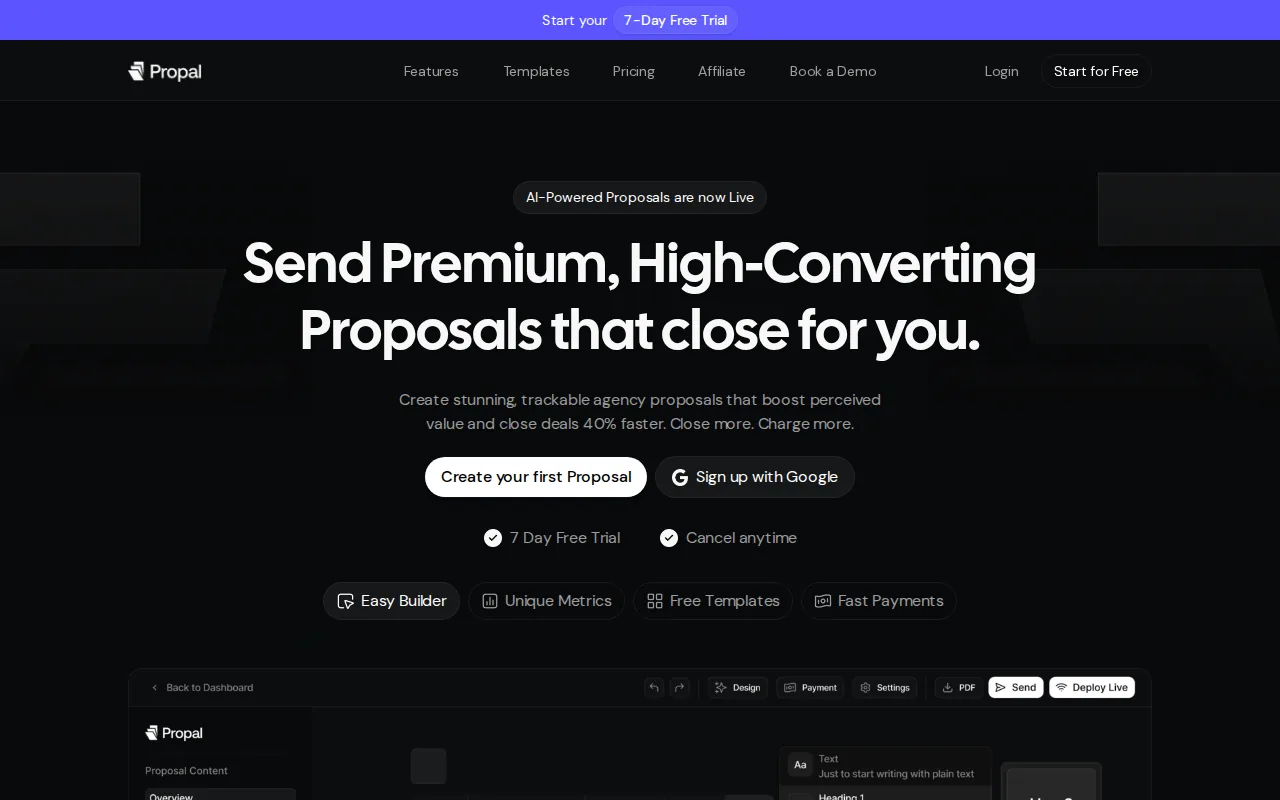
The interactive format can suit a service seller who wants to send a proposal link rather than a static file. Propal supports engagement tracking, reusable content, saved pricing blocks, and embeds such as Loom and Calendly. Propal offers a free trial.
That makes it a strong fit when presentation and proposal follow-up are part of the sales process. Check that the web-based format suits clients who expect a document attachment.
2. Proposify — Proposal workflows for mid-market sales teams
Proposify is aimed at mid-market sales teams with an established proposal process. Its fit is strongest when several people work on sales documents and the team wants proposals to connect with its CRM workflow.
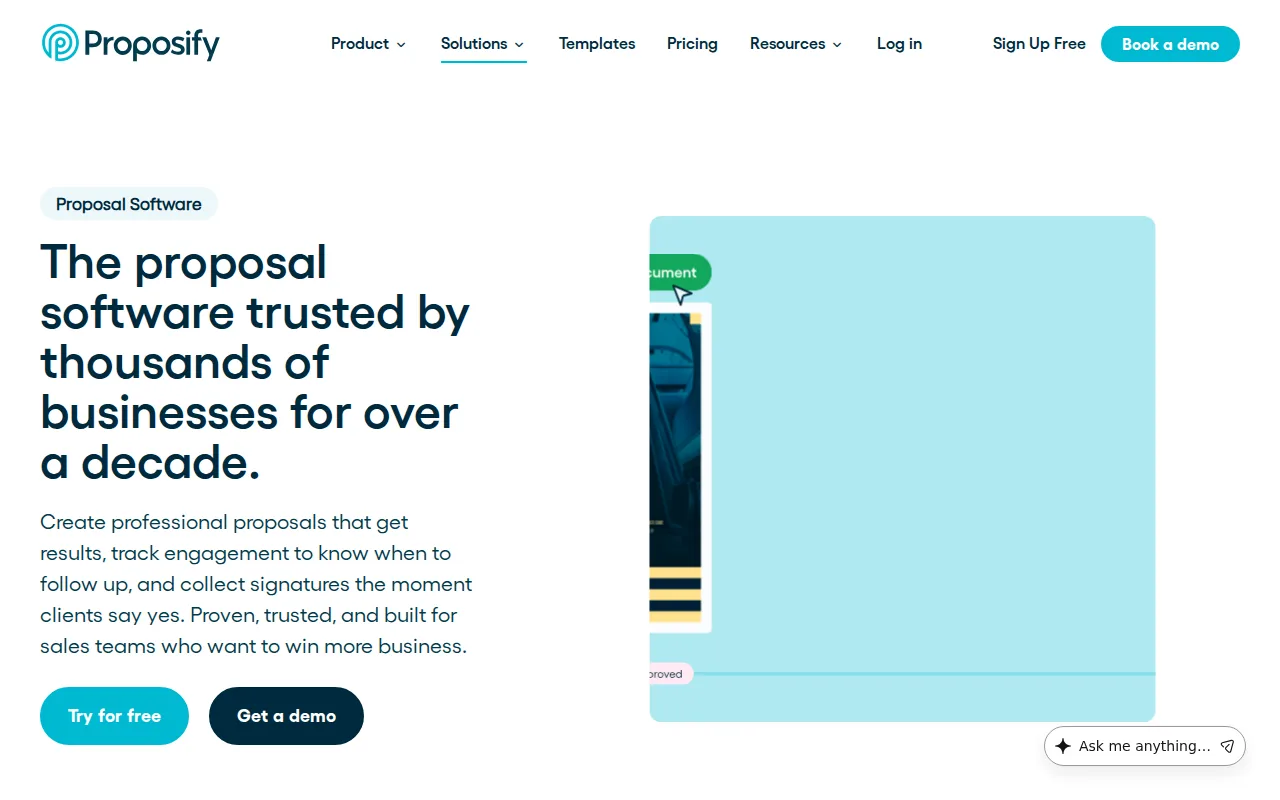
Salesforce and HubSpot integrations are among the listed connections. The product also supports electronic signatures and document tracking, which can help a team manage what happens after it sends a proposal. Its AI proposal generator is described as being on a waitlist, so don't choose Proposify on the assumption that this feature is ready for your team.
Pick it when coordination and tracking matter more than a quick, one-off design file.
3. Venngage — Design-led templates with a free tier
Venngage is a visual design tool with business proposal layouts for small businesses, students, and other users who need a structured document. Its templates cover areas such as marketing, real estate, events, construction, and funding.
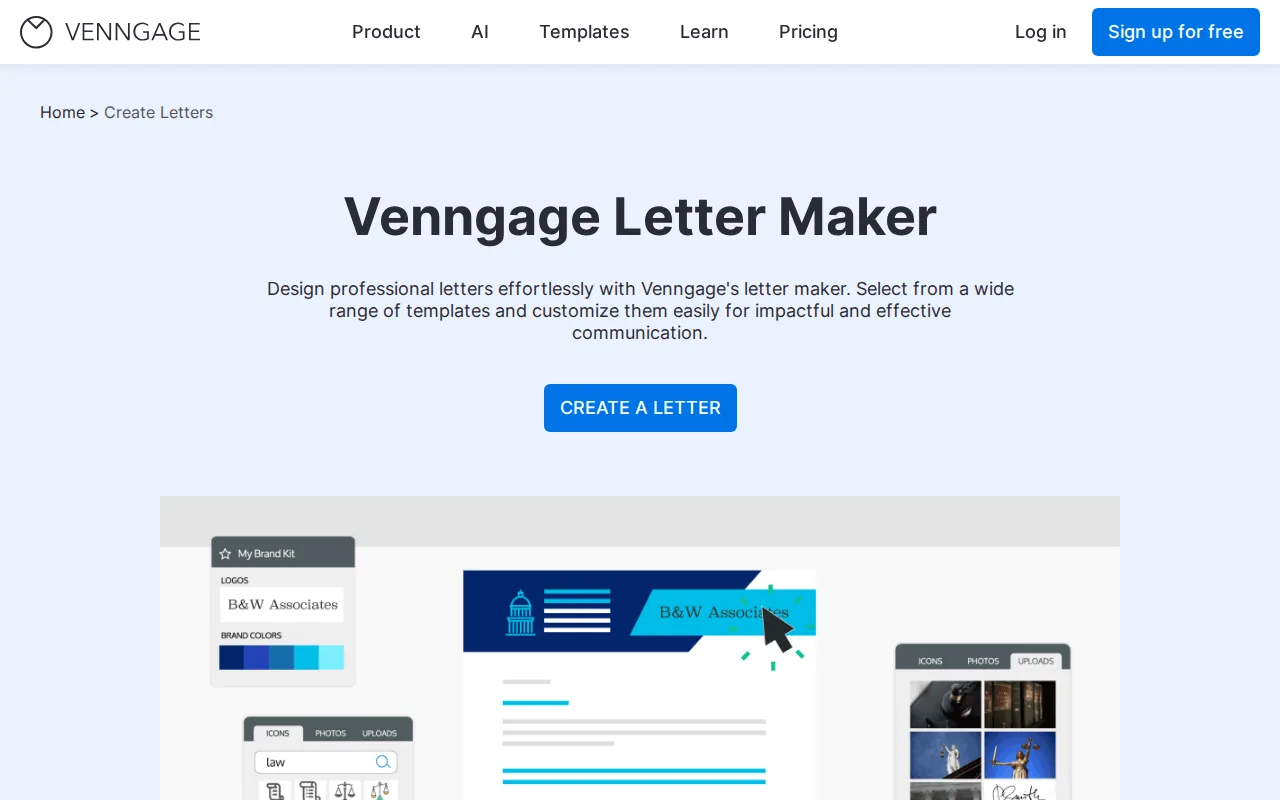
Many designs are editable, so you can adjust the layout and wording to suit a client or project. Venngage's free tier can support a client-ready proposal without payment. Venngage is a design tool rather than a full sales workflow, so check whether you need proposal tracking or other sales features before settling on it.
If you need help with the document's core sections, see How to Write a Business Proposal in 5 Steps while adapting a layout.
4. Canva — Quick, visual proposals for solopreneurs
Canva suits solopreneurs who want a quick, visual proposal and already feel comfortable working with design templates. Its free tier and AI-powered proposal generation can help you draft and shape a polished-looking document within Canva's design tools.
This is a sensible choice for a short pitch where the look of the document matters. A strong design still needs clear terms, though. Check that your proposal spells out the work, the price, and what happens next instead of relying on the layout to explain them.
5. Template.net — Slide-style proposals for live pitches
Template.net is worth considering when you plan to present a proposal as slides during a live pitch. Its site has a proposal generator alongside editable templates and other document tools.
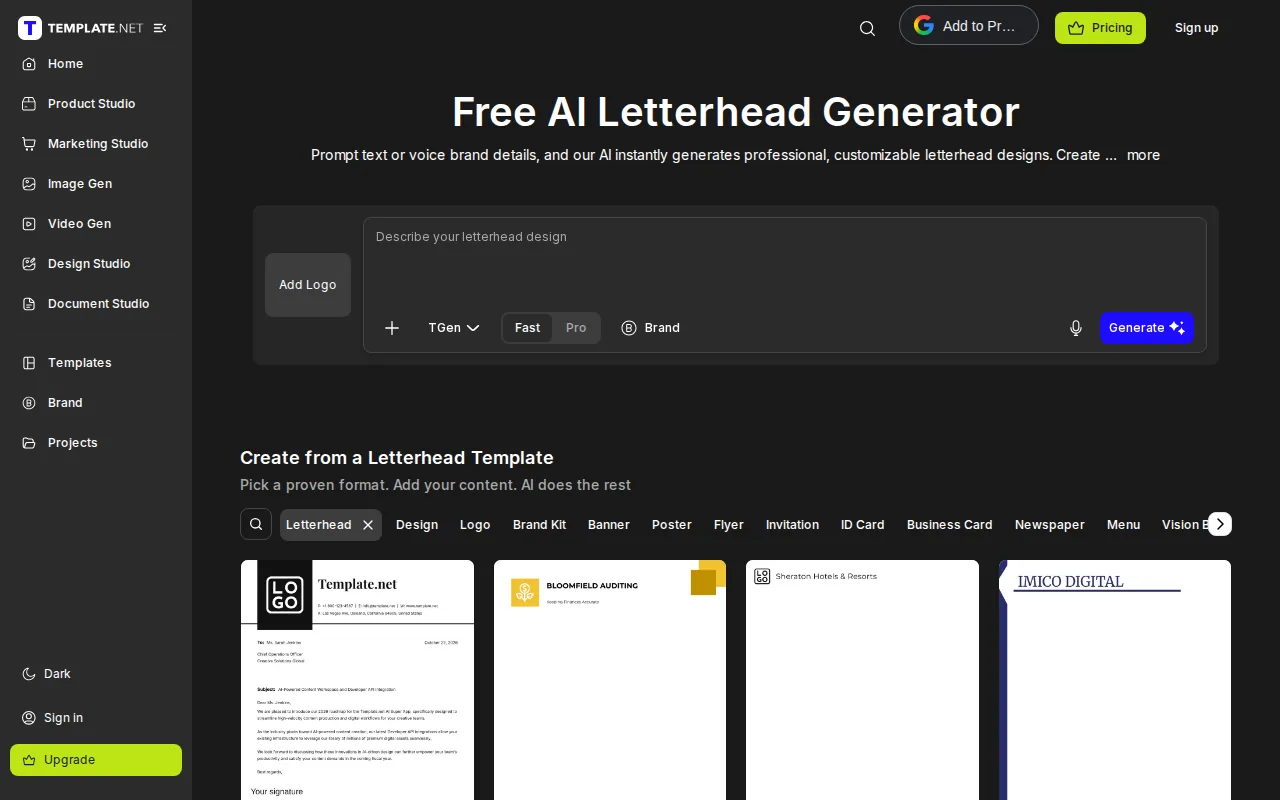
Template.net has a free basic option that doesn't require signup. Fast, generic output may be a weaker fit for a high-value deal that needs a carefully tailored case. Use the slides to support your talk, then check that the scope, pricing, and terms are clear in a format your client can review after the meeting.
For service work, the service proposal template resources can help you think through scope, timelines, and outcomes before you pitch.
6. Visme — Presentation-focused proposals and RFP responses
Visme is a presentation-focused option for teams that prepare proposals for screen-sharing or handle many RFP responses. It can fit an enterprise sales team that needs visual documents as part of a larger response workflow.
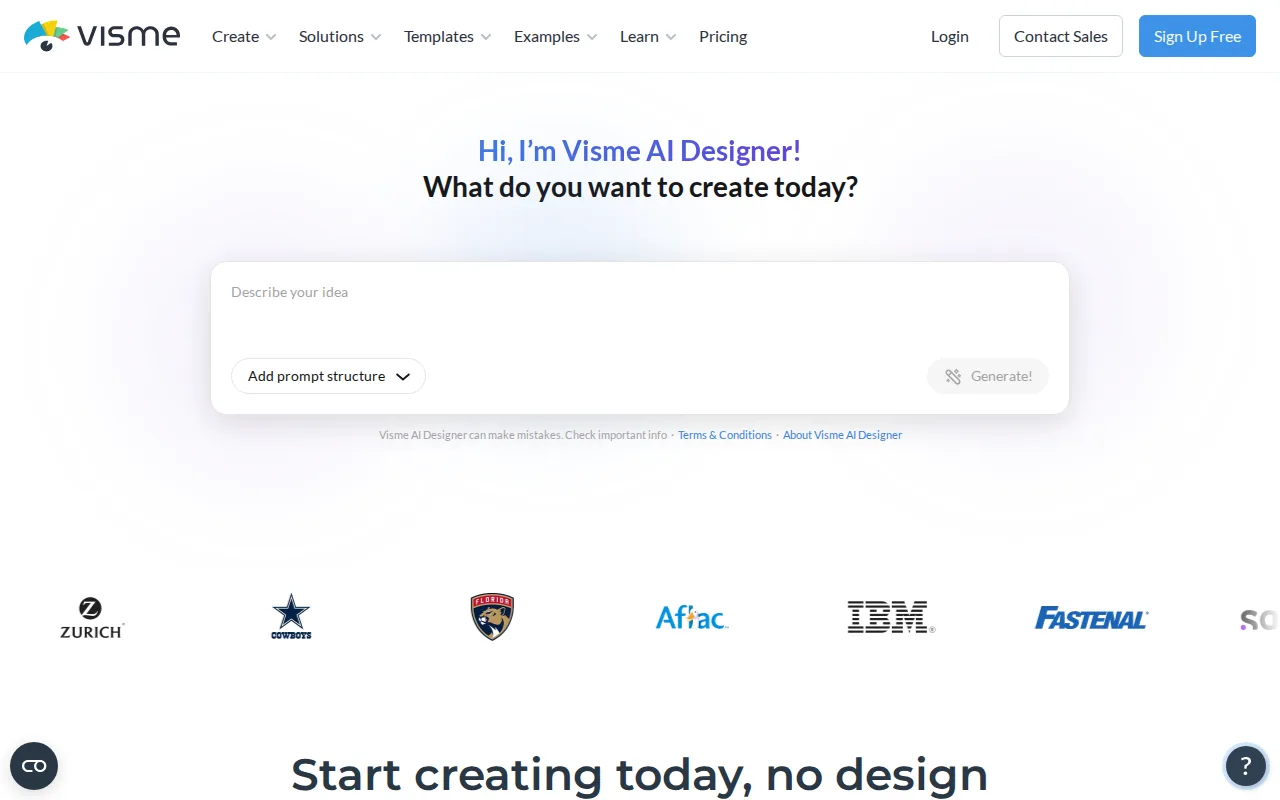
A presentation format can help explain a proposed plan with charts or other visuals. Keep the words easy to scan, and label any chart so a reader can understand it without a live speaker. Before picking Visme, check that the presentation-first approach fits your team's usual review and sign-off process.
For a live pitch, use visuals to clarify a point, not to decorate a page that already reads clearly.
7. PandaDoc — Proposal documents within a sales workflow
PandaDoc is built for sales teams that need proposal documents to fit into a wider sales workflow. Its features include CRM integration, CPQ support, content libraries, and AI features within its document workflow.
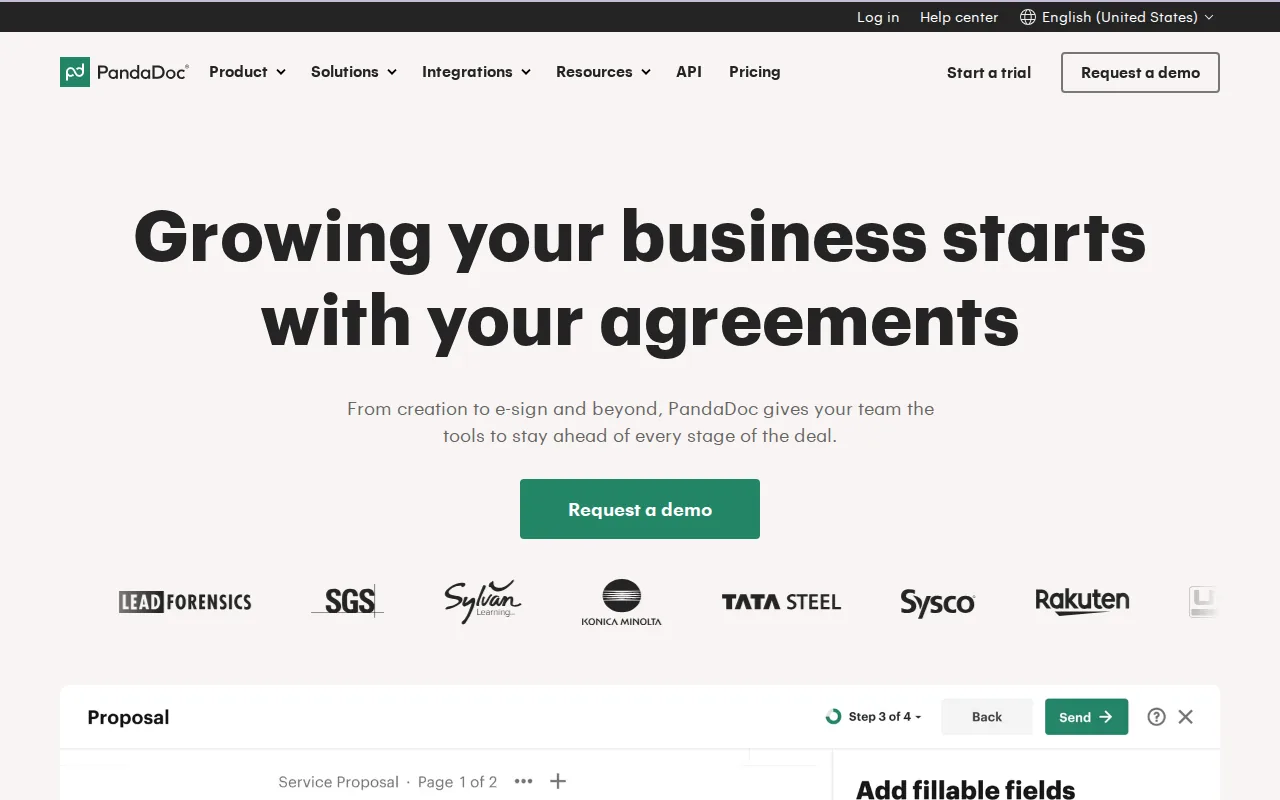
That setup may suit a team that reuses approved content and handles proposal work alongside other sales documents. It can be more than a solo seller needs for a simple pitch. Map the steps your team takes after a draft is ready, then check how the tool fits those steps.
8. Inventive AI — RFP, DDQ, and security-questionnaire responses
Inventive AI focuses on enterprise teams responding to RFPs, DDQs, and security questionnaires. Its described capabilities include autonomous agents for proposal writing and support for complex response workflows.
This kind of tool is aimed at teams dealing with a large volume of formal questions, not a freelancer sending a short pitch. Inventive AI has no mobile app or Jira integration, and its analytics and reporting are limited. Check how those points line up with your review process and the systems your team uses.
If you mean a short Upwork bid rather than a formal sales proposal, Apply with AI is a different kind of tool: it can score and filter jobs, then help draft or fill a proposal for you to review.
9. AutogenAI — Long-form proposals for bids and tenders
AutogenAI is positioned for teams writing long-form, compliance-heavy proposals for bids, tenders, and grants. It may fit a group that needs to produce detailed responses rather than a brief client-facing sales pitch.
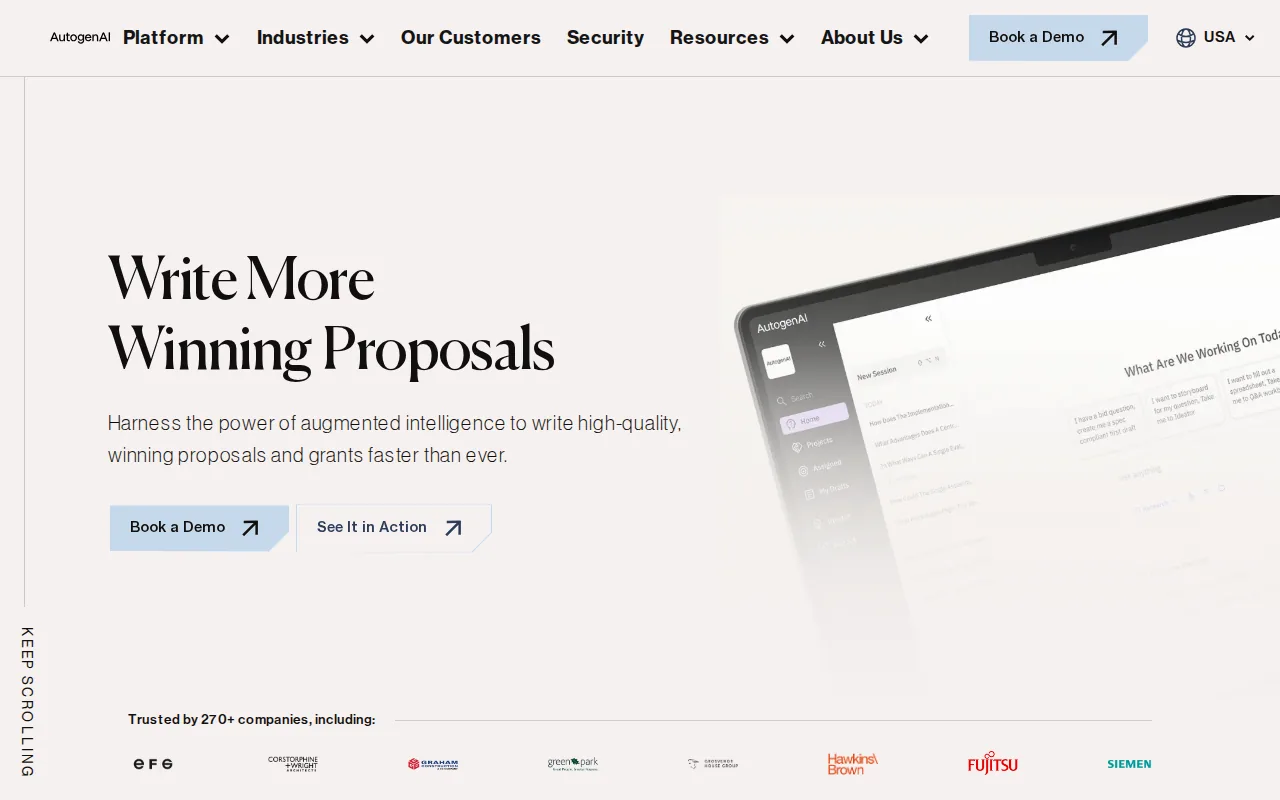
Use a tool in this category when the work calls for substantial written responses and careful review. AutogenAI lacks automated conflict or outdated-content detection and competitive-intelligence analysis. That makes it important to check claims and source material before submission rather than treating an AI draft as approved content.
For a smaller project with a short scope and clear price, a simpler template may be easier to manage.
10. Better Proposals — Sales proposal templates for small businesses
Better Proposals is aimed at small businesses and agencies that send sales proposals. Its template and content library can help a team reuse approved sections instead of starting from a blank page each time.
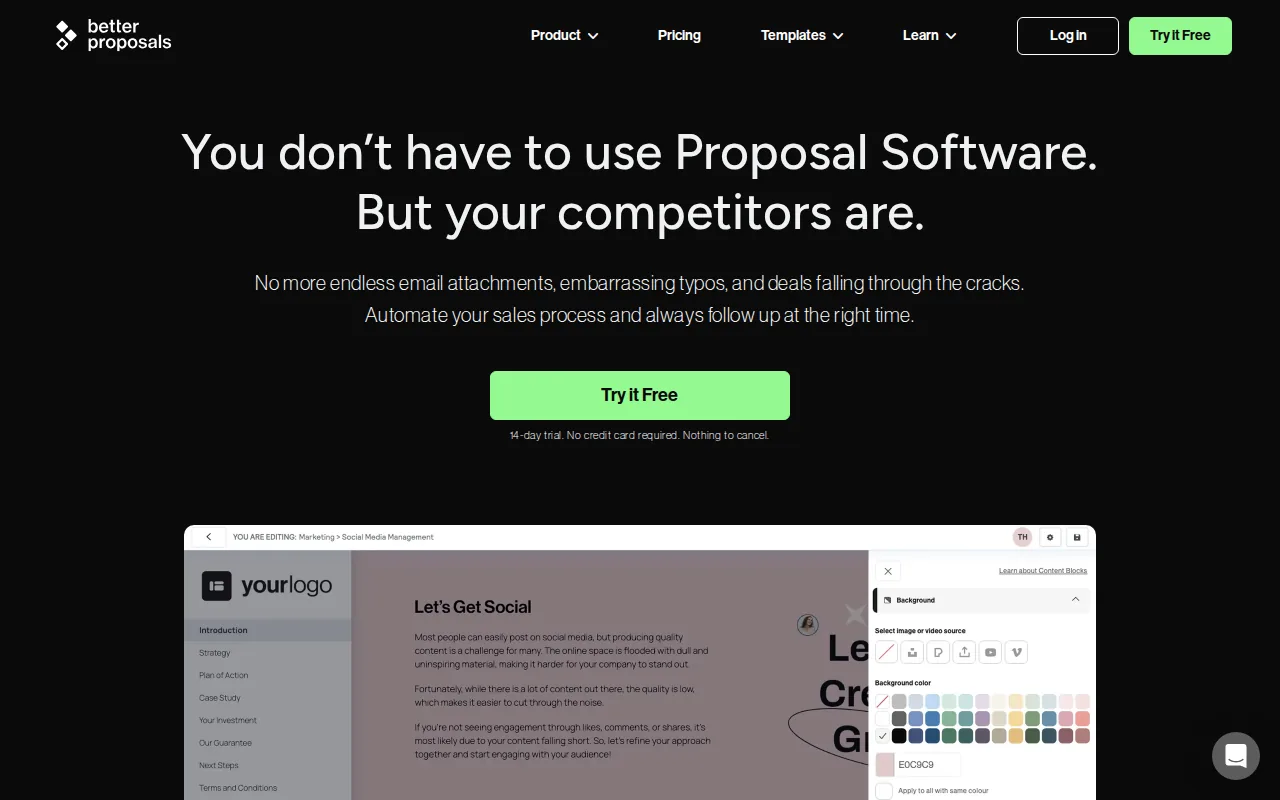
The product includes open tracking, live notifications, digital signatures, and payment features. A 14-day free trial is available. The interface can feel clunky, signatures can occasionally have issues, and customization is more limited than with rivals, so test the editor and signing flow before moving your regular proposals into it.
It may suit a small team that wants to track a proposal after sending it and keep the acceptance process in one place.
Compare the 10 business proposal template options
The best fit depends on the kind of document you send. A freelancer with a one-page pitch has different needs from a sales team managing formal RFP responses.
| Option | Best fit | Format or workflow focus | Check before choosing |
|---|---|---|---|
| Propal | Agencies and freelance creators | Interactive web proposals | Whether clients prefer a link or file |
| Proposify | Mid-market sales teams | CRM links, tracking, and signatures | AI generator waitlist status |
| Venngage | Small businesses needing visual layouts | Editable design templates | Need for sales workflow tools |
| Canva | Solopreneurs | Visual design and AI proposal generation | Clarity of terms in the final document |
| Template.net | Live-pitch presenters | Slide-style proposal creation | How much tailoring the deal needs |
| Visme | Teams with presentation and RFP needs | Presentation-led proposals | Fit with team review steps |
| PandaDoc | Sales teams with content libraries | CRM and CPQ workflow | Whether your team needs that wider workflow |
| Inventive AI | Enterprise RFP and questionnaire teams | AI-supported formal responses | Mobile, Jira, and reporting needs |
| AutogenAI | Bid and tender teams | Long-form proposal writing | Manual checks for old or conflicting content |
| Better Proposals | Small businesses and agencies | Tracked sales proposals and signatures | Editor and signature workflow |
Check the structure before you choose
A template should make the main terms easy to find. Look for room to explain the client's need, your proposed approach, the scope of work, deliverables, and timeline. Add pricing and payment terms, then include contract or legal clauses that fit the agreement.
Personalize the opening and summary for the client. Use clear language, add relevant proof such as a case study, and include team bios only when the people doing the work help build trust. Charts or graphics can explain a plan, but they should support the written details.
Before sharing, check every claim and figure. Save a final copy, send it in a format the client can open, and set a follow-up date. If tracking is built in, use opens or section activity as context for a helpful follow-up, not as proof that the buyer is ready to sign.
Pro Tip: Keep one approved base document, then change the client problem, scope, schedule, price, and next step for each pitch.Apply with AI is relevant when your proposal is an Upwork application rather than a formal business sales document. It helps freelancers score and filter jobs, then draft or fill proposals and replies. You review the result and press Send or Submit.
Key Takeaway: Choose a design tool for layout, a proposal platform for sales follow-up, or a bid tool for long formal responses.Frequently asked questions
What should a business proposal include?
A business proposal should explain the client's need and show how you'll address it. Include an introduction, a short summary, objectives, scope, deliverables, and a timeline. State pricing and payment terms clearly. Add contract clauses that fit the work, plus relevant proof or team details when they help the client judge your offer.
Can I use a free proposal template for a client?
Yes, a free template can be a useful starting point for a client proposal. Check what the free option includes, then tailor the content to the client's request. Venngage and Canva have free options, while Template.net offers basic free use without signup. Confirm the final format works for your client.
How do I make a proposal template feel personal?
Make it personal by naming the client's stated goal and connecting it to your plan. Replace generic claims with relevant examples you can verify. Set out the work, timing, price, and assumptions for this project. A template can keep your structure steady, but the details should reflect the actual client and agreement.
How can I track a proposal after I send it?
Use a tool with proposal tracking if you need to see when a recipient opens a document or which sections they view. Propal and Better Proposals include tracking features. Treat activity as a cue for a timely, useful follow-up, not as a promise that the client will accept the proposal.
Is an Upwork proposal the same as a business proposal?
No, an Upwork proposal is usually an application for a specific posted job, while a business proposal often lays out a fuller offer for a potential client. Apply with AI is built for the Upwork workflow: it can help assess jobs and draft or fill proposals, while you review and submit them yourself.
Conclusion
For a visual client pitch, start with Canva or Venngage; for a tracked sales workflow, compare Propal with Better Proposals. If you're responding to formal bids, focus on the RFP tools instead. For Upwork applications, use Apply with AI to draft proposals, then review each one before submitting.