How to Reply to a Recruiter Message on LinkedIn (With Example Replies)
How to answer a recruiter who messages you first on LinkedIn: whether you're interested, the timing is wrong or the role isn't a fit. Includes salary, scheduling and resume replies.
Publisher disclosure: Apply with AI makes the extension discussed on this site. Product mentions and comparisons reflect that commercial interest.

Short answer: reply within a day or two, thank them in one line, say clearly whether you're interested, and give them one next step. That might be your availability, a question about the role, or a polite no that leaves the door open. A recruiter's first message is usually a quick check, so a short, specific reply works better than a long one.
This guide is for people job hunting on LinkedIn who've been contacted by a recruiter. It covers the three common situations (interested, wrong timing, not a fit) and the follow-up requests that tend to come next: salary, scheduling and your resume. If you want to message a recruiter first instead, see our guide on how to message a recruiter on LinkedIn.
Before you reply: a 60-second checklist
Recruiter messages range from carefully personalized to clearly templated. Take a minute to work out what you're answering before you type anything.
- Who sent it: an in-house recruiter at the company, or an agency recruiter hiring for a client? Check their profile and headline.
- What role it's about: the title, level, location or remote setup, and whether a job link is included.
- What they asked for: a call, your resume, your salary expectations, or just whether you're interested.
- Whether you already applied there: if you have, say so. It saves time and avoids a duplicate submission.
- Whether the profile is real: be careful with brand-new profiles, vague company names, requests to move to another chat app right away, or any request for money or ID documents.
- What you want: interested, interested later, or not interested. Decide this before you start writing.
Tip If the message is about a specific job, open the posting before you reply. One detail from it, like the team or the tech stack, makes your answer sound considered rather than automatic.
The basic structure of a good reply
Most good replies to recruiters have the same four parts. They usually fit in three to five sentences, which suits LinkedIn's chat-style inbox.
Leave out your life story, a pasted resume and anything you're unsure of. You can share more once you know the role is worth pursuing.
- Thank them briefly and use their name.
- Give your answer clearly: interested, not right now, or not a fit.
- Add one relevant fact or question, such as what you do now, what you're looking for, or what you'd like to know about the role.
- Suggest a next step: two or three time windows, an offer to send your resume, or a request for the job description.
Example replies when you're interested
Once you've said yes, the aim is to get to a conversation quickly while signaling what matters to you. Change the details so they're true for you.
Example
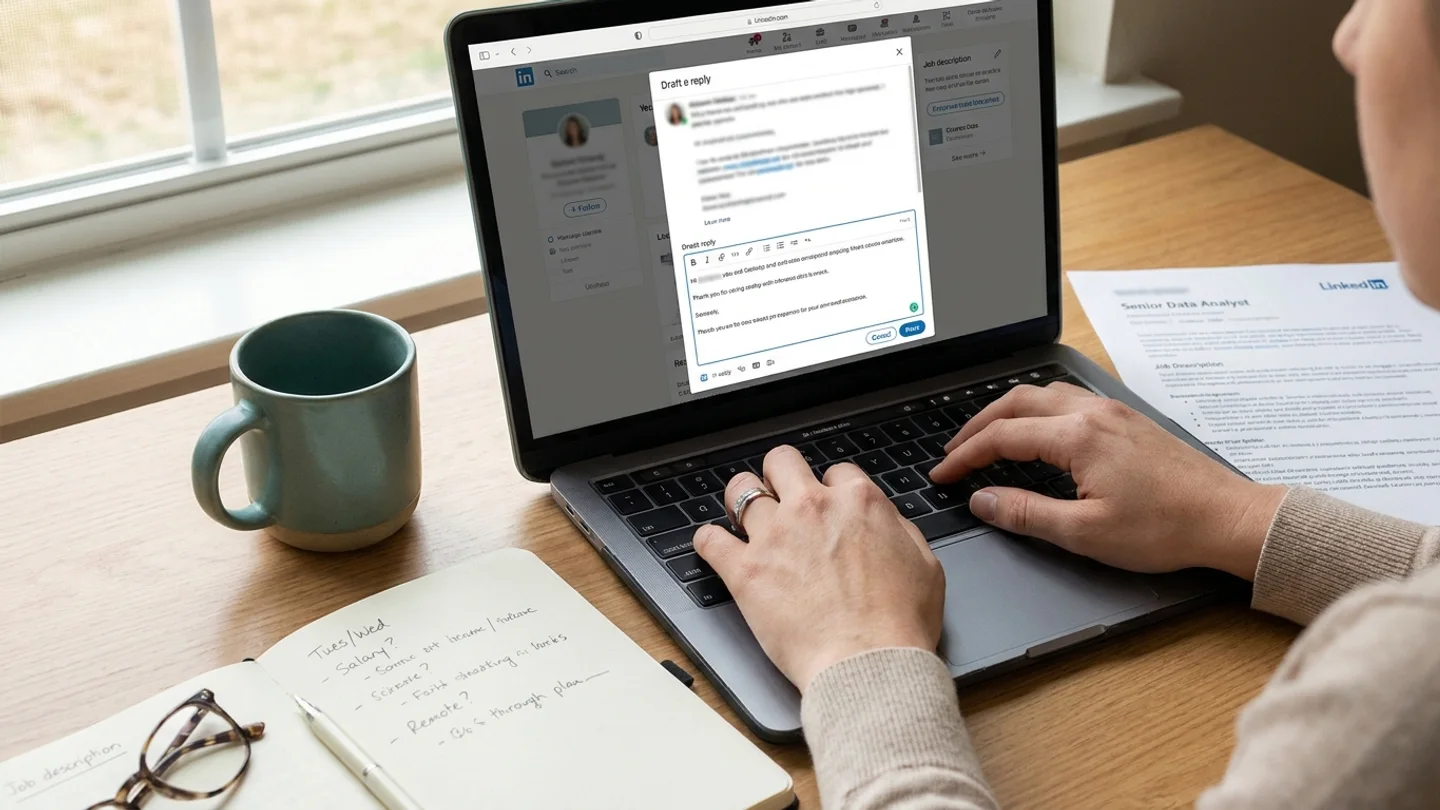
Hi Priya, thanks for reaching out. The Senior Data Analyst role sounds like a good fit. I've spent the last three years building retention dashboards in a SaaS team, and the experimentation work in the posting is what I'd like more of. I'm open to a call on Tuesday or Wednesday afternoon (Eastern). Could you share the salary range and whether the role is hybrid or remote? Shorter version: Hi Marcus, thanks for thinking of me. I'm interested and would be glad to learn more. I'm free Thursday between 10 and 1 Pacific, or any time Friday morning. Is there a full job description you could send ahead of the call? If you already applied: Hi Dana, thanks for the message. I actually applied for the Product Designer role last week through LinkedIn, so I'm very interested. I'd be glad to talk whenever suits you this week.
Example replies when the timing is wrong
Maybe you just started a new job, you're finishing a project, or you're not looking until later in the year. Saying so plainly, with a rough timeframe, keeps the relationship useful without committing you to anything.
Example
Hi Jordan, thanks for reaching out. I appreciate it. I recently started a new role and I'm not looking to move right now. I'd be happy to stay in touch, though. Roles in platform engineering with a remote setup would interest me in the future. Open to the right thing later: Hi Sam, thank you for thinking of me. I'm not actively searching at the moment, but I expect to be open to new roles in the spring. Would it be all right if I got back in touch then?
Example replies when the role isn't a fit
Recruiters get a lot of no's, and a clear one is more useful to them than silence. If you can, tell them what would be a fit. That turns a no into a better match next time.
If the message is plainly mass outreach with no connection to your background, a one-line decline is fine. You can also skip replying, though a short answer costs little.
Example
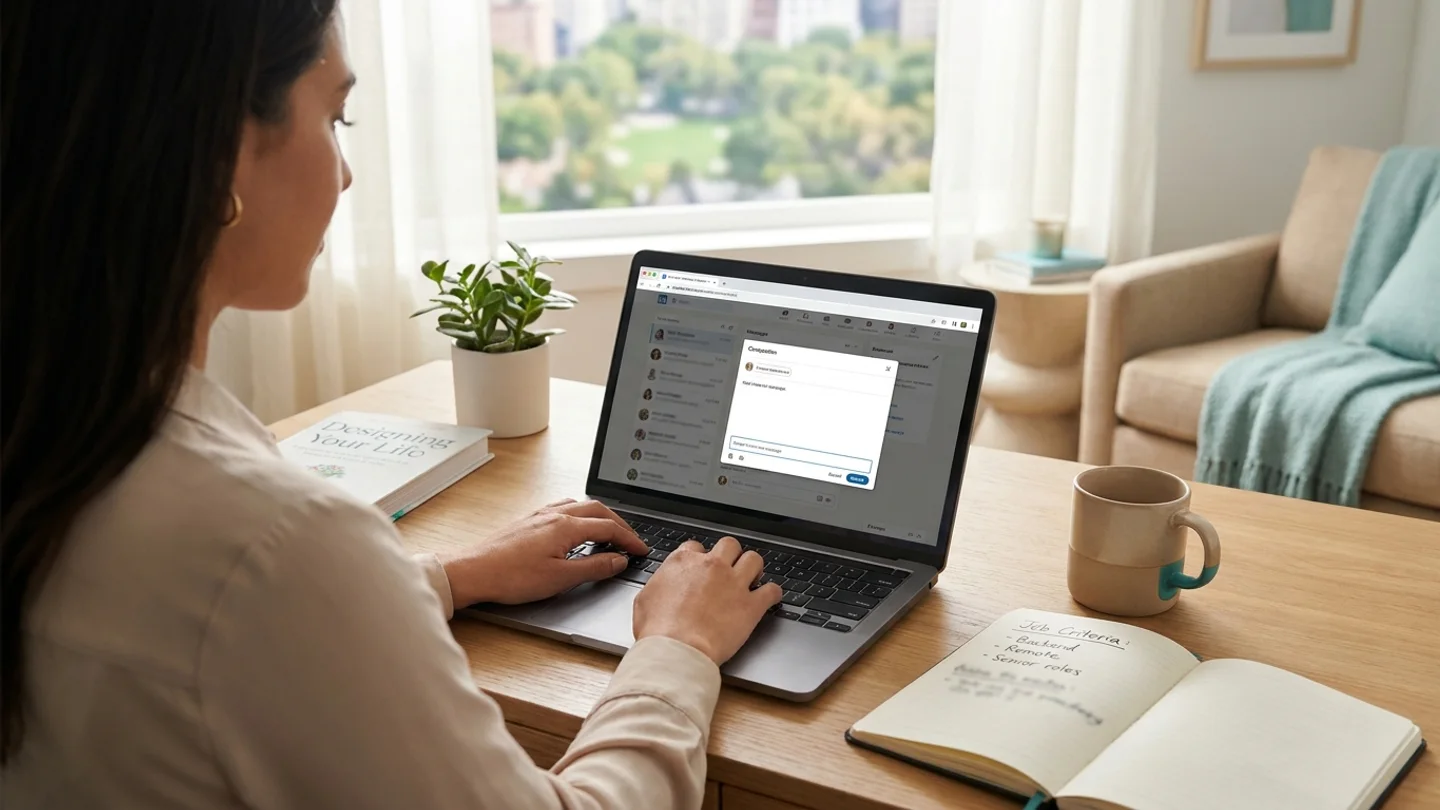
Hi Alex, thanks for reaching out. This one isn't quite right for me. I'm focused on backend roles rather than full-stack, and I'm looking for remote positions. If something like that comes up, I'd be glad to hear about it. Wrong level: Hi Taylor, thank you. I appreciate you thinking of me. I'm looking at senior or lead roles at this point, so I'll pass on this one, but please keep me in mind for anything at that level. One-line decline: Thanks for thinking of me, Chris. I'm not interested in this one, but I appreciate the message.
Handling salary, scheduling and resume requests
These three requests usually come in the second or third message. Each one deserves a little more care than the first reply.
- Salary expectations: if you don't know the range yet, ask for it first. For example: "Before I share a number, could you tell me the budgeted range for the role?" If you'd rather give a figure, give a range you've researched and would be happy with, and mention that it depends on the full package.
- Current salary: in some US states and cities, employers aren't allowed to ask about your salary history. Either way, you can steer the conversation back to expectations: "I'd prefer to focus on what's right for this role. My target is in the X to Y range."
- Scheduling: offer two or three specific windows and name your time zone. If they send a booking link, use it and confirm in the thread.
- Resume: send a current version as a PDF, either attached in LinkedIn or by email if they asked for that. If you tailored a version for this job, send that one and say which role it's for.
- Before you agree to be submitted: if an agency recruiter wants to put you forward to a client, ask which company it is and confirm you haven't already applied there. Being submitted twice can cause confusion.
Example
Hi Priya, here's my resume (attached as a PDF). On compensation, could you share the range budgeted for this role? That'll help me make sure we're aligned before the first interview.
Tip Don't promise availability, start dates or a salary number you haven't actually decided on. A reply that says "let me confirm and get back to you today" is completely acceptable.
Drafting replies faster with Apply with AI
Disclosure: this article is published by Apply with AI, a Chrome extension for job seekers on LinkedIn and freelancers on Upwork.
In LinkedIn Messaging, both on the Messaging page and in the chat windows, Apply with AI adds a Reply with AI button just to the left of LinkedIn's Send button. It reads the whole conversation and either suggests the next message or writes the one you describe, such as "say I'm interested and offer Tuesday or Wednesday afternoon." It writes in the conversation's language and draws on your facts, saved answers, resume and the jobs you've applied to at that company. The draft appears in LinkedIn's message box. You read it, ask for changes or discard it, and press Send yourself.
There's also an optional auto-reply feature that answers unread conversations every few hours, in short replies that make no promises and don't mention times or prices. In its settings you choose what's always left for you to handle. The options include "a recruiter about a job", along with money, offers and contracts, and scheduling and commitments. Anything the AI isn't sure about is also left for you. If you tick the recruiter option, auto-reply stays out of those conversations and you can answer them with Reply with AI or on your own. Auto-reply is separate from messaging campaigns, which send outreach to your own connections.
Pricing and the full feature set are on the pricing page and the LinkedIn job agent page. If you also use the agent to apply to jobs, note that auto-submit is on by default. You can turn it off for a single run or in settings, and the agent will then stop on the review step so you can press Submit yourself.
Related guides
Frequently asked questions
How quickly should I reply to a recruiter on LinkedIn?
Aim to reply within a day or two, especially if you're interested. Recruiters are often filling a role on a deadline. If you need longer to think, a quick "thanks, I'll get back to you by Friday" is better than saying nothing.
Is it rude to ignore a recruiter message?
Not always. Messages that are clearly mass outreach and unrelated to your background don't strictly need a reply. Still, a one-line decline takes seconds and keeps the door open with someone who may have a better role later.
Should I give my salary expectations in the first reply?
You don't have to. It's reasonable to ask for the budgeted range first. If you do share a number, give a researched range and mention that it depends on the full package.
Should I move the conversation to email or phone?
Once you're interested, moving to email or a call is normal, and many recruiters will suggest it. Be wary if someone pushes you to move to another messaging app right away, or asks for payment or personal ID documents early on.
What if I never hear back after replying?
Send one polite follow-up after about a week, repeating your interest and availability. Our guide to LinkedIn follow-up messages has wording you can adapt.