How to Reply to Upwork Client Messages: Answer, Clarify, Move to the Next Step
A practical guide to replying when an Upwork client answers your proposal: reread the thread, answer in order, propose one clear next step and handle price or scope questions carefully.
Publisher disclosure: Apply with AI makes the extension discussed on this site. Product mentions and comparisons reflect that commercial interest.

Getting a reply to your proposal feels like progress, but the job isn't yours yet. The client is usually talking to several freelancers at once, and your next message is often what they use to decide who gets the contract.
This guide covers what to do between "Hi, thanks for your proposal" and a signed contract: reading the thread before you type, answering each question in the client's order, suggesting a concrete next step, and handling price and scope questions without promising more than you can deliver. It's general advice, not a formula, and no reply will guarantee a hire.
Before you type: reread the post, your proposal and the whole thread
Clients often reply days after you applied. By then you may have sent a dozen other proposals and forgotten what you said in this one. If your reply contradicts your own proposal (a different price, a different timeline, a tool you didn't mention), the client will notice before you do.
Take two minutes to rebuild the context first. The client's message usually only makes sense next to the job post and what you offered.
- Open the original job post and reread the deliverables, budget and any deadlines.
- Reread your proposal: the price or rate you quoted, the timeline, the plan you described and any samples you linked.
- Read the client's message twice. Highlight every question and every request, including ones that are only implied.
- Check for anything new: attachments, a changed scope, a different deadline or a mention of a call.
- Write down the one thing the client most needs from you right now. That goes first in your reply.
Tip Keep a one-line note per proposal (price, timeline, key promise) in your own tracker. When a reply arrives, you can check it in seconds instead of scrolling back through the thread.
Answer every question, in the client's order
The most common mistake in client replies is answering the question you'd like to answer and skipping the awkward one. If the client asks three things, answer all three, in the order they asked them. It shows you read carefully, and it saves them from writing back to ask again.
Use their words. If they call it a "landing page", don't switch to "microsite". If they ask about "turnaround", answer with a turnaround, not a long paragraph about your process.
- Numbered questions get numbered answers. It makes the reply easy to scan.
- Lead with the direct answer, then add one sentence of context if it helps.
- If you don't know something yet, say what you need to find out and when you'll know.
- If a question is outside your experience, say the closest true thing and explain how you'd handle it. Don't invent experience to fill the gap.
- Don't repeat your proposal. The client already has it.
Example
Client: "Thanks for applying. 1) Have you worked with Shopify before? 2) How long would the migration take? 3) Can you also set up email flows?" Reply: "Thanks for getting back to me. 1) Yes. I've moved two stores from WooCommerce to Shopify, including product and customer data. 2) For around 400 products, about 5 working days, plus 2 days for you to test before we switch the domain. 3) I can set up the welcome and abandoned-cart flows in Klaviyo. I'd quote them as a separate milestone so the migration isn't held up. Would a 15-minute call on Thursday work to confirm the product list?"
End with one concrete next step
A reply that ends with "Let me know if you have any questions" leaves the client to work out what happens next. A reply that ends with a specific, easy-to-accept suggestion gives them something to say yes to.
Suggest one next step, not three. Pick whatever is the most natural move from where the conversation is now.
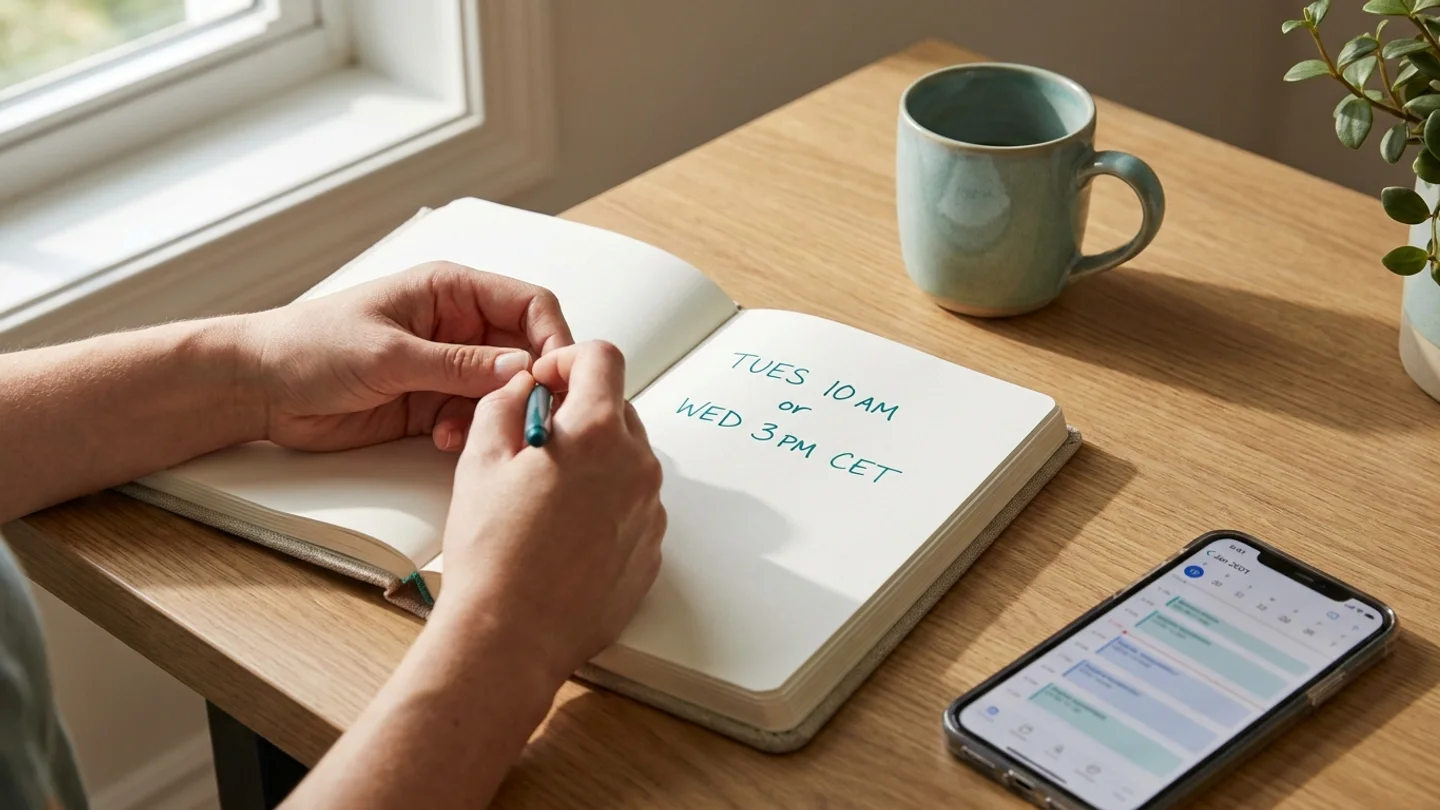
- A call: offer two specific times with your time zone, e.g. "Tuesday 10:00 or Wednesday 15:00 CET, 15 minutes."
- A first milestone: "I'd suggest starting with the audit as milestone one, $150, delivered Friday."
- A file or access request: "If you share view access to the current site, I can confirm the estimate today."
- A decision: "If the fixed price works for you, you can send the offer and I'll start Monday."
Tip Offering a call? Keep it short and say what it's for. "15 minutes to confirm the product list" sounds much less like a sales pitch than "a quick chat".
Handling price and scope questions without overpromising
Questions like "Can you do it for less?" or "Can you also add X?" are where freelancers most often talk themselves into a bad contract. The aim is to stay flexible without quietly taking on more work for the same money.
Tie price to scope. If the client wants a lower price, show them what could be removed or split off, rather than just dropping your number. If they add work, price it separately or as a later milestone.
- Restate what's included in your quote in one line, so you both mean the same thing.
- If they want a lower price, offer a smaller version of the job at that price instead of the same job for less.
- If they add scope, name it and price it: "Adding the blog section would be a second milestone of $X."
- Give timelines you can meet even in a bad week. If you're unsure, give a range and say what it depends on.
- Never confirm a deadline or price you haven't checked against your own calendar and workload.
Example
Client: "Your quote is $800. My budget is $500. Can you do it?" Reply: "I understand. For $500 I could do the design and build of the homepage and contact page, and leave the three service pages for a second milestone later. That way you get a live site sooner and can decide on the rest when you're ready. Would that work?"
Tip If a client asks for unpaid sample work, a common response is to offer relevant past samples or a small paid first milestone instead.
Keep messages short and easy to scan
Clients read messages on their phones, between other tasks. A reply that fits on one screen is more likely to get read in full.
Most replies need only three parts: a one-line acknowledgement, direct answers, and the next step. Skip long introductions, repeated thanks and a restatement of your skills.
- Aim for a few short paragraphs or a numbered list, not a wall of text.
- One idea per paragraph.
- Put links and files right where they're relevant, with a few words on what each one shows.
- Match the client's tone: if they write two casual lines, don't send a formal letter.
- Proofread names, numbers and dates. Those are the details clients check.
Replies to common client messages
Most client messages fall into a few patterns. These short starting points can be adapted to your own work and rates.
- "Can we hop on a call?" Agree, offer two specific times with your time zone, and say how long it will take.
- "What's your hourly rate / total price?" Give the number straight away, then one line on what it covers.
- "Can you send more examples?" Send two or three that are closest to this job, with one line each on what you did.
- "How soon can you start?" Give a real date, and mention anything you need from them first.
- "We went with someone else." Thank them briefly and offer to help in future. Keep it to two lines, with no pressure.
- Interview invite with no message: thank them, mention the one detail from the post you'd ask about first, and suggest a next step.
When the client goes quiet
Silence usually means the client is busy or comparing options, not that you did something wrong. One polite follow-up is reasonable. Several in a row usually aren't.
Make the follow-up useful rather than just a reminder. Add something small and relevant: a quick answer to an open question, a clarified estimate, or a new available start date.
- Wait a few working days after your last message.
- Send one short follow-up that adds something, such as "I checked the API docs you mentioned, and the integration looks straightforward."
- Restate the next step in one line.
- If there's still no reply, let it go and put your time into other proposals.
Example
"Hi Sam, a quick follow-up on the dashboard project. I looked at the sample CSV again and can confirm the 3-day estimate holds. If it's still open, I'm free to start Monday."
Drafting replies faster with Reply with AI
If you handle a lot of conversations, Apply with AI includes Reply with AI for Upwork messages. It reads the whole thread and the proposal behind it, then either suggests the next message or writes what you tell it to say, for example "accept the call and offer Tuesday or Wednesday morning".
The draft goes into the message box, and a panel lets you ask for changes like "shorter" or "propose Tuesday instead" and regenerate it. It never sends anything. You review the message and press Upwork's own send button yourself, so check every price, date and claim before you do.
Tip Even with a drafting tool, still do the context check from the first section. You're the one who knows your calendar and what you can actually deliver.
Related guides
Frequently asked questions
How quickly should I reply to an Upwork client message?
As soon as you can give a careful answer. A quick reply helps when a client is talking to several freelancers, but an accurate reply sent an hour later is better than a rushed one that gets a price or date wrong. If you need time to check something, send a short note saying when you'll get back to them.
Can I share my email or phone number with a client?
Upwork's terms restrict sharing contact details and moving communication off the platform before a contract starts, with some exceptions. Check Upwork's current help pages for the exact rules, and keep the conversation on Upwork's messages and calls until you're sure.
What should I do if a client asks for a free test task?
Many freelancers offer relevant past samples or suggest a small, paid first milestone instead. That shows how you work without giving away unpaid work, and it lets both of you test the working relationship.
Should I lower my price if the client says my quote is too high?
Think about reducing the scope rather than just your rate. Offer a smaller version of the job at their budget, or split the work into milestones, so the price still matches the work you'll do.
How many times should I follow up if the client doesn't reply?
Usually once, a few working days after your last message, with something useful added. If there's still no reply after that, it's generally better to put your time into new proposals.