Best AI Cover Letter Generator Tools
Compare the best AI cover letter generator tools for free drafts, resume use, ATS checks, privacy, customization, and job applications.

A blank cover letter can waste more time than the job application itself. The right AI cover letter generator can give you a useful first draft, but it still needs your facts, voice, and judgment. Here are five tools worth considering, with the best fit for freelancers and job seekers applying through LinkedIn or employer sites.
Table of Contents
- Apply with AI
- Kickresume AI Cover Letter Generator
- Grammarly AI Cover Letter Generator
- Jotform AI Cover Letter Generator
- ChatGPT (by OpenAI)
- How to choose an AI cover letter generator
- FAQ
- Conclusion
1. Apply with AI
Apply with AI is best for people who want help with the full application workflow, not only a finished letter. It works as a Chrome extension for freelancers using Upwork and for job seekers applying through LinkedIn or employer career sites.
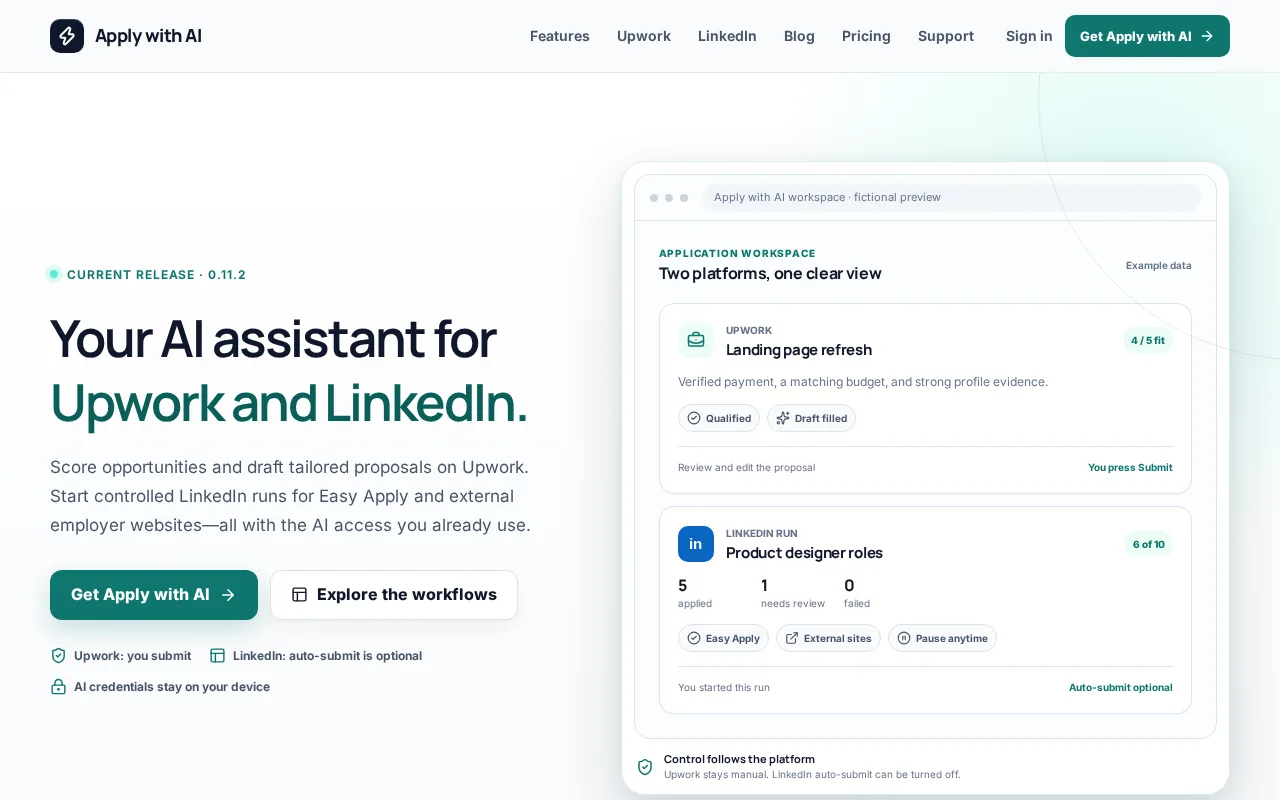
For Upwork, it can score jobs, apply saved filters, qualify opportunities, and draft tailored proposals or client replies. You review the result before pressing Send or Submit. It does not automatically submit Upwork proposals, which keeps the final decision with you.
For LinkedIn Easy Apply and external career sites, Apply with AI can help draft applications, fill repeated fields, and reuse saved answers or resumes. You start the run yourself, and auto-submit can be turned off. That distinction matters when an application needs a careful review rather than another fast click.
The extension also lets you add a short instruction before generating a draft. You might ask it to mention a specific project, explain a career change, or focus on one requirement from the posting. The final text still needs your review. AI cannot confirm whether a client or employer will value a claim that you have not supplied.
Apply with AI fits best when repetitive forms are the main problem. A standalone cover letter tool may help with one document. This tool is more useful when the same work repeats across several applications and messages.
For a closer look at its job application workflow, see the Apply with AI Upwork and LinkedIn AI assistant.
| Best fit | What it helps with | Control point |
|---|---|---|
| Upwork freelancers | Job scoring, filters, proposals, screening answers, and replies | You review before sending |
| LinkedIn applicants | Application drafts, saved answers, and repeated form fields | You start each run |
| Employer site applicants | Tailored text and form filling | Auto-submit can be disabled |
| Single-document users | Less useful than a simple letter writer | Best when applications repeat |
2. Kickresume AI Cover Letter Generator
Kickresume AI Cover Letter Generator is best for resume-integrated drafts. It makes sense when your resume already contains the work history you want to use, and you need help turning that information into a letter.
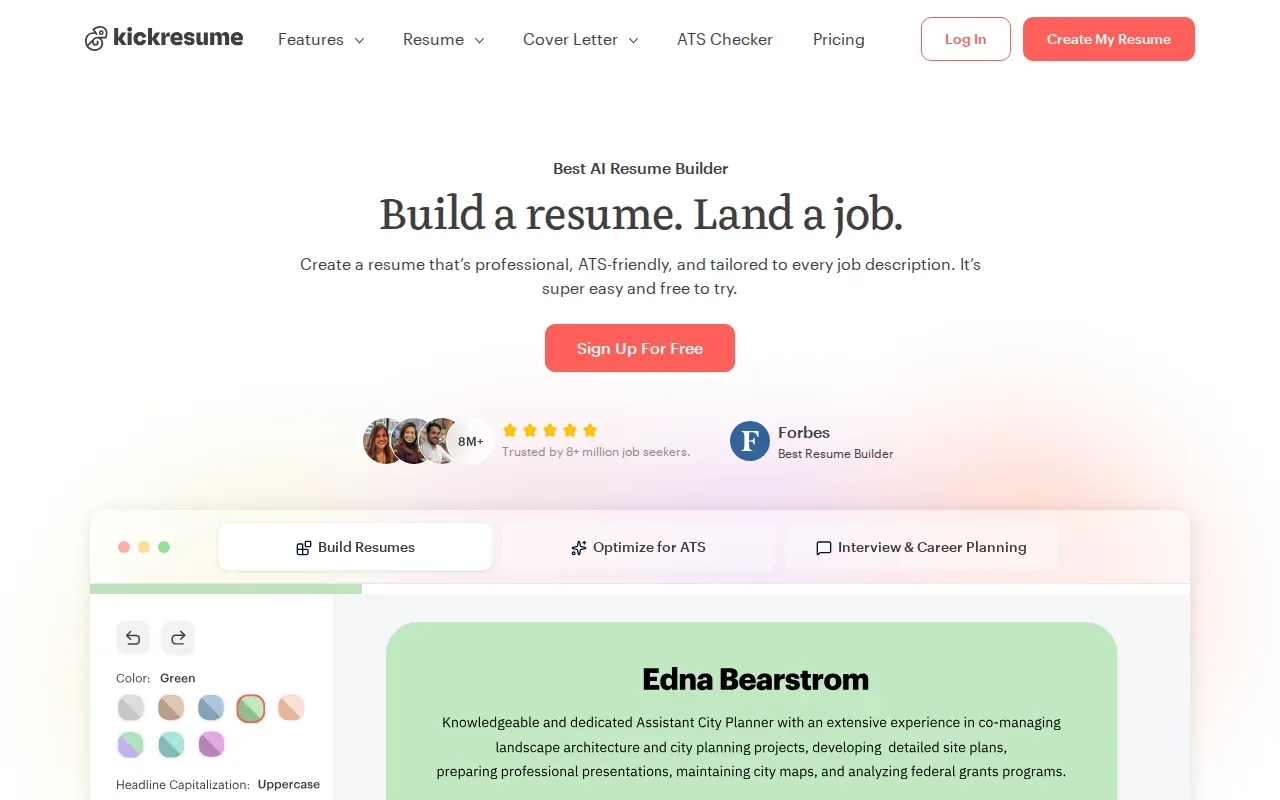
The tool is built around resume and cover letter creation. Kickresume says its AI cover letter writer uses OpenAI’s GPT-3 natural language processing model. It can produce a role-specific draft from information such as your job title, which gives you a quicker start than a blank document.
A free account has limitations, while premium access is needed for full features. That makes it worth checking the exact download and editing limits before you build several letters inside the tool.
Resume integration can save time, but it does not remove the need for editing. A resume gives the system facts about your work. It does not explain why you want this role, what caught your attention in the posting, or which achievement best proves your fit.
Use the first draft as a frame. Replace broad claims with one verified result, add the right company detail, and remove any sentence that sounds unlike you. A hiring manager should be able to connect each key point to something in your resume or work history.
Kickresume is a sensible choice for writer’s block. It is less suited to someone who needs job discovery, application tracking, or direct links to freelance marketplaces.
Pro Tip: Before generating a letter, mark two resume facts that match the job description. Ask the tool to build around those facts, then check every claim against the source resume.3. Grammarly AI Cover Letter Generator
Grammarly AI Cover Letter Generator is best for writing quality and tone. It suits applicants who already know what they want to say but need help making the draft clearer, cleaner, or more polished.
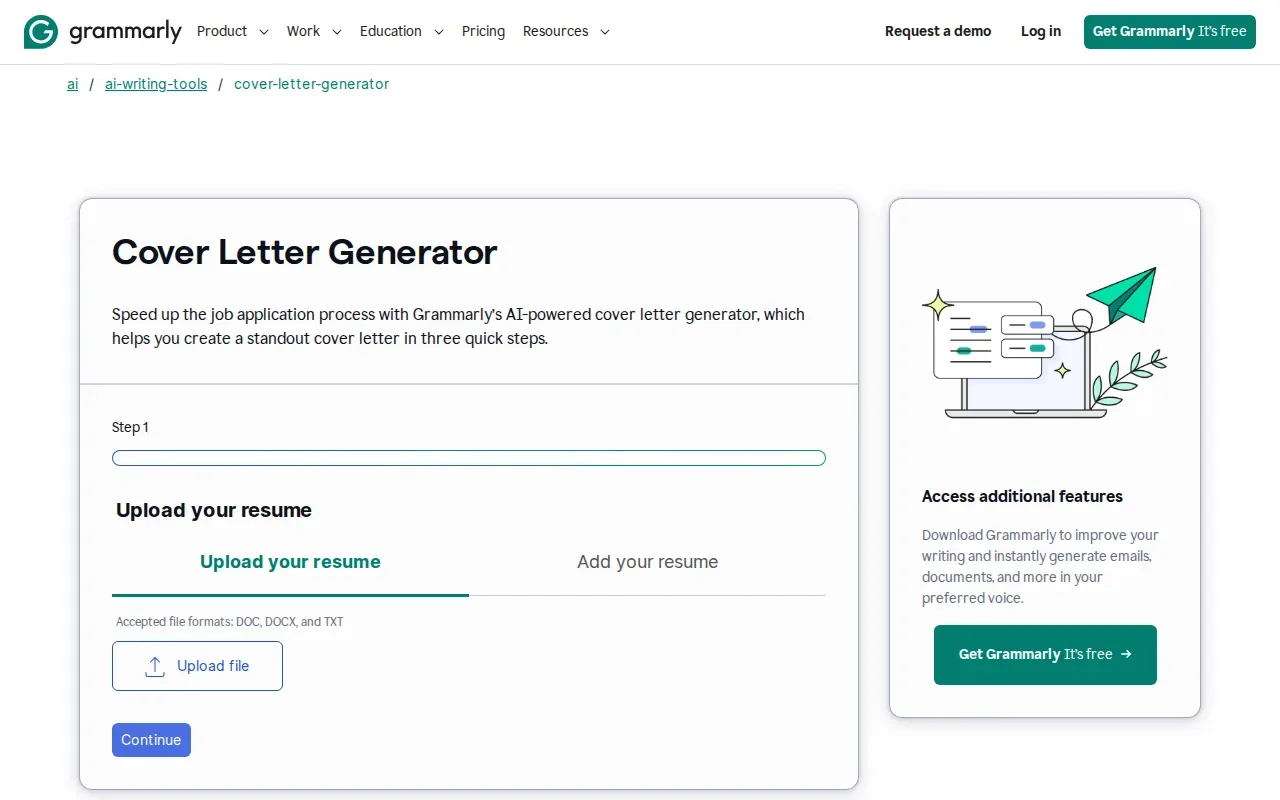
The free version can provide an initial draft. Premium adds tone controls, which can help when the same experience needs a more formal or more confident presentation.
Its main strength is the wording. Grammarly focuses on grammar, clarity, and tone rather than a large job application workflow. That can be useful when you have written a rough letter yourself and want to remove awkward phrases without handing over the whole story.
There is a trade-off. Grammarly does not replace the work of matching a proposal to a specific freelance project, and it does not provide the broader application flow found in Apply with AI. It also does not solve the design question if you need a letter that matches a resume layout.
Try this workflow: write three plain sentences about your fit, paste them into the generator, then ask for a direct tone. After the rewrite, restore any phrase that sounds like you. Polished language is useful only when it still reflects your actual experience.
Grammarly works well as a final writing pass. It is a weaker choice when your main need is job matching or repeated form filling.
4. Jotform AI Cover Letter Generator
Jotform AI Cover Letter Generator is best for a fast, lightweight draft. It is a good fit when you want to upload a resume, add basic job details, and get a document without setting up a wider job search account.
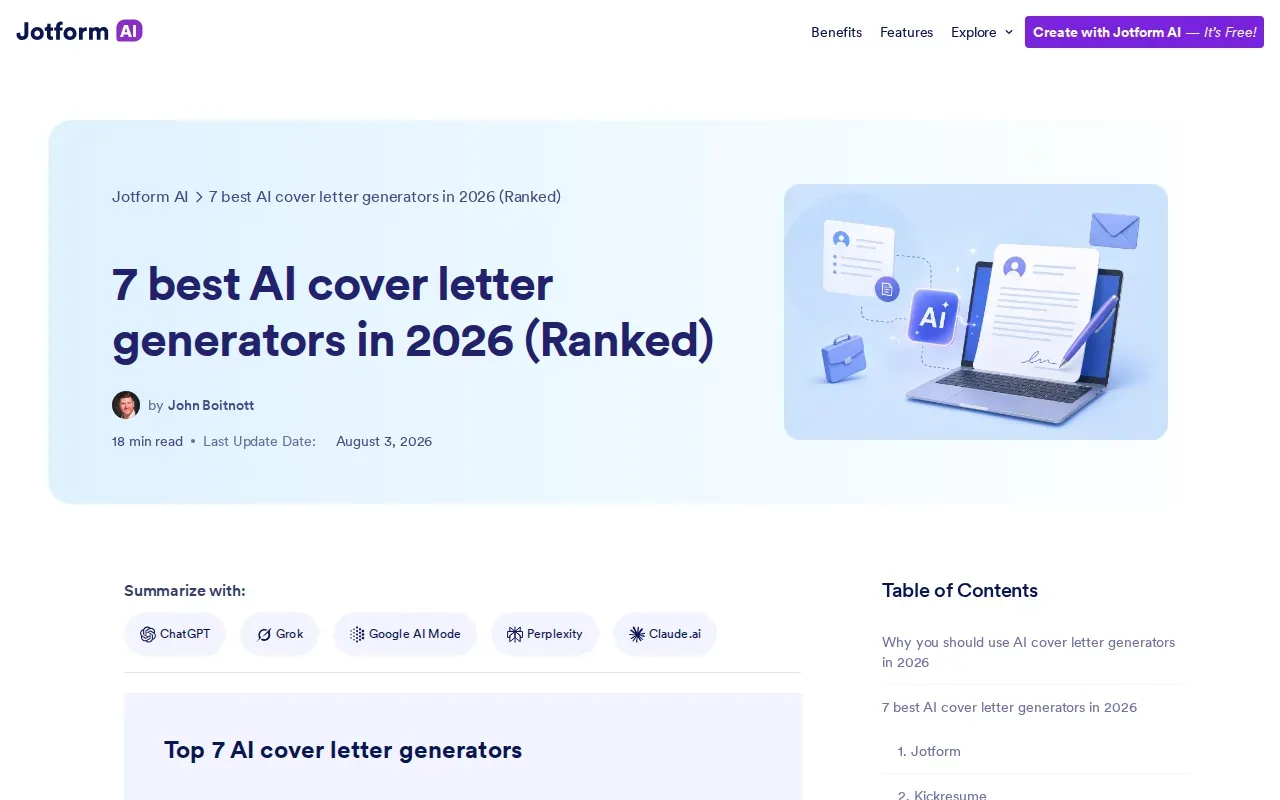
The tool lets you upload a resume, enter the company name and job title, and choose a tone or language. It then generates a draft that you can edit before downloading as a PDF. Jotform says no account is required, and its tool is free to use.
The built-in editor is helpful because the first draft is rarely ready to send. Add the exact job requirement you want to address. Remove any skill that is not in your resume. Then check the greeting, company name, job title, and closing.
Jotform also says uploaded data is automatically deleted after the letter is created and downloaded. That is useful for applicants who do not want to keep a resume inside a long-term job platform, though you should still read the current privacy terms before uploading sensitive information.
The limitation is scope. Jotform is a quick document tool, not a system for scoring opportunities or managing applications across Upwork and LinkedIn. If you only need one clean PDF, that may be enough. If you want help across a full application run, Apply with AI is the stronger fit.
Its prompt example shows why job details matter. A company name and job title give the AI a starting point, but your strongest draft will also include a verified achievement and a reason tied to that employer.
5. ChatGPT (by OpenAI)
ChatGPT (by OpenAI) is best for prompt-driven customization. Unlike the other tools here, it is not a dedicated cover letter generator. Its value comes from the control you get over the instructions and the editing process.
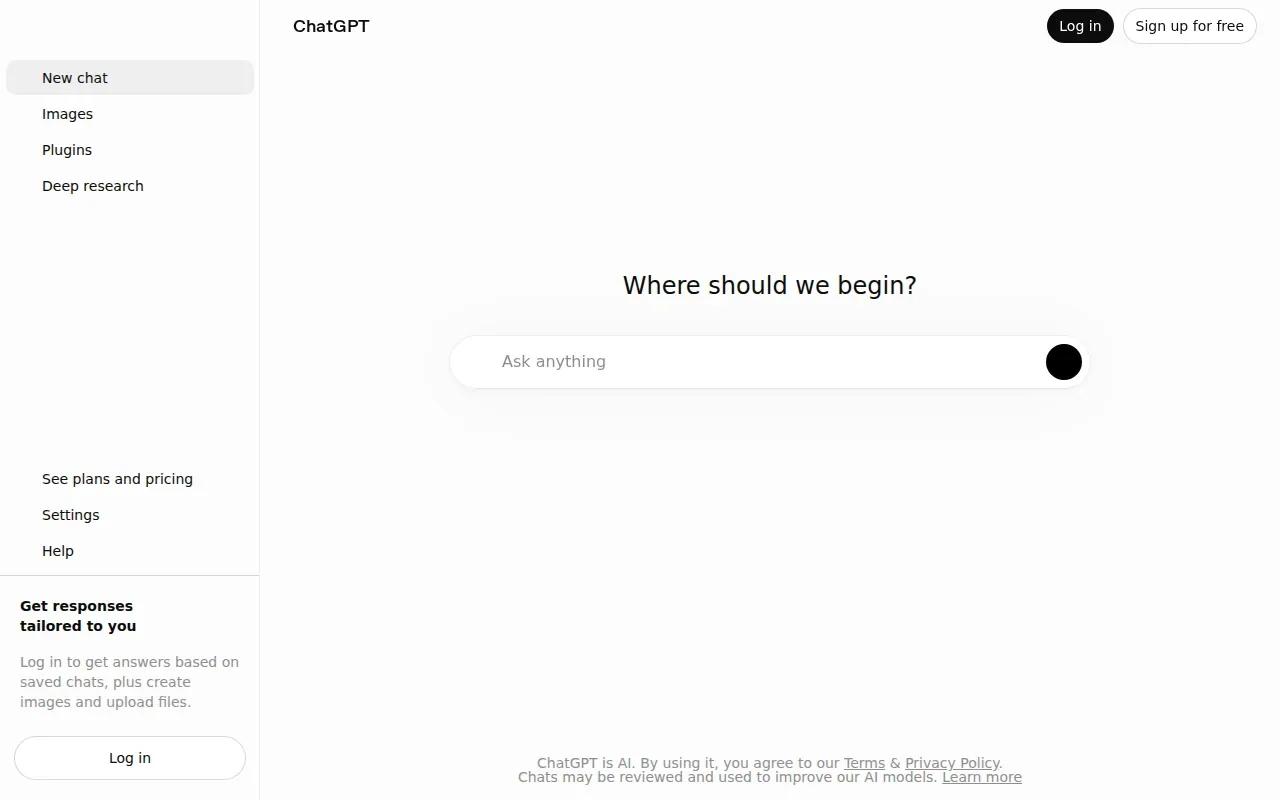
The free version can work well when you provide a clear resume, the full job description, and a specific request. You can ask for several draft variations, identify the most important skills in the posting, or rewrite one paragraph in a more natural voice.
Do not ask for a complete letter before sharing your source material. A better prompt tells ChatGPT to wait for your resume and job description. It also says not to invent work history, results, tools, employers, or credentials. Ask it to list missing facts as questions instead.
For example, you might write:Read my resume and job description. Identify the four skills that matter most. For each skill, use only evidence from my resume. If evidence is missing, ask me a question instead of guessing. Write short first-person paragraphs in a direct tone.
This approach also helps with ATS-friendly wording. Ask the model to use relevant terms from the job description only when they match your experience. Then check the final document yourself. ATS-friendly does not mean stuffing every keyword into awkward sentences.
The main risk is overreliance. ChatGPT can produce smooth text that contains false details or sounds unlike you. A useful approach is to use AI for brainstorming and polishing while keeping the final letter tied to your own experience.
ChatGPT is a strong choice for people who enjoy refining drafts through several rounds. If you want the application process itself to be part of the tool, choose a workflow product instead.
Key Takeaway: The best prompt tells the model what it may use, what it must not invent, and what questions to ask when your evidence is thin.How to choose an AI cover letter generator
Start with the task that slows you down. If it is blank-page writing, Kickresume or Jotform may be enough. If the issue is tone and clarity, Grammarly is a better match. If you want full control over the prompt, ChatGPT gives you more room to shape each draft.
Choose Apply with AI when the hard part is the whole application flow. It can help you find suitable jobs, prepare tailored text, and move through repeated fields while leaving the final review with you.
Before you submit any AI-written letter, check five points:
- The company name and job title are correct.
- Every result and credential comes from your real experience.
- The letter uses a detail from the job description.
- The tone sounds like something you would say.
- The file is easy to read and matches the application instructions.
A cover letter is usually a one-page document attached to a resume or entered into an application form. Wikipedia’s definition of a cover letter describes it as a document sent with a resume to explain the applicant’s interest and fit. That basic purpose still guides the final edit, no matter which generator writes the first version.
FAQ
What is the best free AI cover letter generator?
The best free option depends on the task. Jotform is suited to a quick draft without an account, while ChatGPT works well for prompt-based editing. Apply with AI is the better fit when you need help across job search and application steps rather than one standalone letter.
Can AI write a cover letter from my resume?
Yes, an AI cover letter generator can use your resume as source material for a first draft. It still needs the job description and your review. Check every achievement, job title, date, skill, and result. If a detail is missing, remove it or answer a follow-up question instead of allowing the tool to guess.
How do I make an AI cover letter sound human?
Make an AI cover letter sound human by replacing general claims with details only you would know. Add one reason you want the role, one verified achievement, and one point from the employer’s posting. Cut phrases such as results-driven or passionate unless you support them with a clear example.
Can an AI cover letter pass an ATS?
An AI cover letter can use relevant terms from a job description, but no tool can guarantee an ATS result. Use keywords only when they match your experience. Keep the layout simple, follow the employer’s file instructions, and make sure the letter remains readable to a person.
Should I tell an employer I used AI for my cover letter?
There is no single answer for every employer. Use AI as a drafting or editing aid, then make the final letter truthful and personal. Follow any instructions in the application. If an employer asks about AI use, answer honestly and explain that you reviewed the content yourself.
Conclusion
For a single quick draft, start with Jotform or ChatGPT. For repeated applications across Upwork, LinkedIn, or employer sites, start with Apply with AI and review every suggested answer before submission. Your next step is simple: choose one live job, provide only verified facts, and edit the draft until it sounds like you.