Best Cover Letter Checker Tools for Job Applications
Compare cover letter checker tools for job applications, including options for tailored drafts, ATS keyword review, proofreading, and cleaner formatting.

A cover letter can add the reason your resume can’t: why you want this role and how your experience fits. The right cover letter checker can help you shape a tailored draft or catch errors before you apply. Here are 10 tools, starting with Apply with AI, and the job each suits best.
Table of Contents
- Apply with AI
- Kickresume: A design-forward builder with a free option
- Rezi: An ATS-focused option for keyword-dense roles
- Cover Letter Copilot: A dedicated tool for quick letter drafts
- Enhancv: A quality-focused builder for polished applications
- Jobscan: Job-description matching for structured applications
- Grammarly: A usable choice for proofreading and clarity
- Resume Worded: Resume and LinkedIn feedback alongside letter review
- Novorésumé: A builder for a professional-looking letter
- LanguageTool: A focused grammar and punctuation check
- Compare the cover letter checkers by task and fit
- Frequently asked questions
- Conclusion
1. Apply with AI
Apply with AI is a Chrome extension for freelancers and job seekers who want help with the application workflow, not only a finished letter. It suits people who apply through Upwork, LinkedIn, or an employer’s career site and want to choose how much of each application is automated.
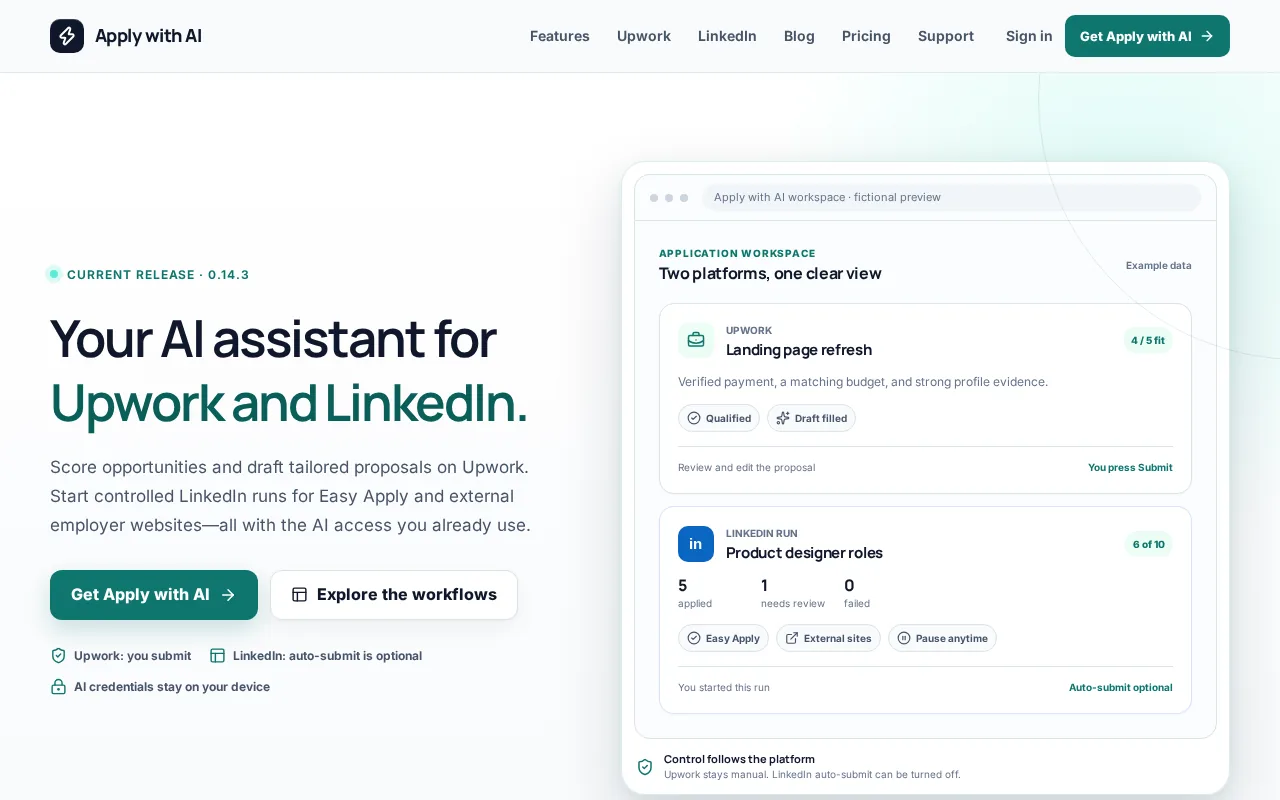
For Upwork, it can score jobs, apply saved filters, qualify opportunities, and draft or fill proposals and client replies with your own AI provider. You review the result and press Send or Submit. For LinkedIn and external sites, you start an application run, and you can turn off auto-submit. It’s a different kind of cover letter checker: it helps with tailored writing and repeated application fields, rather than scoring a letter against a single universal grade.
If you’re comparing writing tools with full application support, this AI cover letter generator comparison explains where a workflow tool fits.
One limit: Apply with AI doesn’t replace your judgment. Check every claim, greeting, and answer before you submit.
2. Kickresume: A design-forward builder with a free option
Kickresume is a resume and cover letter builder that can generate a tailored cover letter. It suits students who want a polished layout, since Kickresume is free for students who verify their status with ISIC, ITIC or UNiDAYS.
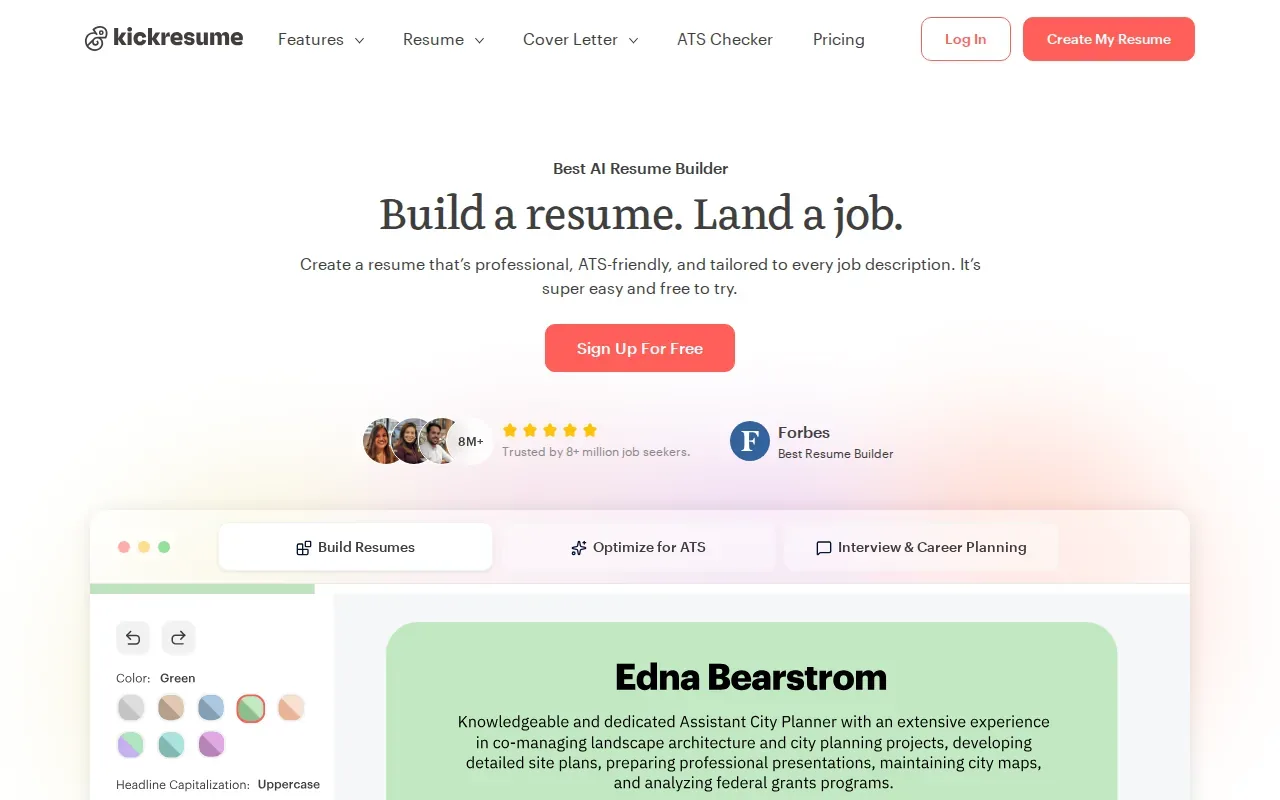
Its AI writer can give you a role-specific first draft, and the builder includes cover letter templates. Treat the result as a starting point, though: an AI can’t know which experience best shows your fit unless you give it accurate details and then edit the draft in your own voice.
That makes Kickresume useful if you’re staring at a blank page. It’s less suited to checking whether every sentence reflects your real work.
3. Rezi: An ATS-focused option for keyword-dense roles
Rezi is a resume and cover letter platform with an ATS-focused scorer. It can suit students applying for software engineering, data, or product internships where job descriptions can be dense with role-specific terms.
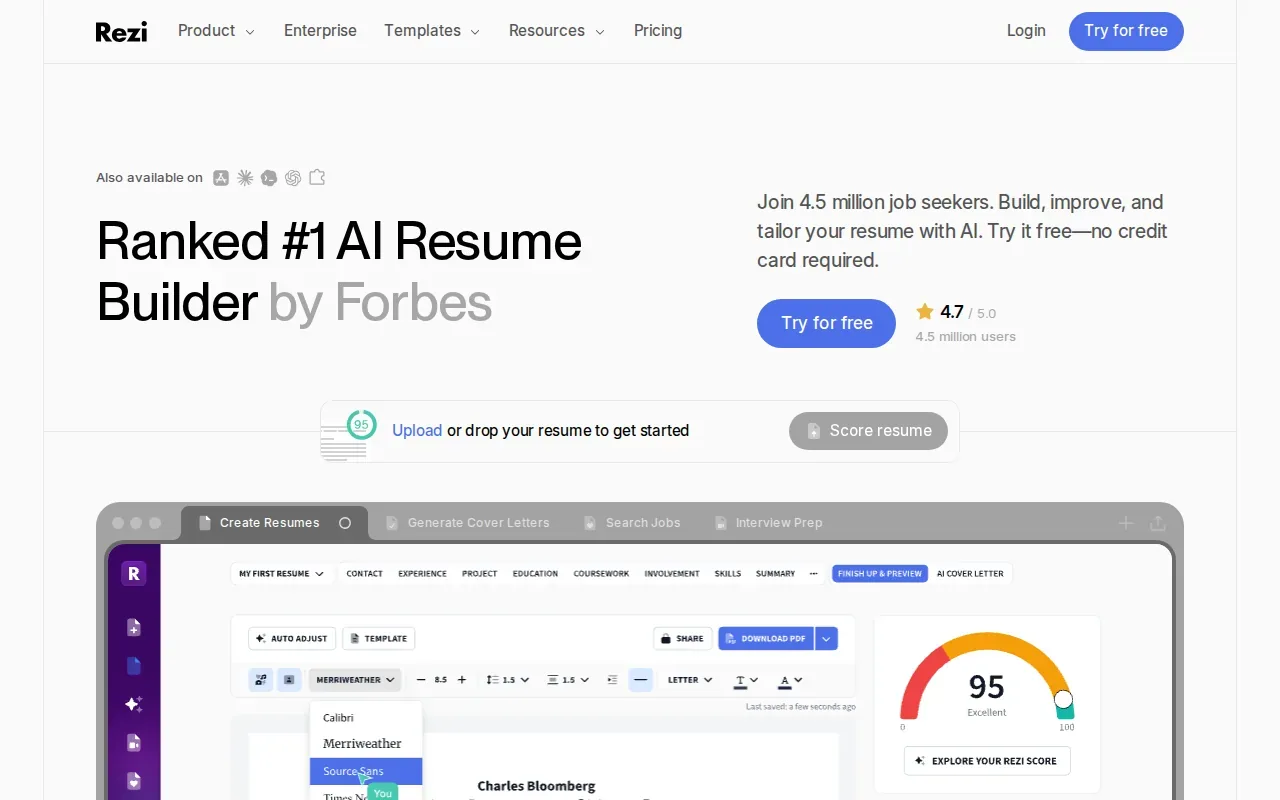
Its AI cover letter generator is meant to match a letter to your resume and the role. Rezi also says its keyword-targeting tools scan a job description and suggest terms to include. Use those suggestions to check that your letter speaks to the posting, not to cram in every phrase. If a term doesn’t describe your skills or experience, leave it out.
Rezi is free to start, and its paid Pro plan adds unlimited AI use. A score or keyword match can guide a revision, but it can’t tell you whether the story is persuasive to a person.
4. Cover Letter Copilot: A dedicated tool for quick letter drafts
Cover Letter Copilot is built around cover letters rather than resumes. It may suit students applying to five or fewer roles a day who want a focused tool and don’t need a high daily letter limit.
The free tier includes one letter per day, and paid plans start at $15 per month. That makes it worth considering if you want a dedicated drafting tool and that limit fits your routine. Before you use any generated text, check whether the opening names the right company and role, then replace vague claims with facts from your own experience.
If you revise the same letter for many jobs, compare the daily free limit with your actual application pace before paying.
5. Enhancv: A quality-focused builder for polished applications
Enhancv is a resume and cover letter platform that puts more weight on the finished document than on drafting speed. It may fit students applying to consulting, finance, or marketing internships where a person will read the letter.
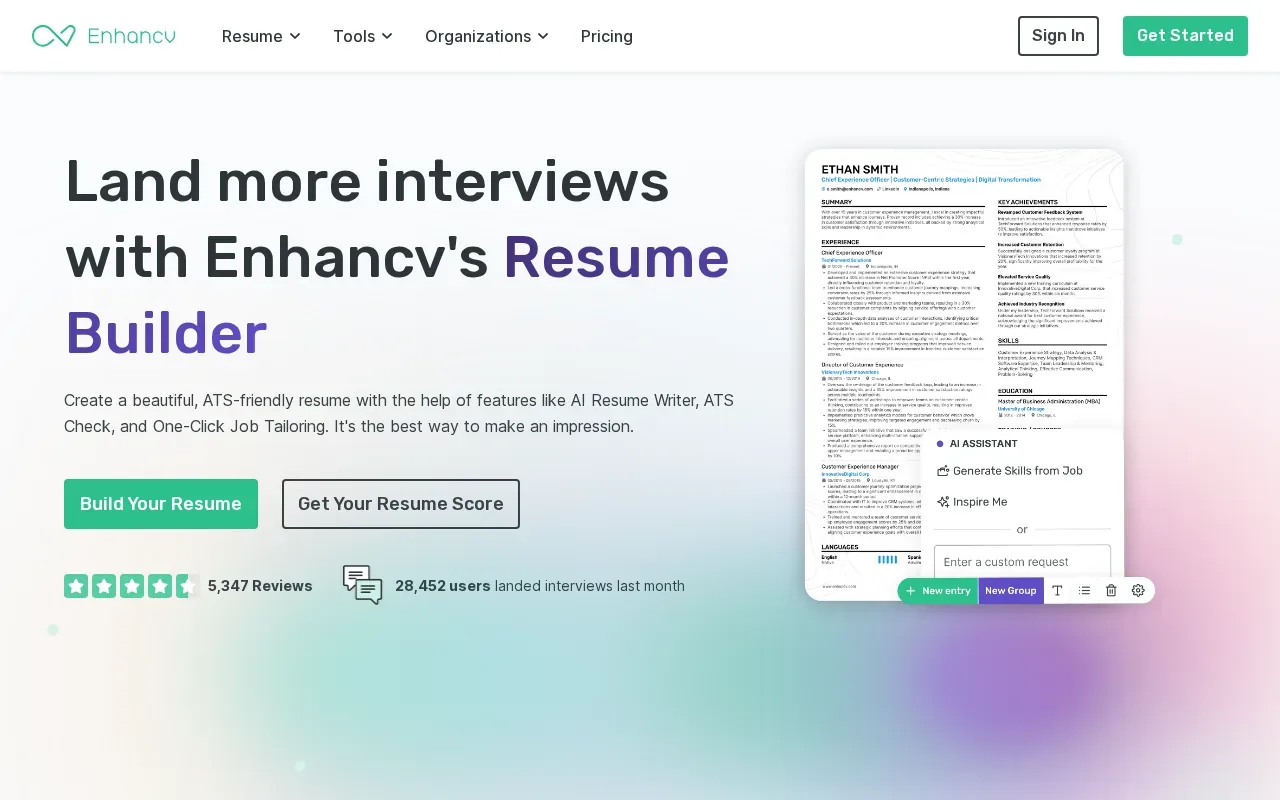
Enhancv offers 12 cover letter templates, including a straightforward design and a classic option suited to legal and banking roles. Its guidance says to focus on one or two relevant accomplishments rather than repeat the resume. That’s sound advice for a three-paragraph letter: open with your reason for applying, explain a relevant achievement, then close with interest in a conversation.
Enhancv’s free access is a seven-day trial. Check the trial terms before building your final application there.
6. Jobscan: Job-description matching for structured applications
Jobscan compares a resume or cover letter with a specific job description. It may suit applicants for large-company programs where they want a structured check of role language before applying.
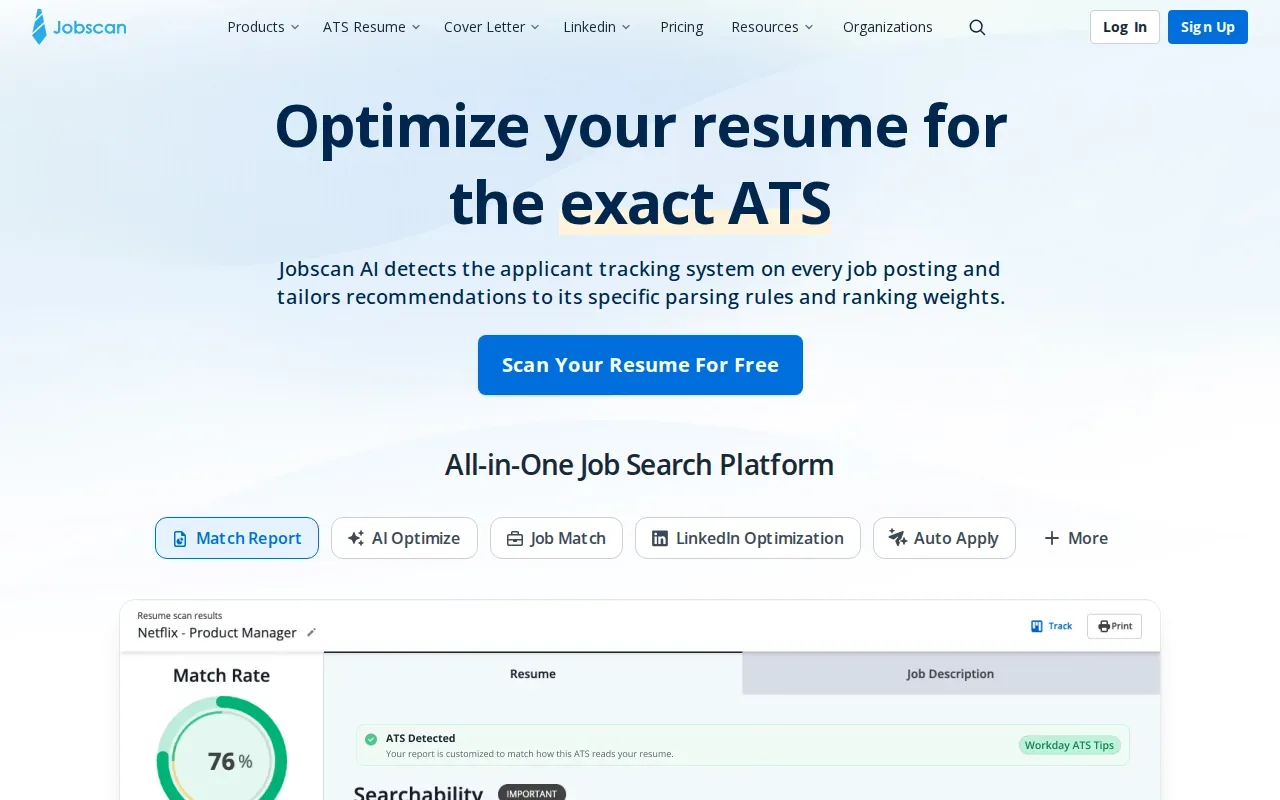
Its tools report skills and keywords that appear in the job listing but not in the resume. Jobscan’s free plan allows five scans, and Premium starts at $49.95 per month. Use a match report as an editing prompt, not a pass-or-fail verdict. Applicant tracking systems vary, and a keyword score can’t promise that a recruiter will read or favor an application.
For a cover letter, check that the key terms fit naturally in the story. A clear example beats a string of copied phrases.
7. Grammarly: A usable choice for proofreading and clarity
Grammarly is a writing tool with a free version that can produce a quick cover letter draft. It’s a useful fit if your main concern is spelling, grammar, or making a draft easier to read.
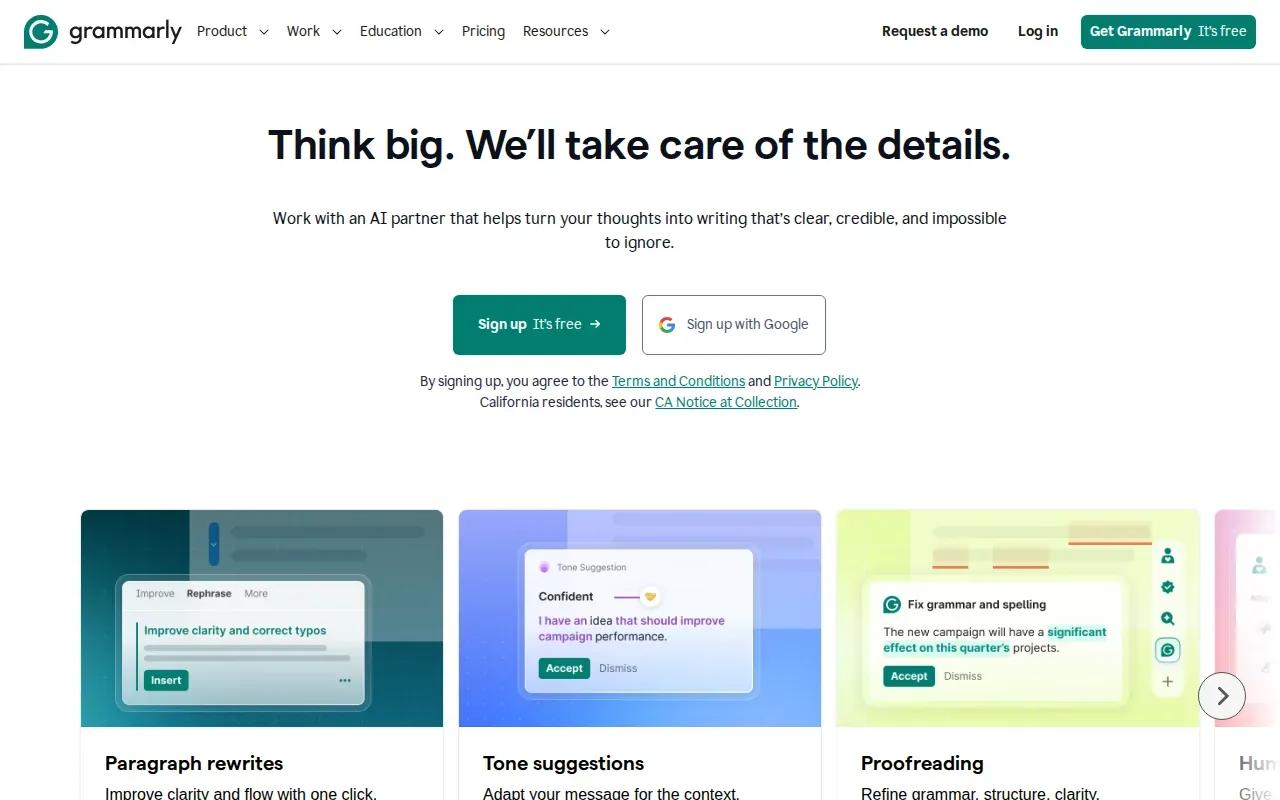
Proofreading is often the last pass, not the whole review. A checker may catch a typo, but it won’t know if “Dear Hiring Manager” is too vague for a role where you can find the reader’s name. Read the letter aloud and check that each paragraph has a clear job: make a case for your interest, support it with relevant evidence, and end courteously.
Use Grammarly to polish the words, then make sure the letter still sounds like you.
8. Resume Worded: Resume and LinkedIn feedback alongside letter review
Resume Worded is known for grading resumes and LinkedIn profiles and giving feedback. It may suit applicants who want to review those materials alongside a cover letter rather than focus on a letter alone.
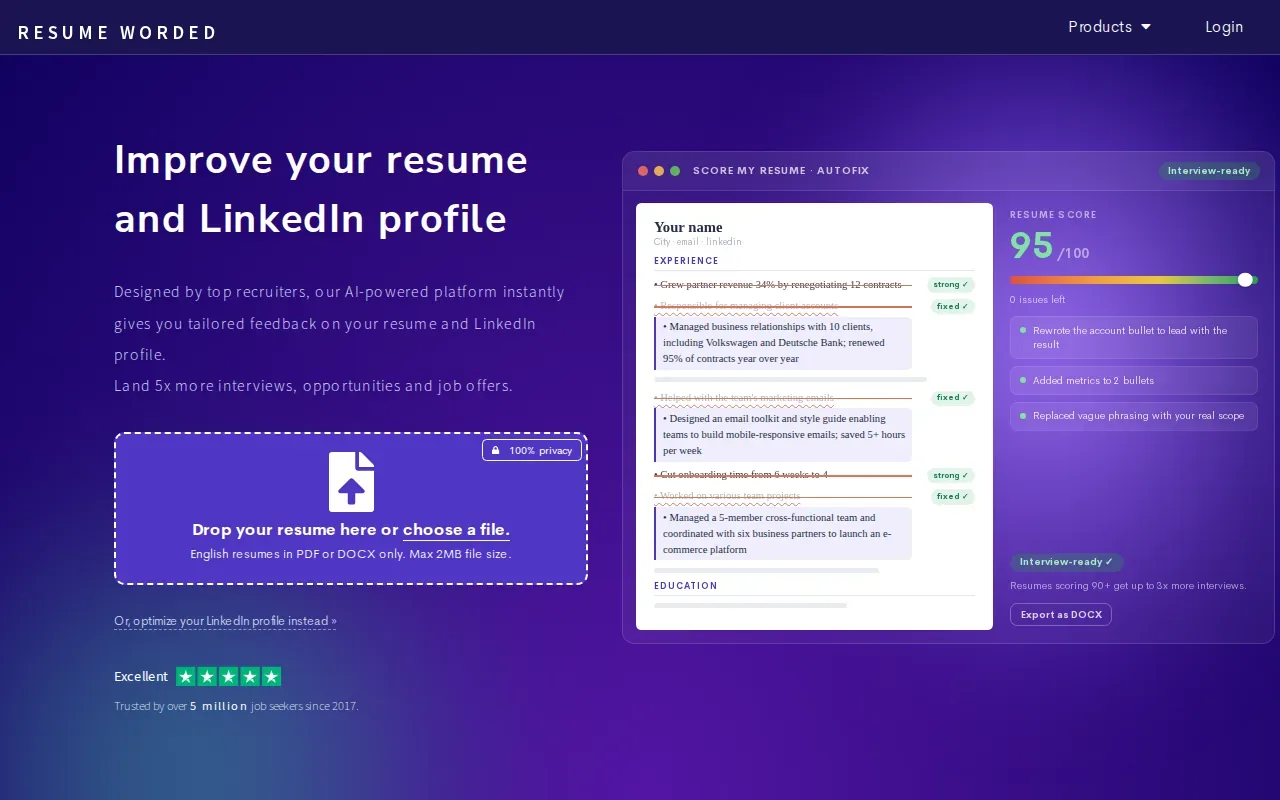
A cover letter should add context, not copy resume bullets word for word. Pick one relevant accomplishment and explain what you did and why it matters for this job. If a feedback tool points you toward a change, check the revised text against your resume so dates, titles, and claims still match.
Think of resume and LinkedIn feedback as part of a broader application check. It won’t replace careful editing of the letter itself.
9. Novorésumé: A builder for a professional-looking letter
Novorésumé is a resume builder with a free AI-powered option. It may suit applicants who want help putting their application into a clean, professional-looking format.
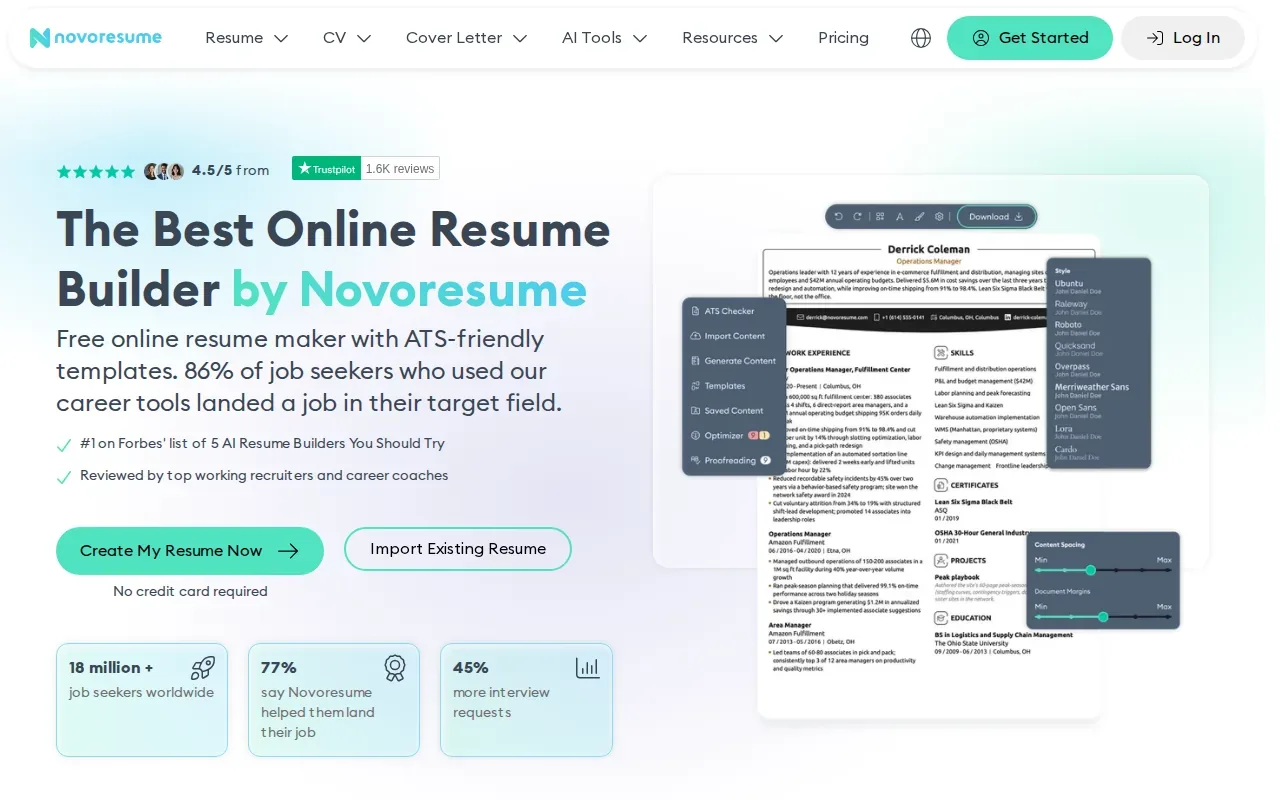
For a letter, use the layout to make your name, greeting, and main paragraphs easy to scan. Keep the design simple, with a readable font and enough white space. Aim for about 500 words or one page unless the employer gives different instructions. A sleek template won’t rescue a generic letter, so tailor the opening and evidence to the job.
If you already have a strong draft, a grammar checker may be more useful than rebuilding the document.
10. LanguageTool: A focused grammar and punctuation check
LanguageTool checks grammar, punctuation, and spelling. It’s a fit if your draft is written and you want a focused final proofread, including support for more than 30 languages.
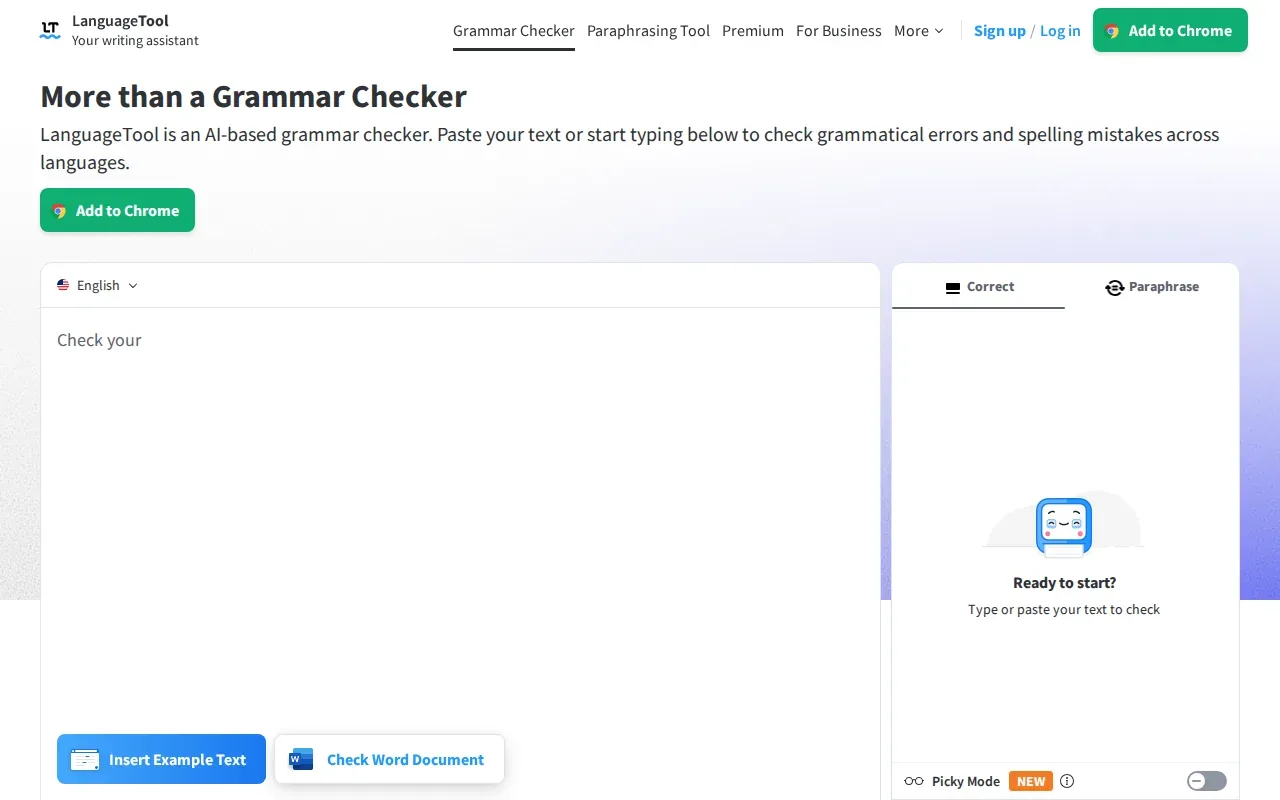
Use it to catch small errors that can make a letter look rushed. Then check the content yourself: is the greeting right, does the first paragraph name the specific role, and does the body show a relevant result? Avoid unexplained industry shorthand. A person outside your team should be able to follow your point.
LanguageTool checks the text. You still need to check whether the message fits the job.
Compare the cover letter checkers by task and fit
The right cover letter checker depends on the part of the application you need help with. Use this table to narrow the shortlist by task, not by a score that may not match your needs.
| Tool | Best fit | Check or support to focus on | Watch for |
|---|---|---|---|
| Apply with AI | Upwork, LinkedIn, and employer-site applications | Tailored drafts and repeated fields | Review each result before submission |
| Kickresume | Students who want a designed letter | Role-specific first draft and template | Edit AI text to make it personal |
| Rezi | Keyword-dense internship postings | Job-description terms and resume fit | Don’t force in terms that aren’t true |
| Cover Letter Copilot | Lower-volume daily applications | Dedicated letter drafting | Free tier is one letter per day |
| Enhancv | Applicants focused on the final document | Templates and achievement-led content | Free access is a seven-day trial |
| Jobscan | Applicants seeking a job-description match | Skills and keyword gaps | A match score isn’t a hiring promise |
| Grammarly | Proofreading and clarity | Grammar and a quick draft | Review the substance yourself |
| Resume Worded | Resume and LinkedIn feedback | Application materials as a set | Don’t repeat resume bullets in the letter |
| Novorésumé | Applicants who need a clean layout | Document format and presentation | Tailor the content to each role |
| LanguageTool | Final grammar check | Grammar, spelling, and punctuation | It won’t judge job fit |
For job seekers, Apply with AI is a strong fit when repeated fields or application steps take time away from tailoring each answer. With auto-submit off, a LinkedIn run fills each form and waits for you to press Submit. If you’re weighing a writing-only tool against broader help, this comparison of cover letter writing options can help you think through control, cost, and personalization.
Ready to spend less time repeating application details? Try Apply with AI on one role you’ve already judged a good fit, and review every field before you submit.For any tool, start with the job description and your resume. Write a short opening that names the role and gives a real reason for your interest. In the body, explain one relevant achievement instead of copying a resume bullet. Close with thanks and a clear, polite sign-off.
Keep the layout plain enough to read quickly. Use a personal greeting when you can find the right name, but don’t guess. If you’re sending the letter by email, follow the employer’s directions: some ask for a document, while others expect the letter in the email body. For LinkedIn Easy Apply, this look at LinkedIn Easy Apply covers when a posting may ask for extra materials.
Frequently asked questions
What does a cover letter checker look for?
A cover letter checker may look for writing errors, clarity, job-related terms, or formatting issues, depending on the tool. Some tools help draft a letter, while others compare it with a job description or proofread what you’ve written. Read the feedback as guidance, then confirm the letter is accurate and tailored to the role.
Can a cover letter checker help with ATS keywords?
Yes, some cover letter checker tools can compare wording with a job description and point out terms to review. Add a keyword only when it reflects your real skills or experience. A match score can guide edits, but it can’t guarantee that an employer’s system or recruiter will favor your application.
Should I put my cover letter in the email or attach it?
Follow the employer’s instructions. If the posting asks for an attached document, send one; if it asks for the letter in the email, use the email body. When instructions are unclear, check the application form for a letter field. A checker can help with wording, but it can’t decide which format that employer wants.
Is it safe to use an online cover letter checker?
Review a tool’s privacy terms before you paste in personal details. You can remove private information that the checker doesn’t need, such as your home address. Keep your claims truthful, and review the final text yourself. If you’re unsure how a service handles your data, don’t upload sensitive information.
How long should a cover letter be?
A cover letter is usually easiest to read when it stays near one page, or about 500 words. Keep it focused on the role and a small number of relevant examples. A three-paragraph structure works well: a tailored opening, a body with evidence, and a concise closing. Follow the employer’s directions if they ask for something else.
Conclusion
Choose a tool based on the work you need done: drafting, job-description matching, or proofreading. For help across the application workflow, start with Apply with AI and review each draft before sending it. Your next step is simple: pick one real job posting and check that every line in your letter fits it.