Best AI Job Application Tools for 2026
Compare the best AI job application tools for 2026, including auto-apply platforms, resume tailoring, interview prep, tracking, and LinkedIn support.

AI can cut the copy-paste grind from your job search, but more applications don't always mean better applications. The best fit depends on whether you want careful review, bulk auto-apply, resume tailoring, interview help, or one place to track everything. Here are the strongest options and the job seeker each one suits.
Table of Contents
- Apply with AI
- JobWizard, AI-powered application autofill
- Sprout, tailoring and application tracking
- JobCopilot, high-volume applications across job boards
- Simplify, browser-based form autofill and tracking
- LazyApply, auto-apply across multiple job boards
- FastApply, tailored applications with fast submission
- LoopCV, automated job matching and outreach
- AIApply, resume, cover letter, and interview support
- BetterApply, unlimited auto-apply with interview preparation
- AI Job Application Tools Compared
- Frequently Asked Questions
- Conclusion
1. Apply with AI
Apply with AI is a Chrome extension for freelancers and job seekers who use Upwork or LinkedIn. It scores opportunities, drafts tailored proposals, applications, messages, and replies, then leaves the final Send or Submit click to you.
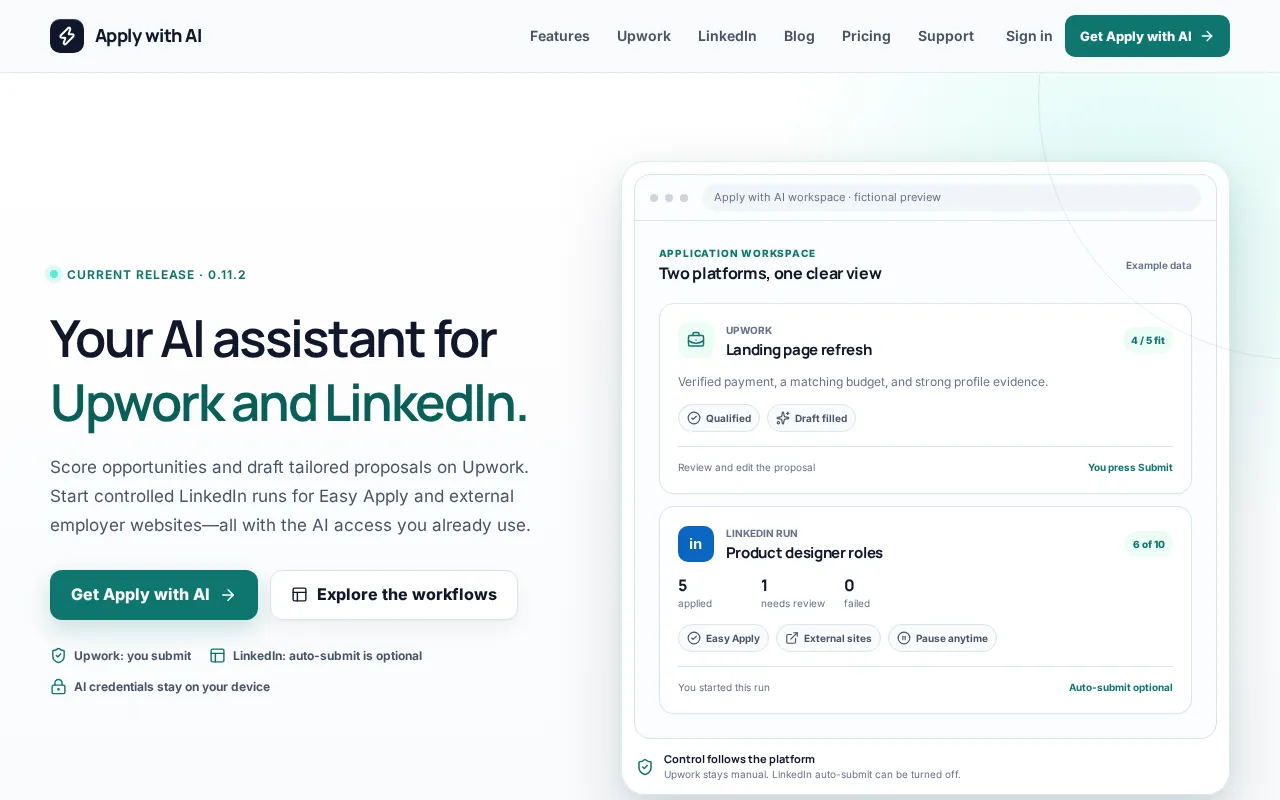
That review step is the main reason it takes the first spot. A freelancer can check the client brief, reject a poor fit, and edit the draft before anything leaves the account. You can also use saved filters to qualify opportunities instead of chasing every listing that appears.
The workflow suits work where tone and judgment matter. It uses your own AI provider, while you remain responsible for the final message. For more detail on LinkedIn workflows, see this LinkedIn job application assistant.
Apply with AI isn't built for sending hundreds of automatic applications without review. That's a limit, but it is also the point. If one careless proposal can hurt your reputation, control beats raw volume.
2. JobWizard, AI-powered application autofill
JobWizard fits high-volume job seekers who need help with repetitive application forms. Its free tier supports up to 10 applications per day, while its main workflow covers autofill, job insights, match scores, tailored cover letters, referral finding, and tracking.
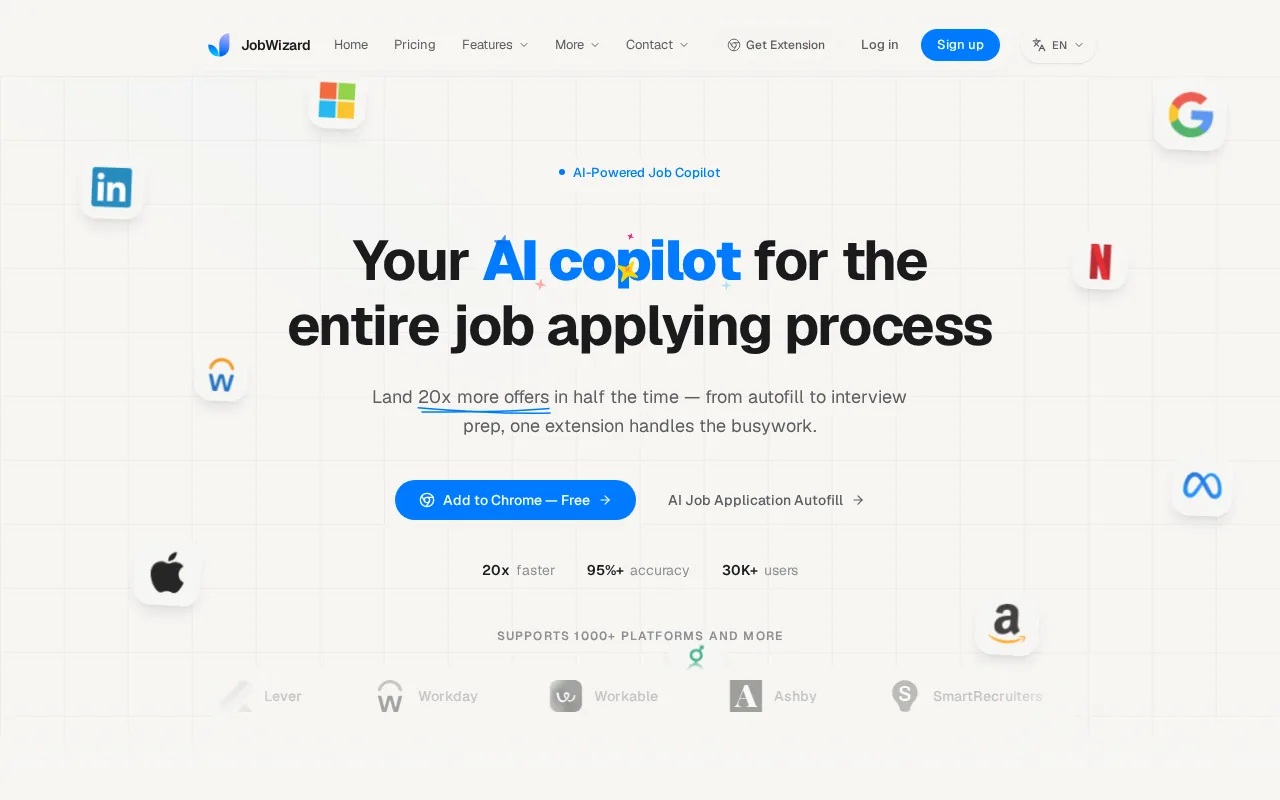
The extension works across systems such as Workday, Greenhouse, Lever, Ashby, and iCIMS. It can fill text fields, dropdowns, checkboxes, and custom questions, but you still review the application before submitting.
That makes JobWizard a better fit than a blind auto-apply bot when accuracy matters.
The caveat is scope. It is aimed at traditional job applications, not the short, relationship-led proposals common on Upwork.
3. Sprout, tailoring and application tracking
Sprout is best for people who want tailored materials and a central application tracker. It scans a job description for keywords, flags missing terms, autofills forms, and tracks each application after submission.
This setup works well when your search has many moving parts. You can see which roles need a resume edit, which applications are waiting for a reply, and which listings are still worth pursuing.
Sprout starts free, which lowers the barrier to testing the workflow. Still, keyword matching is only a first check. An application can contain the right terms and still sound vague, so read every generated answer before sending it.
Choose Sprout when tracking is your main pain. Choose Apply with AI when the quality of each proposal matters more than a large pipeline.
4. JobCopilot, high-volume applications across job boards
JobCopilot is built for volume at scale. It searches large numbers of company career pages, matches roles to your profile, fills applications, and can run with either review mode or full auto-apply.
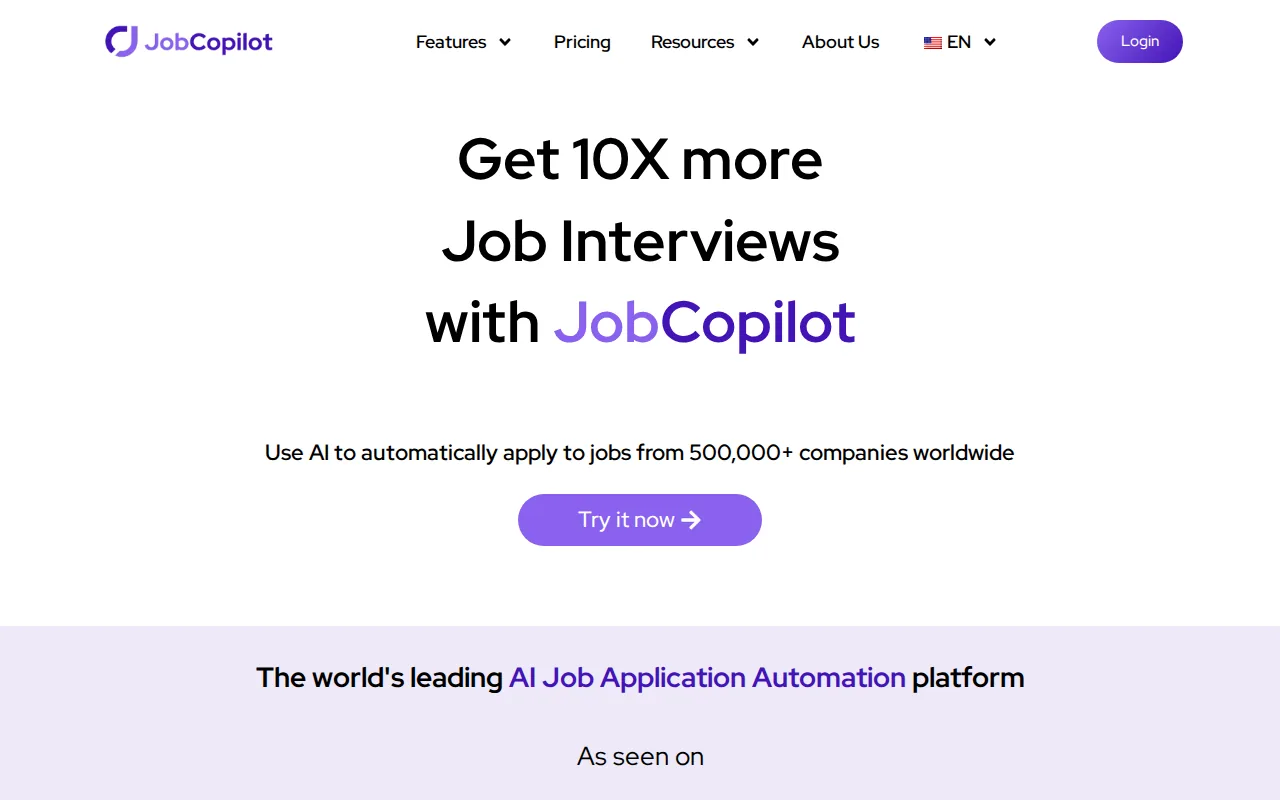
You can set filters and adjust how closely a job must match your profile. The service also includes resume and cover letter tools, a tracker, recruiter outreach support, and interview practice.
This is useful for a broad search where speed matters more than hand-written outreach. The trade-off is less control over each application. You need to check the role, location, screening answers, and resume version before trusting automation.
5. Simplify, browser-based form autofill and tracking
Simplify is a strong choice when typing the same details into application forms is slowing you down. Its browser extension autofills forms across major applicant tracking systems and keeps jobs, resumes, referrals, and interview notes in one dashboard.
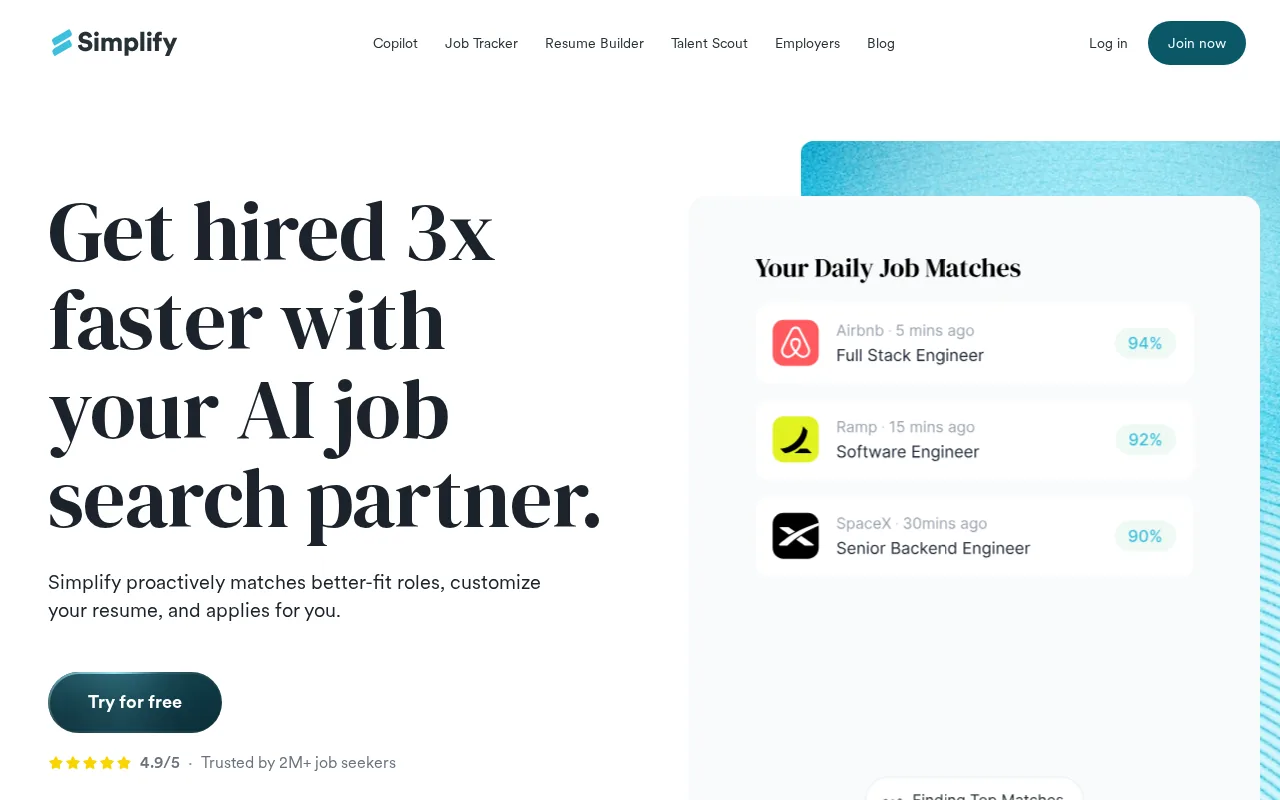
Simplify supports systems such as Workday, Greenhouse, Lever, Taleo, and iCIMS. It also includes resume keyword checks, tailored resumes, cover letters, job recommendations, and a free core option with paid features.
Its tracker can help prevent a common mistake: forgetting which resume you sent to which company. But Simplify is mainly an autofill tool. You still need to review and submit each application yourself.
That makes it a sensible pick for five to fifteen careful applications a week, not for someone chasing maximum daily volume.
6. LazyApply, auto-apply across multiple job boards
LazyApply is designed for multi-board auto-apply. Its browser extension fills applications across LinkedIn, Indeed, and ZipRecruiter after you add your resume and preferences.
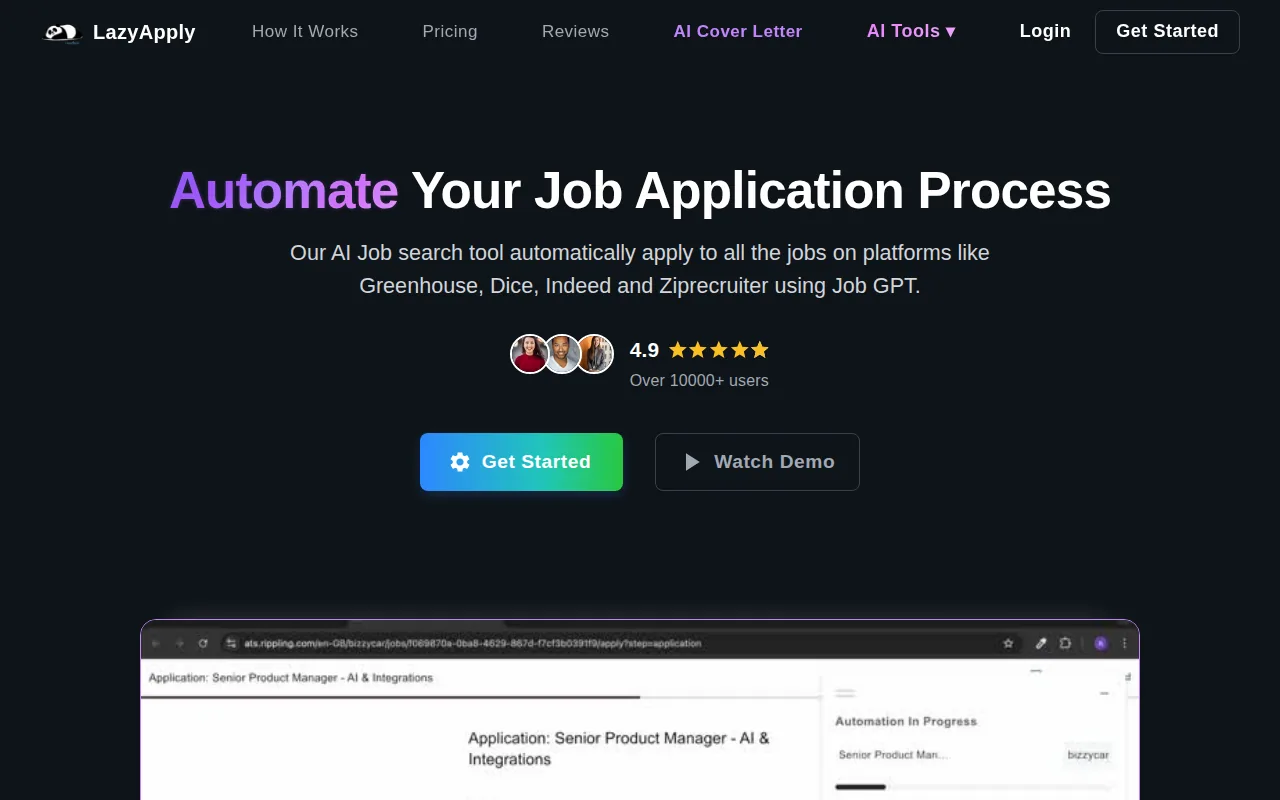
The appeal is clear: one setup can remove repeated form entry across several job sites. It suits people who value application count and don't want to open each listing by hand.
The weak spot is review depth. Bulk tools can send a static resume or broad answers to roles that deserve closer thought. Use strict filters, check your profile data, and watch for questions that need a personal response.
LazyApply is a volume play. It shouldn't be your first choice for a carefully written freelance pitch or a senior role that depends on context.
7. FastApply, tailored applications with fast submission
FastApply is aimed at people who want quick submissions with some tailoring built in. Its free tier includes five applications without requiring a card, and it supports Workday, Greenhouse, Lever, and Ashby.
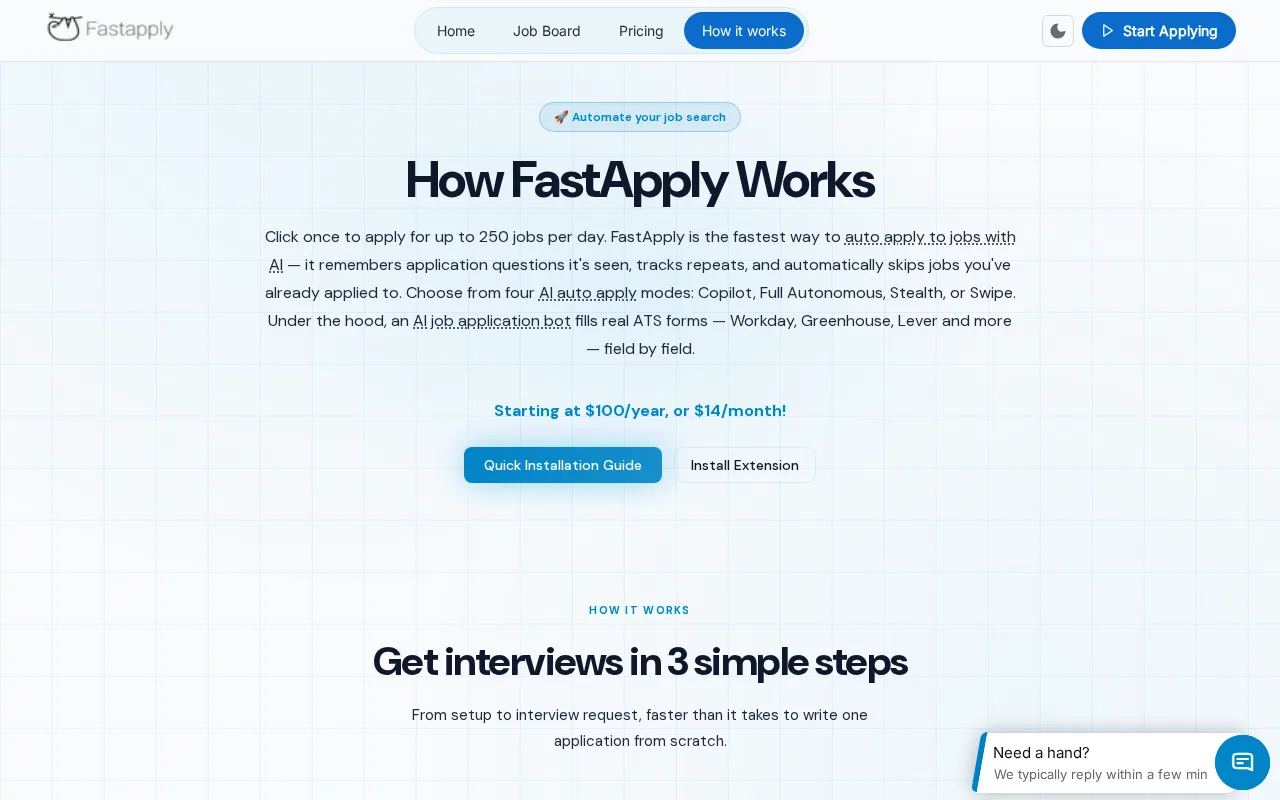
The tool can auto-populate fields and tailor resumes and cover letters for a posting. That puts it between simple autofill and full auto-apply systems.
The five-application free tier is enough for a short test. Use those applications on roles you genuinely match, then compare the generated materials with your own resume. Fast output has little value if the wording adds skills you don't have.
FastApply makes sense for a job seeker who wants speed but still cares about role-specific documents.
8. LoopCV, automated job matching and outreach
LoopCV combines job matching with application and recruiter outreach. Its free tier includes one loop and up to 10 applications or emails without a card, while paid plans add access to more job boards.
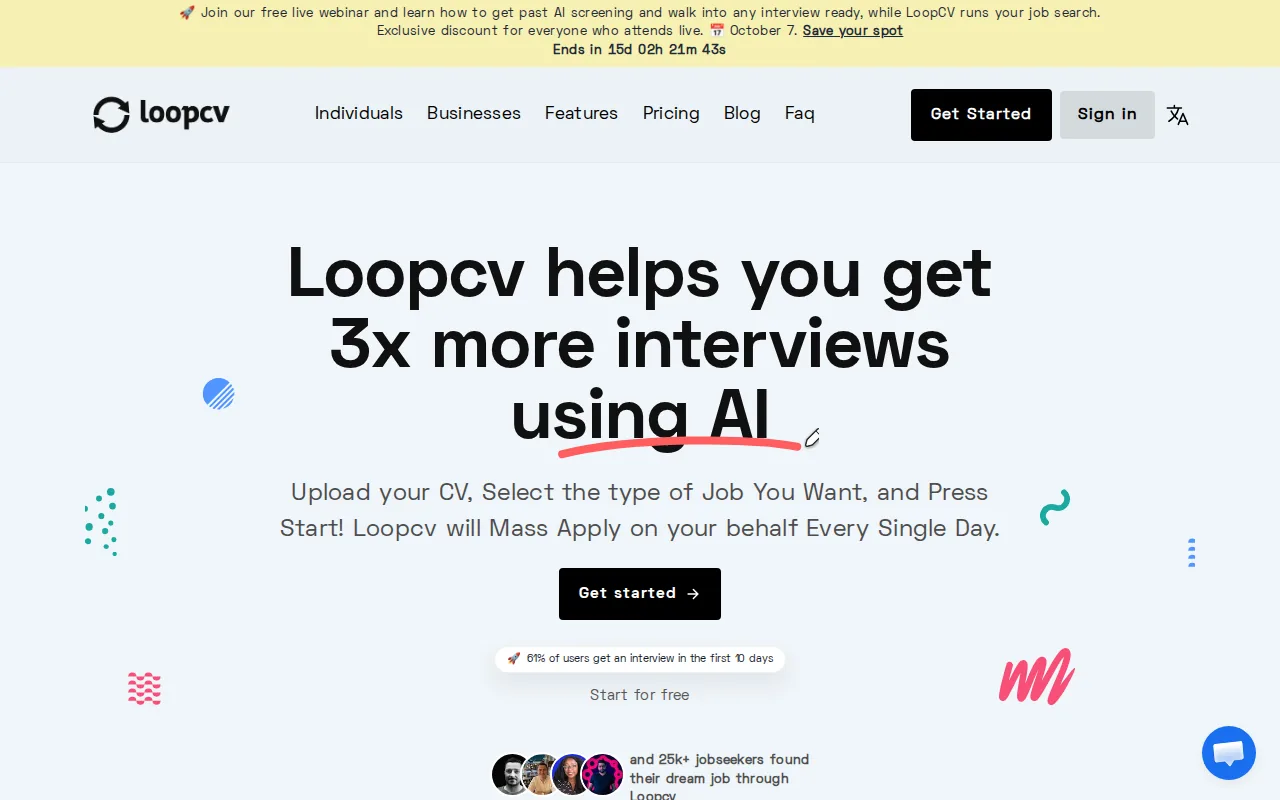
LoopCV can scan more than 20 job boards, send applications through ATS forms, and email recruiters. It also supports multiple resume versions, which helps you test whether a role-specific resume gets more responses.
That wider workflow is useful for people who want their search to keep running while they work. Still, automated outreach needs care. A message that sounds generic can waste a warm contact, so manual review is wise for recruiter emails.
Pick LoopCV when matching and outreach belong in the same system. Pick Apply with AI when each message needs a close human edit before it goes out.
9. AIApply, resume, cover letter, and interview support
AIApply covers most stages of a conventional job search. It can tailor resumes and cover letters, auto-apply to matched roles, track applications, run interview simulations, and provide live interview suggestions.
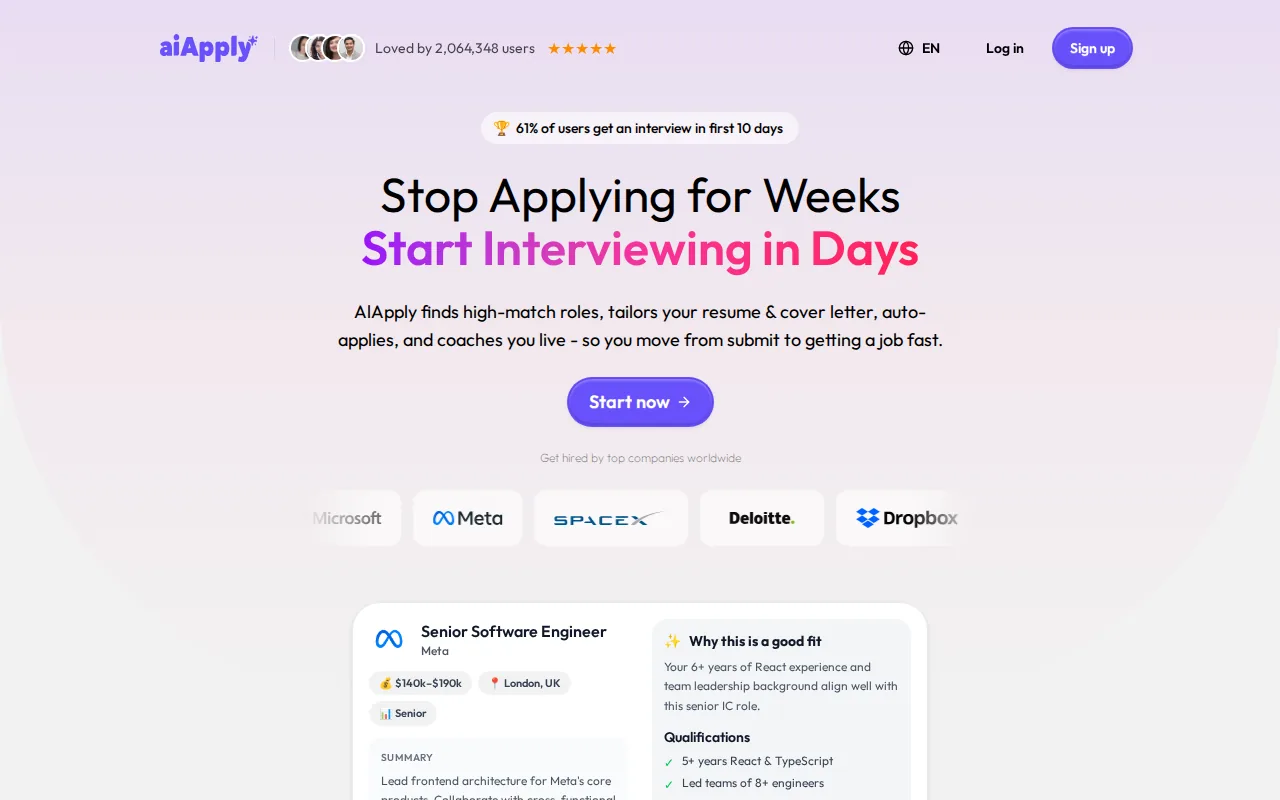
Its reported auto-apply limits reach up to 100 or 250 applications per month, depending on the plan. The platform also includes interview support, which fills a gap left by many browser autofill tools.
Interview practice is best used before the call. During a live interview, reading generated answers can make you sound stiff and can distract you from the conversation. Use the simulator to build your own answers, then speak naturally.
AIApply suits applicants who want one dashboard for materials, applications, and interview prep.
10. BetterApply, unlimited auto-apply with interview preparation
BetterApply focuses on unlimited auto-apply plus AI interview preparation. Its strongest fit is a LinkedIn-heavy search where the user wants the system to handle a large number of submissions.
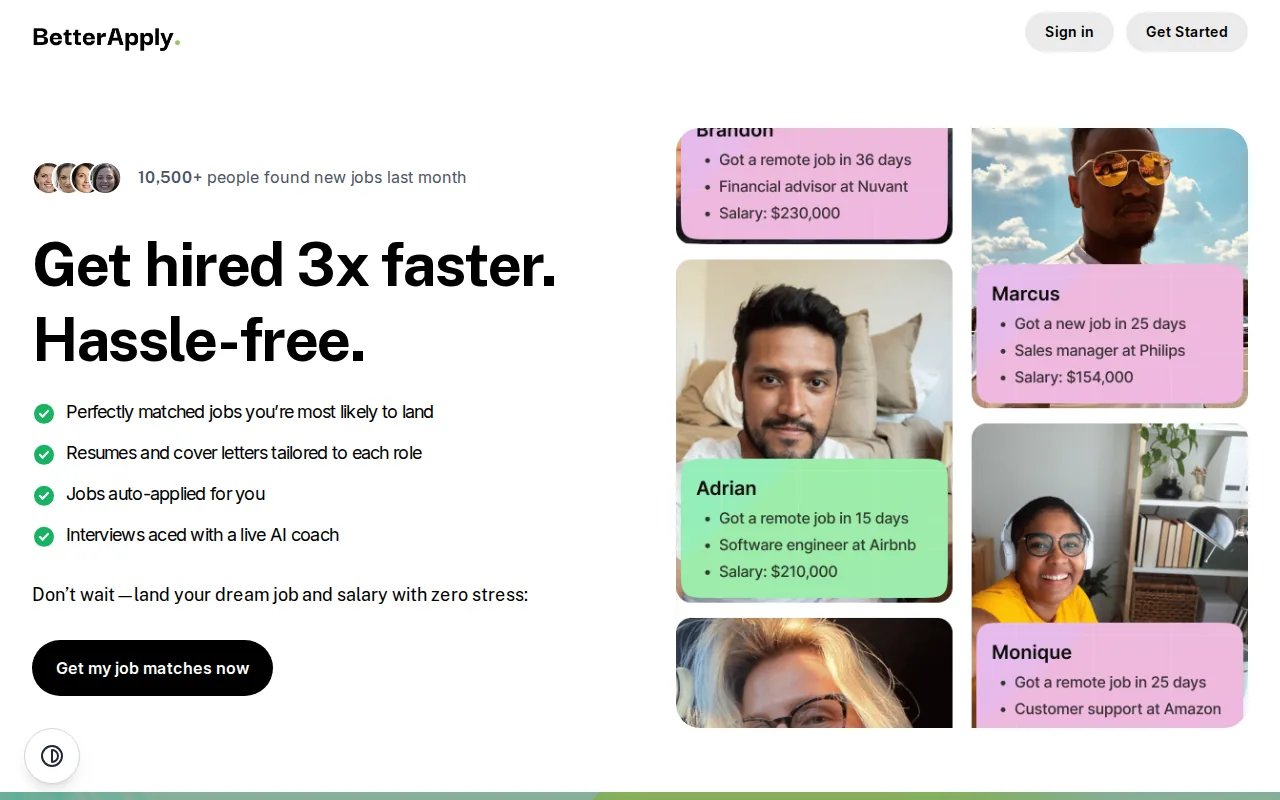
The hands-off model can save time during a broad search. It also creates a clear risk: more submissions can mean more weak matches. Review your filters often and keep your profile narrow enough to avoid roles you would decline anyway.
BetterApply is a reasonable option for applicants who value automation above control. It is a poor fit for freelancers whose work depends on a specific client brief, voice, or relationship.
AI Job Application Tools Compared
The best AI job application tools split into two groups. Autofill tools remove repeated typing while you review each application. Auto-apply tools handle more of the search and submission process, but they need tighter filters and more frequent checks.
Applicant tracking systems, often called ATS software, are built to collect and manage applications. Applicant tracking systems are part of recruiting workflows, which is why ATS support matters when you compare these products.
| Tool | Best fit | Control level | Main strength | Watch point |
|---|---|---|---|---|
| Apply with AI | Upwork and LinkedIn outreach | Manual final send | Scoring and tailored drafts | Not built for bulk auto-submit |
| JobWizard | Traditional ATS applications | Review before submit | Autofill and match checks | Less suited to freelance proposals |
| Sprout | Tailoring and tracking | Mixed | Keyword checks and dashboard | Generated copy needs review |
| JobCopilot | High-volume searches | Configurable | Large-scale job discovery | Broad automation needs strict filters |
| Simplify | Form entry | Manual submit | Browser autofill and tracking | Doesn't remove every click |
| LazyApply | Multi-board volume | Low to mixed | Auto-fill across job boards | Quality can vary by match |
| FastApply | Quick tailored submissions | Mixed | Resume and cover letter tailoring | Free use is limited |
| LoopCV | Matching and outreach | Mixed | Multiple resumes and recruiter email | Outreach needs a human check |
| AIApply | All-in-one job search | Mixed to automatic | Materials and interview support | Automation may need editing |
| BetterApply | LinkedIn-heavy volume | High automation | Auto-apply and interview prep | Less control over each send |
Before you pay, answer four questions: Where do you apply most often? Do you want to approve every send? Will you tailor the resume for each role? Do you need interview practice after the application?
Privacy deserves a check too. Read what the tool stores, whether it accesses your inbox, and how you can delete your data. AI systems can draft useful text, but artificial intelligence systems can still produce incorrect details when the source profile is incomplete.
Key Takeaway: Choose control-first tools for relationship-led outreach, and automation-first tools for broad searches with clear filters.Ready to keep control while cutting repetitive application work? Learn more about Apply with AI and review each draft before you send it.
Frequently Asked Questions
What is the best AI tool for job applications?
Apply with AI is a strong fit for freelancers and job seekers who use Upwork or LinkedIn and want to review every message. It scores opportunities and drafts tailored proposals, applications, and replies. If your goal is bulk ATS submissions, an autofill or auto-apply tool may fit better.
Are AI job application tools worth it?
AI job application tools are worth it when they remove repeated work without replacing your judgment. Autofill can save form-entry time, while tailoring tools can help you adapt a resume to a role. Auto-apply is less useful when your search depends on custom outreach or a close match.
Can AI apply to jobs automatically?
Yes, some AI job application tools can find matching roles, fill forms, and submit applications automatically. Others stop at autofill and require you to review the details. Check the submission mode before signing up, because automatic sending gives you less control over errors and poor matches.
Can AI tailor my resume for each job?
Yes, several tools can compare your resume with a job description and draft role-specific edits. The best result still needs a human check. Remove claims you can't support, keep your work history accurate, and make sure the final version sounds like you.
Which AI tool helps with interview preparation?
AIApply includes interview simulation and live interview support, while JobCopilot and JobWizard also include interview-related features in their broader workflows. Use these tools mainly for practice before the call. Reading generated answers during an interview can make your response sound unnatural.
Conclusion
Choose Apply with AI if you apply through Upwork or LinkedIn and want faster drafts without giving up the final decision. Start by installing the extension, set your filters, and review one tailored proposal before pressing Send.