Cover Letter Format: Sections, Layout & Examples
Learn the standard cover letter format, what to include in each section, how to keep the layout easy to read, and when a letter can help.
Publisher disclosure: Apply with AI makes the extension discussed on this site. Product mentions and comparisons reflect that commercial interest.
Editorial update · October 29, 2026: removed unsupported research claims and reviewed unrelated links. The original publication date is unchanged.
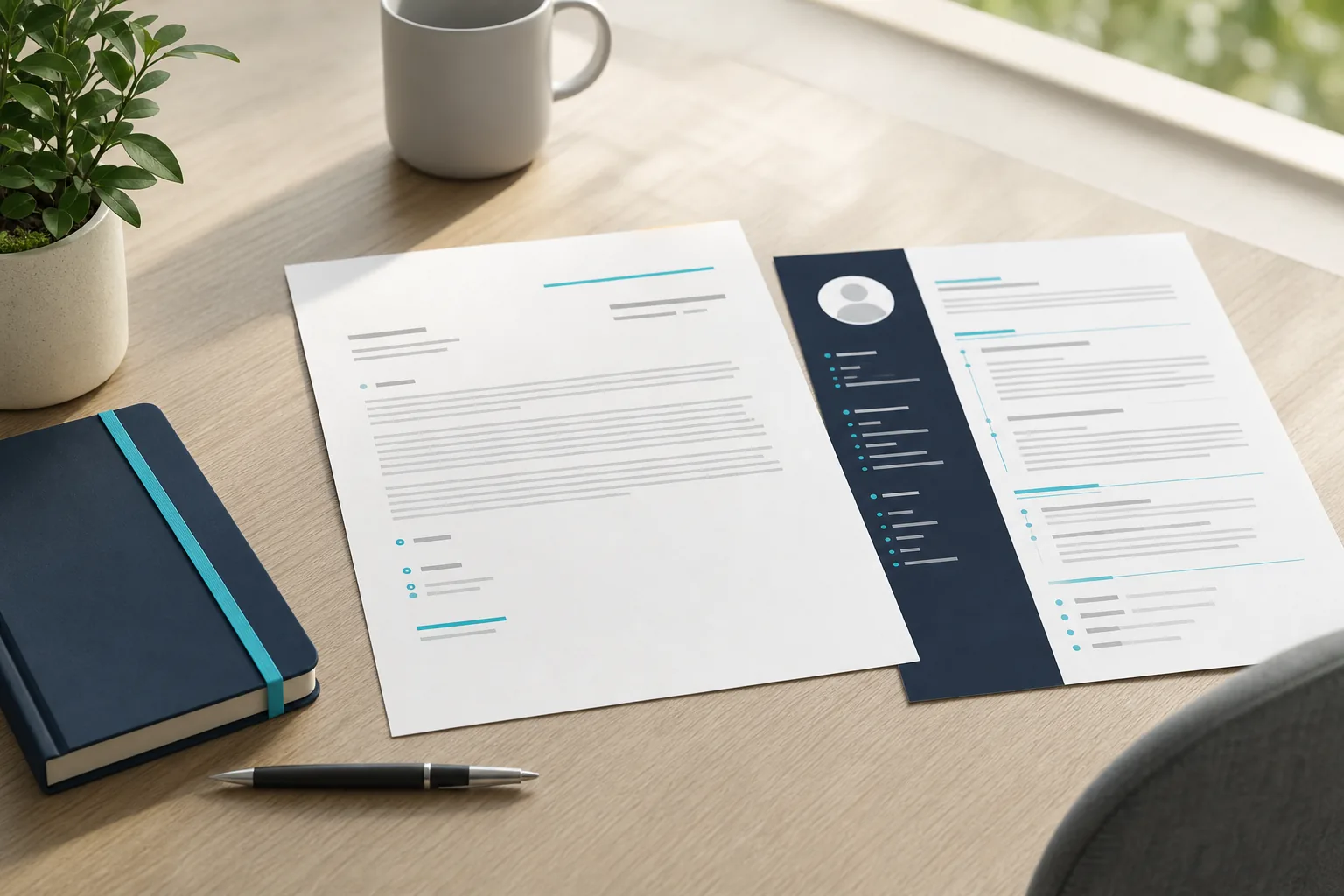
A cover letter can feel like one more form to fill out. But the right structure makes it easier to show why you fit a specific role. One small section is often missed: the header that matches your résumé. Here’s how to build the letter, shape each paragraph, and keep the page easy to read.
Table of Contents
- The Standard Cover Letter Format, Section by Section
- How Layout, Spacing, and Fonts Affect Readability
- Make Each Paragraph Specific, Relevant, and Concise
- When to Include a Cover Letter and How to Close
- Cover Letter Format FAQ
- Conclusion
The Standard Cover Letter Format, Section by Section
A cover letter has a clear path: identify yourself, greet the reader, explain your interest, show relevant proof, then close with a next step. Those four main parts are the heading, introduction, argument, and closing.
Think of the page as a short business letter. The header should match your résumé, so a recruiter can quickly connect the two documents. Include your name and contact details, then the date and the employer’s contact details when you have them.
Next comes the greeting. Use the hiring manager’s name when you can confirm it. If you can’t, “Dear Hiring Manager” is clear and professional. Avoid gendered titles when you’re unsure of someone’s gender.
The opening paragraph names the role and gives a specific reason you want it. The body then connects one or two relevant parts of your experience to the job’s needs. Your closing restates the fit, thanks the reader, and says what you’d welcome next, such as a conversation.
Sign off with “Sincerely” or “Regards,” followed by your name. Keep the sign-off warm but professional. This traditional structure is a useful base, but the employer’s tone can guide small choices.
A matching cover letter template for the role you want can help you see where each section sits before you draft. Treat it as a frame, not a script. Your details should still come from the job posting and your own work.
Key Takeaway: Give each section one job, and make the header look like it belongs with your résumé.How Layout, Spacing, and Fonts Affect Readability
Good layout helps a reader find the point without working for it. Use a simple page structure with one main text column. Keep your name and contact details near the top, and leave enough space between sections for the page to breathe.
Use a font that’s easy to read at normal size. A plain, familiar typeface is a safer choice than decorative lettering. Keep headings and body text consistent, and use bold sparingly. If your résumé uses a restrained color accent, you can repeat it in a small detail, such as a heading line.
Spacing should make the letter feel calm, not crowded. Standard professional letters are single-spaced unless the employer asks otherwise. Leave a blank line between paragraphs so the page still feels open.
For an application system, keep important words in ordinary text. Don’t put your name, role, or key details inside an image. A clean, single-column page with standard section labels is easier for both software and people to scan. Follow the employer’s file and formatting instructions if it gives them.
A basic layout might look like this:
- Your name and contact details, followed by the date.
- The employer’s contact details, then a greeting.
- A short opening, one or two focused body paragraphs, and a closing.
- A professional sign-off and your name.
Before you settle on a design, compare it with your résumé. Your documents don’t need identical styling, but they should look like a set. If you’re choosing among layouts, these cover letter template examples can help you compare a standard page with shorter online-form versions.
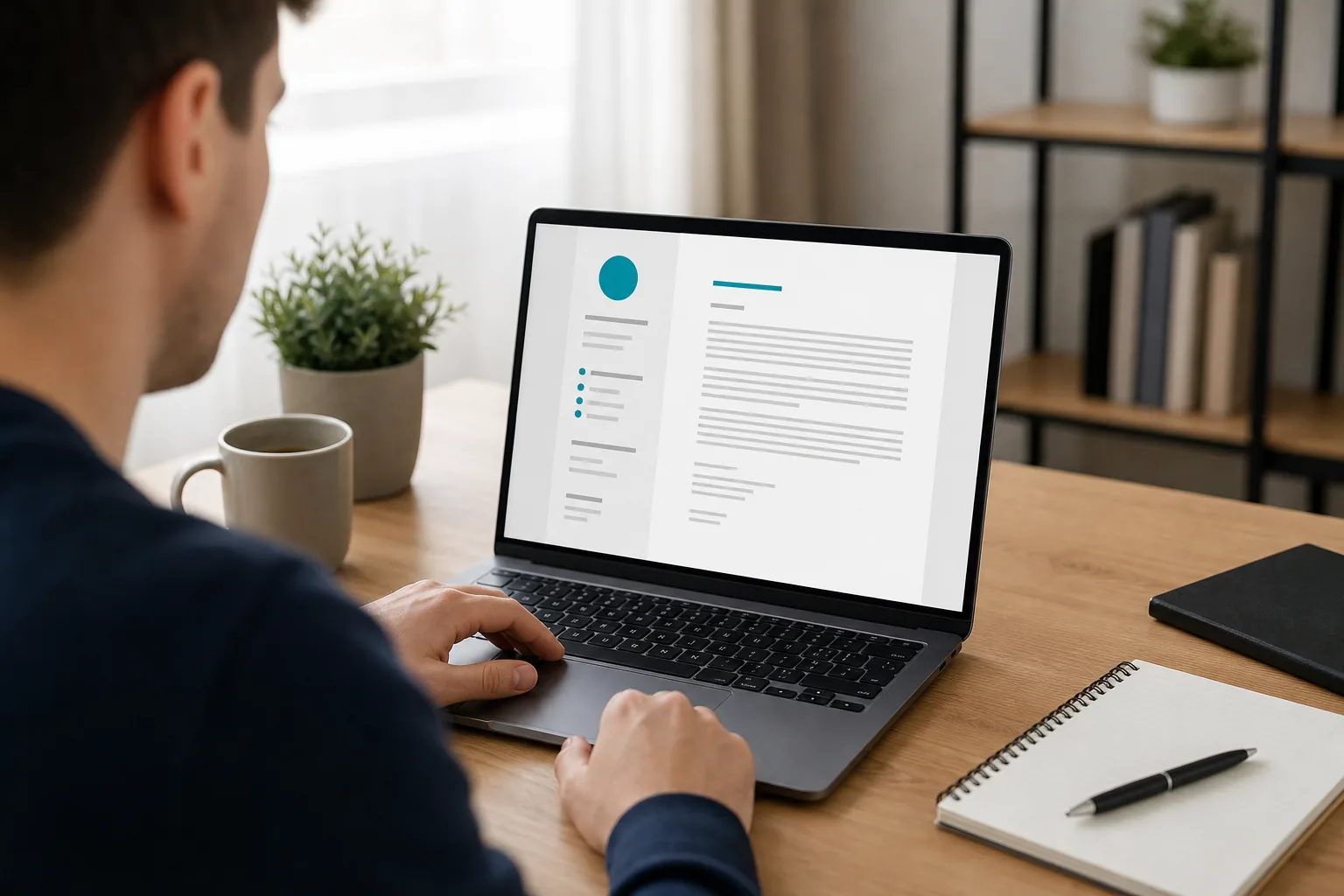
One more check: zoom out until the whole page fits on screen. If the text looks dense, cut a sentence or add breathing room before changing to a smaller font.
Make Each Paragraph Specific, Relevant, and Concise
Each paragraph should answer a different question. The opening answers, “Why this role?” The body answers, “What have I done that fits?” The close answers, “What should happen next?” If two paragraphs do the same work, combine them or remove the weaker one.
Start with the job description. Mark the skills or tasks that appear central to the role. Then choose a true example from your work that shows one of those skills in action. A specific example is more useful than calling yourself organized, creative, or results-driven.
For instance, instead of writing “I’m a strong communicator,” describe a time you explained a technical change to a client or helped a team resolve a problem. Keep the detail tied to the job. A hiring manager should be able to see why that example belongs in this letter.
Use the résumé as a source, not a second copy. The letter can explain the meaning behind a listed achievement, or connect two experiences that make your fit clearer. If you’re changing fields, name the link between your past work and the role you want. You can also explain why the move makes sense now.
Keywords from the posting can help when they’re accurate. Use the employer’s wording for a skill you truly have, then support it with an example. Don’t paste a string of terms into a sentence just to make it look tailored. A person should be able to read the claim and understand what you actually did.
Try this quick edit: underline each sentence that adds a new fact, example, or reason for your interest. If a sentence only praises the company in broad terms, repeats your résumé, or describes a trait without proof, rewrite it or cut it.
For more models of how evidence can fit different roles, browse these cover letter examples for different roles. Use the structure, but replace the sample details with facts from your own background.
Apply with AI can help job seekers prepare tailored application text for LinkedIn or employer websites. Treat any draft as a starting point. Check every claim and make sure it sounds like something you’d say in an interview.
Pro Tip: Read the letter aloud. If a sentence sounds like a slogan instead of your own words, make it more specific.When to Include a Cover Letter and How to Close
Include a cover letter when the employer asks for one. If it’s optional, decide whether you have something useful to add. A letter can explain a career change, a gap, a referral, or a strong reason for choosing that employer. If you have no new context to share, a generic note may add little.
Hiring teams don’t all treat cover letters the same way. Some may not read one, while another decision-maker may use it to understand your interest or background. That uncertainty is why a short, role-specific letter makes more sense than a long template sent to every employer.
Use the closing to bring your main point back to the job. Thank the reader, then say you’d welcome the chance to discuss how your background fits. Purdue OWL’s cover letter closing advice notes that you should follow through if you promise to contact the employer. If you don’t plan to follow up, don’t say that you will.
Use the requirements of the role you are applying for to decide what your letter should explain.
Apply with AI supports job seekers working through LinkedIn and employer-site application workflows. You can review the text it drafts, and auto-submit can be turned off. Keep that final review in your hands, especially when a letter includes a personal reason or a claim about your past work.
Cover Letter Format FAQ
What is the standard format for a cover letter?
A standard cover letter starts with your contact details and the date, then greets the reader. The opening names the job and your interest. The body connects relevant experience to the role. A short closing thanks the reader and signals interest in a conversation, followed by a professional sign-off and your name.
How long should a cover letter be?
A cover letter should be long enough to make your case and short enough to read quickly. For many roles, a few focused paragraphs are enough. Keep only details that explain your fit or interest. If an employer gives a word limit or asks for a short note, follow that instruction first.
Should my cover letter match my résumé?
Your cover letter and résumé should look like they belong together, especially in the header. Use a similar font and restrained color choices, but keep the letter easy to read on its own. The content should add context to the résumé instead of repeating its bullet points word for word.
Do I need a cover letter if it’s optional?
You don’t always need one when it’s optional. Include it when you can explain a specific reason for wanting the role or clarify something your résumé can’t show. Skip a generic letter that only repeats your job history. Always follow the employer’s instructions if it asks you not to send one.
Conclusion
Use a simple structure, then make every paragraph earn its place with a true detail tied to the job. Before you submit, check the header against your résumé and confirm the employer’s name and role are correct. Then read the letter once more for clarity.