Best Freelance Proposal Template Tools
Compare freelance proposal template tools for tailored drafts, visual design, interactive documents, pricing, scope, and client onboarding.

Sending proposals can feel like pitching into a void. The right freelance proposal template tool can cut repeat writing, but your judgment still matters. Here are 10 options, starting with a tool that helps you assess fit and draft while keeping the final send in your hands.
Table of Contents
- Apply with AI
- ProposalForge AI: Cross-platform proposal drafting
- Proposaly: AI cover letters for multiple freelance platforms
- BidPilotPro: Upwork and Freelancer.com bidding assistance
- Quick Proposal: Proposal drafts with starter credits
- FreelanceDesk: Reusable freelance business documents
- Bookipi Proposal AI: Branded proposal generation
- Piktochart: Design-led freelance proposal layouts
- Qwilr: Interactive web-based proposals
- Hubflo: Proposal workflow for service businesses
- Compare the freelance proposal template options
- Freelance proposal template FAQ
- Conclusion
1. Apply with AI
Apply with AI is a Chrome extension for freelancers who want help finding suitable Upwork projects and writing tailored proposals without handing off the final decision. It also supports job seekers applying through LinkedIn and employer career sites, so it fits people who move between freelance work and job applications.
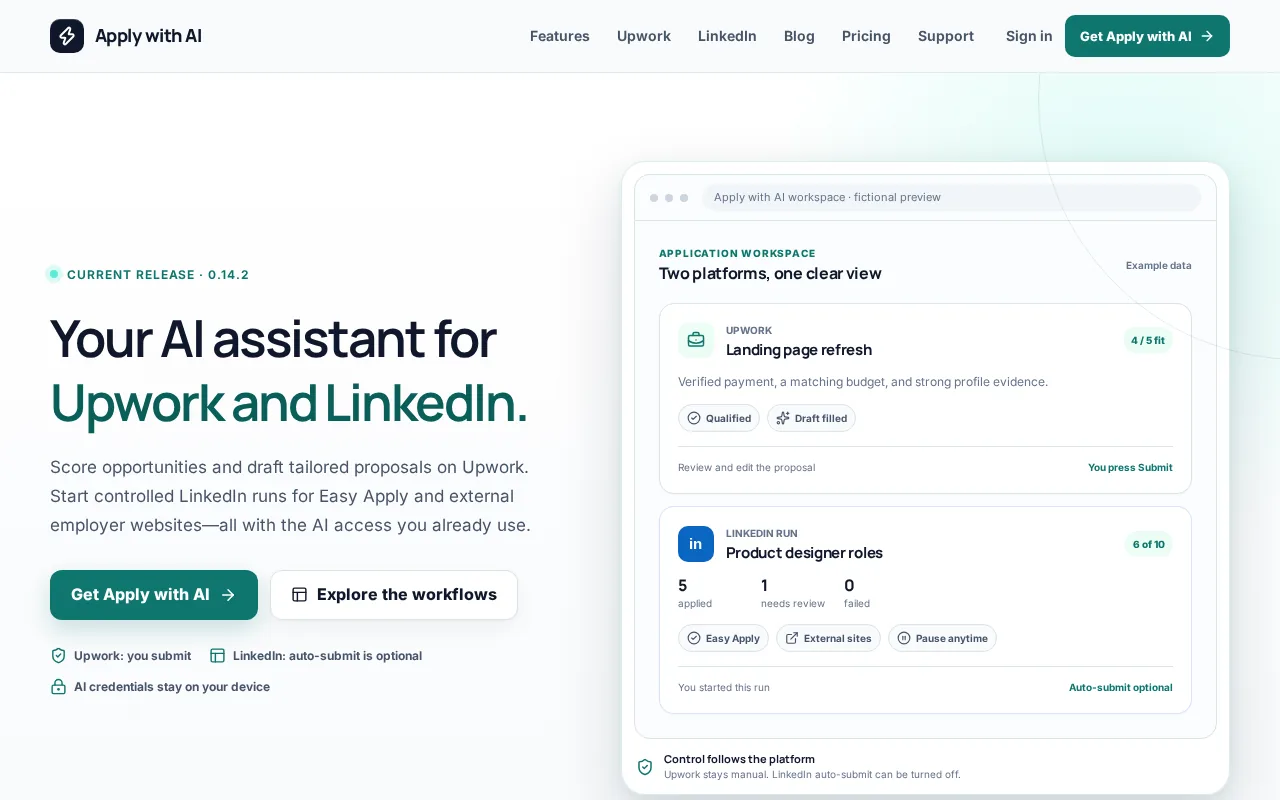
For Upwork, the extension can score and filter jobs, qualify opportunities, then draft or fill proposals, screening answers, and replies using your own AI provider. You review the wording and press Send or Submit yourself. It doesn’t automatically submit Upwork proposals or send messages. On LinkedIn and external sites, applications happen within a run you start, and auto-submit can be turned off.
That review step matters. A proposal is a pitch for a specific project, not a generic bio. It should show that you understand the client’s request, point to relevant work, and make the next step clear. Apply with AI can help prepare that draft, while you check every claim before it goes out. The Apply with AI workflow is best suited to people who want help with both job fit and writing.
Use it when your challenge starts before the proposal form, such as sorting through jobs that don’t match your skills. If you already have a steady stream of qualified leads and mainly need a polished document layout, a design or document tool may suit you better. For more options in the application-writing category, see this comparison of AI proposal generator tools.
2. ProposalForge AI: Cross-platform proposal drafting
ProposalForge AI is a Chrome extension for freelancers who want proposal drafts across several marketplaces. It works on Upwork, Fiverr, LinkedIn, and Freelancer.com, making it one of the broader options in this shortlist.
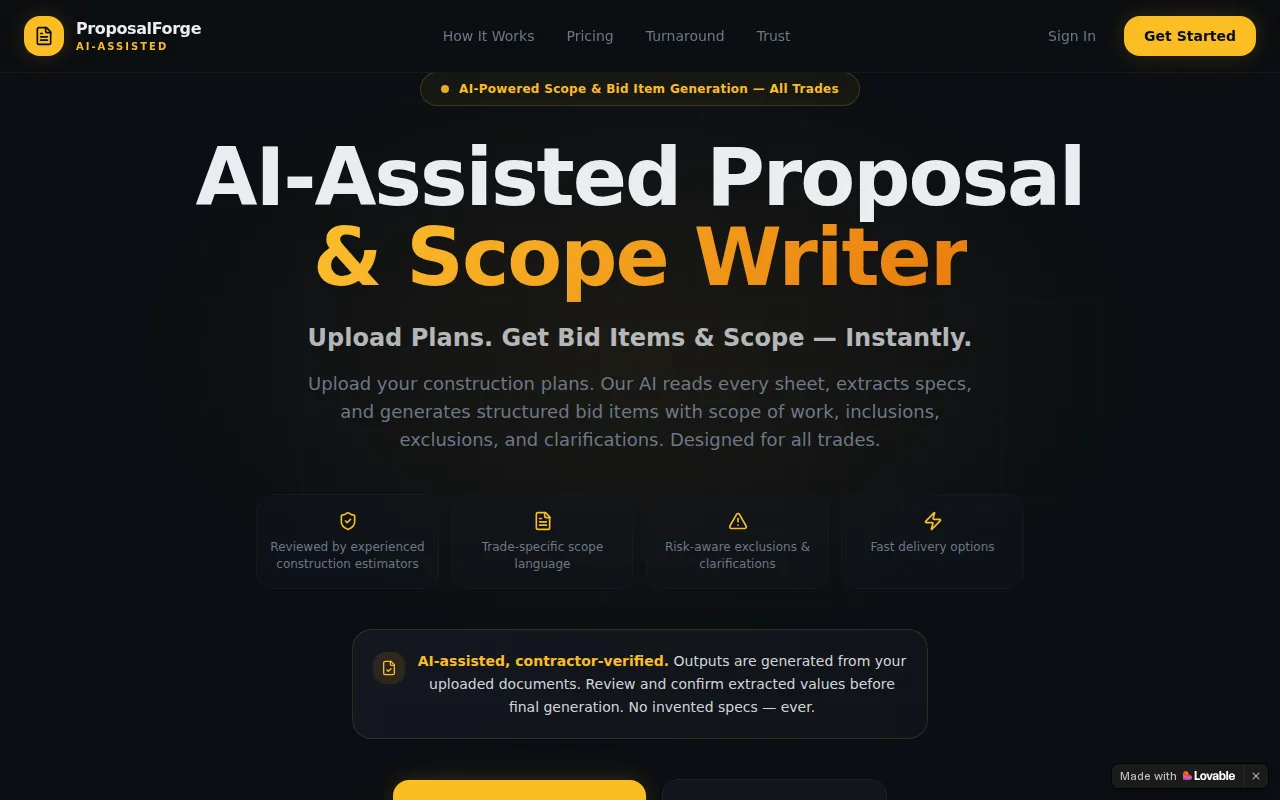
Its AI proposal writer generates a draft in under 10 seconds. Treat that speed as a starting point, not a reason to submit without checking the draft. Compare its claims with the job description, remove details that do not fit, and include only work examples and experience you can verify.
The free tier includes five proposals per month. Before choosing a tool, check whether that allowance suits how often you apply and review current plan details, since terms can change. A proposal still needs your review: confirm that the scope, qualifications, and any rate you mention match the job and your expectations.
The trade-off is that a draft is still a draft. You need to confirm the work example fits the job and that any rate suggestion matches your own scope and costs. A quick draft can support your review, but it can’t replace your judgment about the brief or the working relationship.
3. Proposaly: AI cover letters for multiple freelance platforms
Proposaly generates AI cover-letter proposals and can be used across freelancing platforms. It may suit freelancers who want to draft proposals for more than one platform.
Review each draft before using it. Add relevant details about the project and your experience, and check that the wording accurately reflects your skills and role. Don’t let an AI-generated pitch claim results or skills you can’t support.
Proposaly focuses on cover-letter proposals. If you also need to assess job fit or prepare replies, compare that narrower task with a workflow tool such as Apply with AI. Before using any extension on a client platform, review its data practices and the permissions it requests.
4. BidPilotPro: Upwork and Freelancer.com bidding assistance
BidPilotPro is a Chrome extension for freelancers bidding on Upwork and Freelancer.com. Its features include one-click proposal drafting, past-work matching, job alerts for saved filters, and a message copilot for client replies.
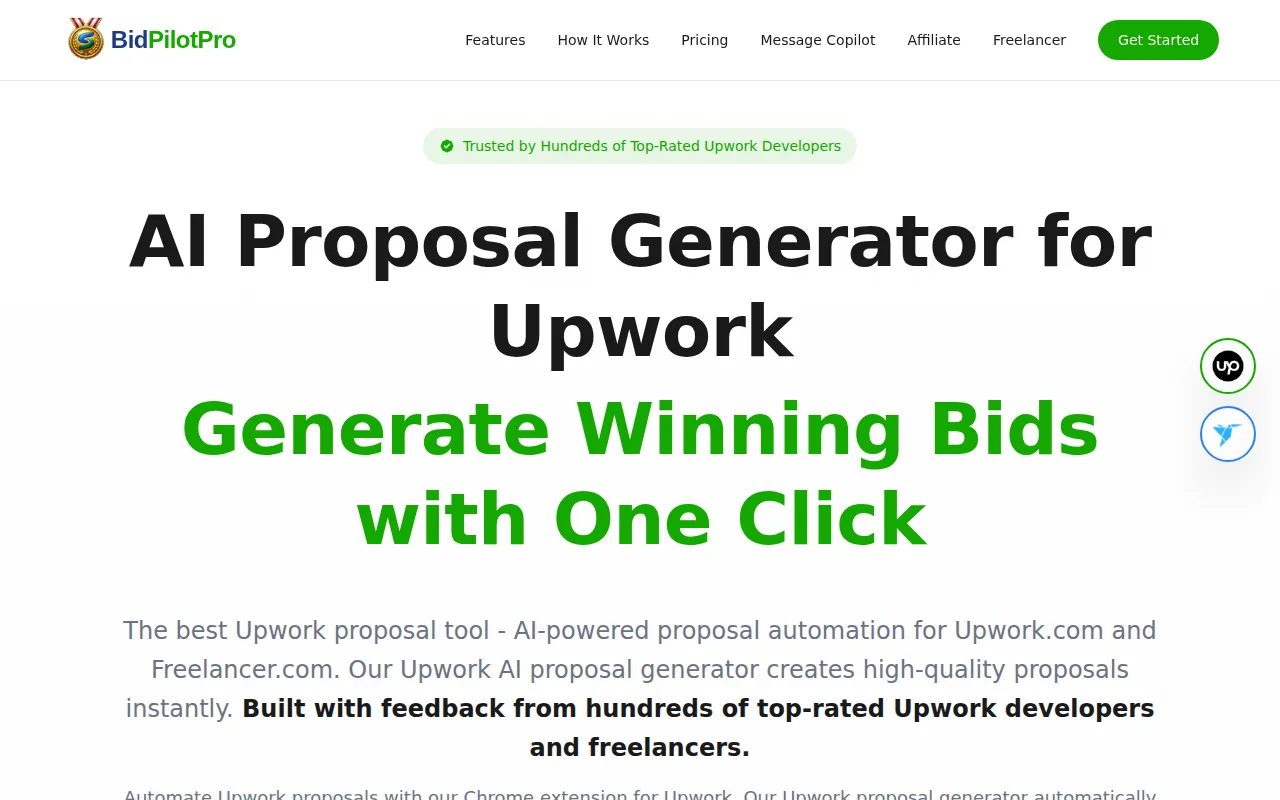
BidPilotPro auto-generates personalized proposals with best-matching past work. It also offers a message copilot. If you often bid on projects where your portfolio spans several skills, matching past work may help you select an example that fits the brief.
BidPilotPro also offers proposal automation. That makes it different from tools centered on drafts that you send yourself. Read the settings and submission flow closely before you use it, then decide how much control you want the extension to have. A fast bid is still a poor choice if you haven’t checked the scope, client request, or proposal details.
This is a marketplace bidding tool, not a cross-platform proposal template library. It fits an Upwork or Freelancer.com workflow; freelancers applying through LinkedIn will need something else.
5. Quick Proposal: Proposal drafts with starter credits
Quick Proposal is a Chrome extension for freelancers who want help assessing job fit and preparing tailored drafts. It supports Upwork, LinkedIn Jobs, Fiverr, Freelancer.com, and Contra.
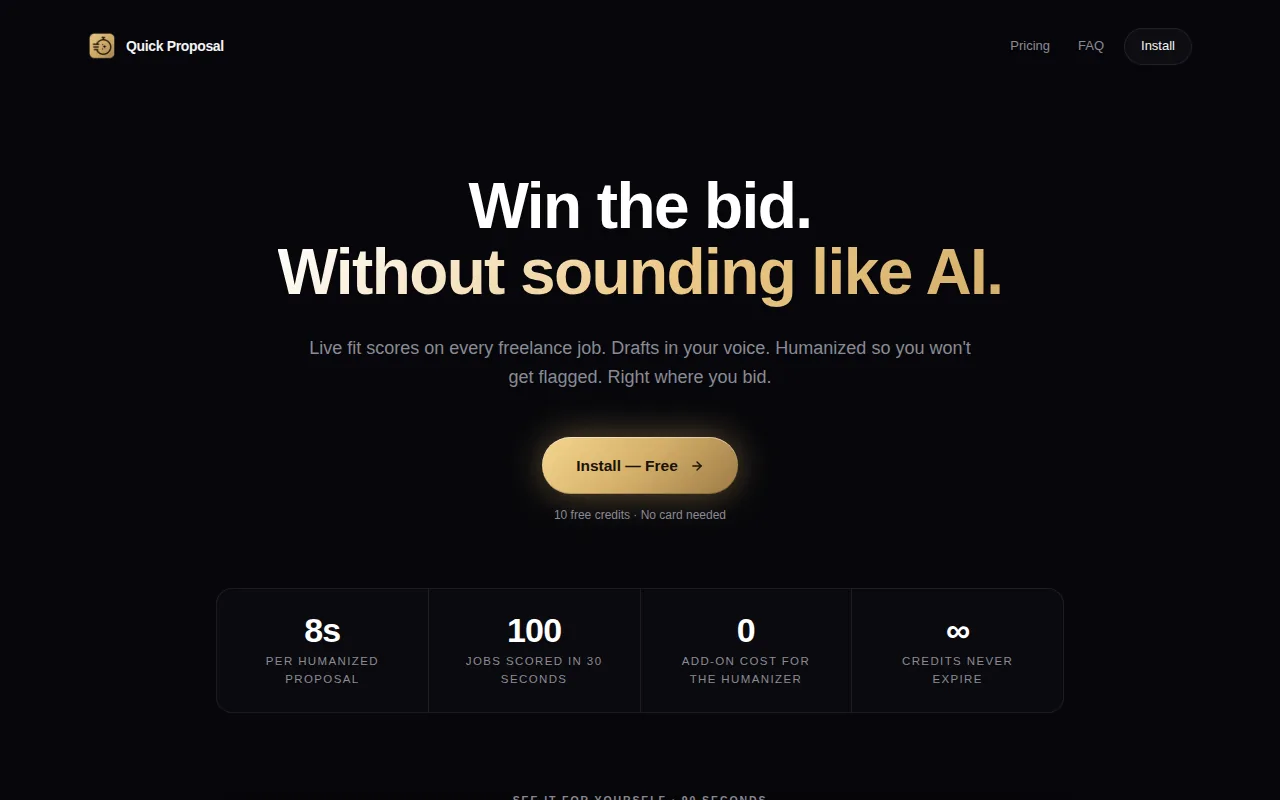
New accounts get 10 free credits, with no credit card required, and each draft includes five free refinements. Use the starter allowance to try the tool on an opportunity you would genuinely consider. Read the job post first, identify the client’s main requirements, and compare them with your relevant experience before relying on any generated wording. Check which actions use credits and what limits apply before spending them.
As you revise a proposal, make sure the examples, rate, and timeline accurately reflect what you can offer. A tool’s output is a starting point: remove claims you can’t verify and tailor the message to the specific job. These checks help you decide whether the available credits and refinements fit your workflow without treating a larger number of drafts as a goal in itself.
Quick Proposal may suit a freelancer who wants a single extension across several job sites. Apply with AI is another option: on Upwork, it scores and filters jobs and drafts or fills proposals and replies; you review the work and press Send or Submit. If you work mainly on Upwork, this comparison of auto-bidding and AI proposal writing can help clarify how much submission control you want.
Pro Tip: Before using a proposal draft, check the client’s exact ask, the sample you cite, and any price or timeline you mention. Remove a claim if you can’t verify it.A tool that makes more drafts isn’t automatically a better choice. The useful one helps you spend attention on jobs that fit.
6. FreelanceDesk: Reusable freelance business documents
FreelanceDesk is a Chrome extension for freelancers and small business owners who need reusable business documents, not only proposal copy. Its document types include proposals, quotes, invoices, contracts, and non-disclosure agreements.
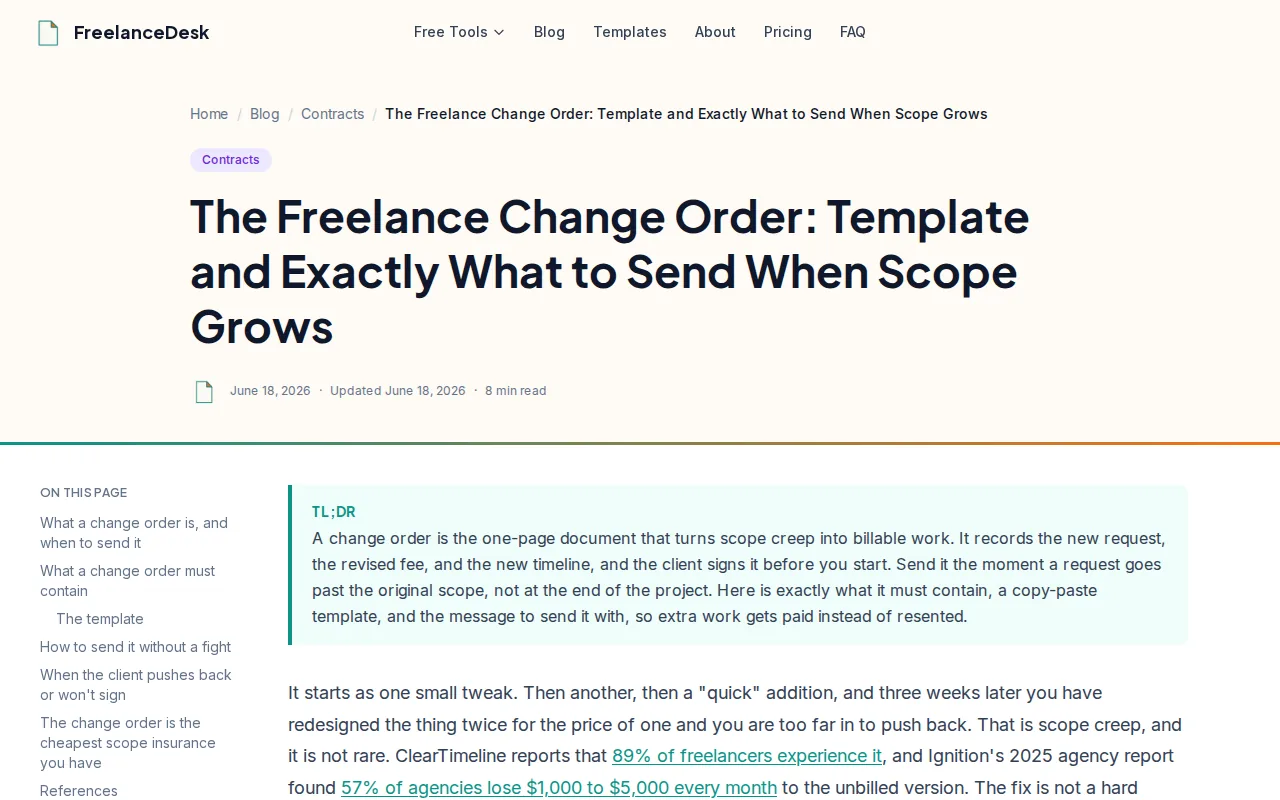
The free version includes 15 documents, five clients, and three template styles per document type. Client details can be saved for later documents, which may help when a repeat client asks for a new quote or a related project proposal.
This kind of tool is useful after you’ve talked with a client and need to set out the scope, price, and terms in a consistent format. It is less focused on finding freelance jobs or writing a short platform cover letter. The proposal and contract being available in one tool can be convenient, but they still do different jobs.
Review the current product terms and storage notes before putting client information into any document tool.
7. Bookipi Proposal AI: Branded proposal generation
Bookipi Proposal AI is designed for freelancers and small business owners who want to turn business details into an editable proposal draft. It can be useful when the client already has a defined project and you need to present the scope and payment plan clearly.
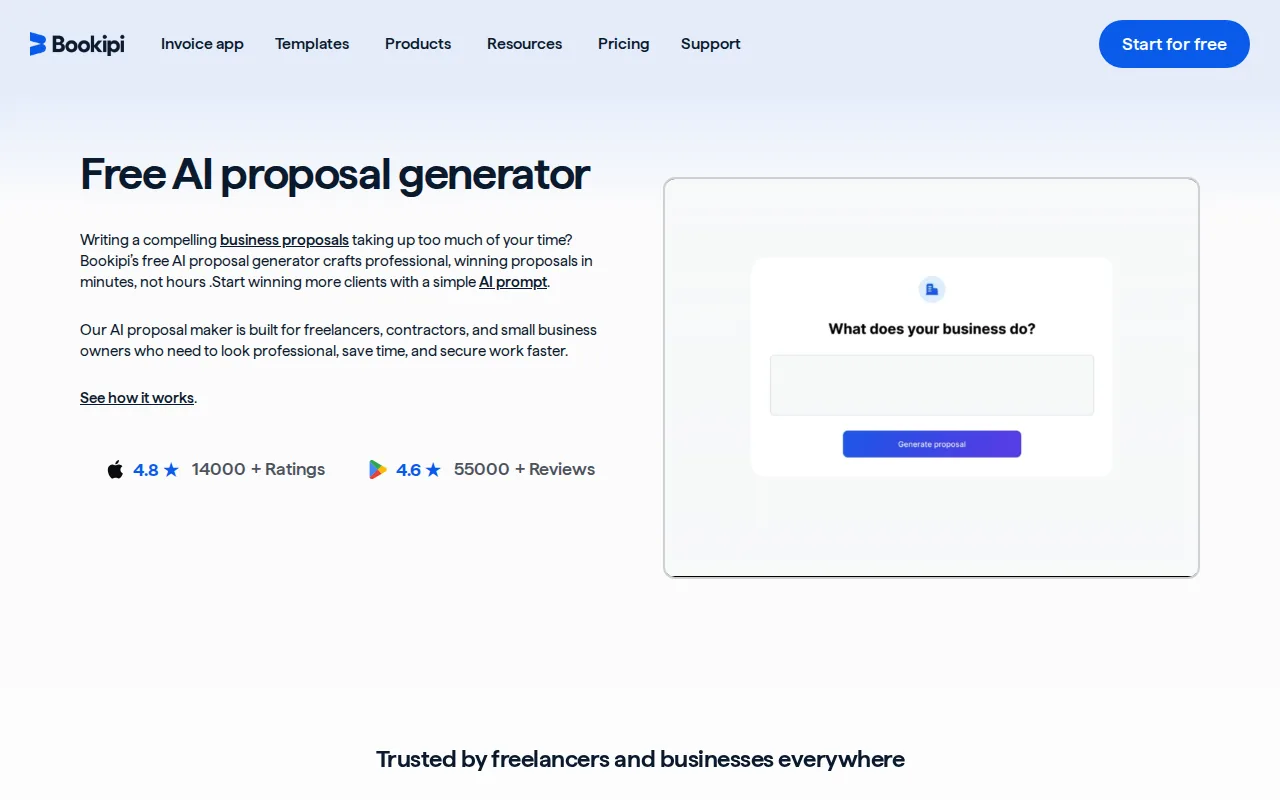
Bookipi’s AI proposal maker works from a prompt and can include service details, terms, and images, with editable sections, branding changes, and payment options in the same workflow. A free plan is available for the core proposal maker. Check the current plan terms and available features before building your full process around it.
Give the tool enough detail to work with. A prompt should name the client’s goal, your deliverables, any limits on revisions, the expected timeline, and how you’ll charge. Then review the generated text. A clear-looking proposal can still include an unclear scope or a billing term you didn’t mean to set.
Bookipi is a fit when you want a branded business document and related payment steps. It isn’t primarily a job-search tool, so a freelancer who needs help choosing opportunities may want a separate workflow for finding and qualifying work.
8. Piktochart: Design-led freelance proposal layouts
Piktochart is a design tool for freelancers who want a more visual proposal.
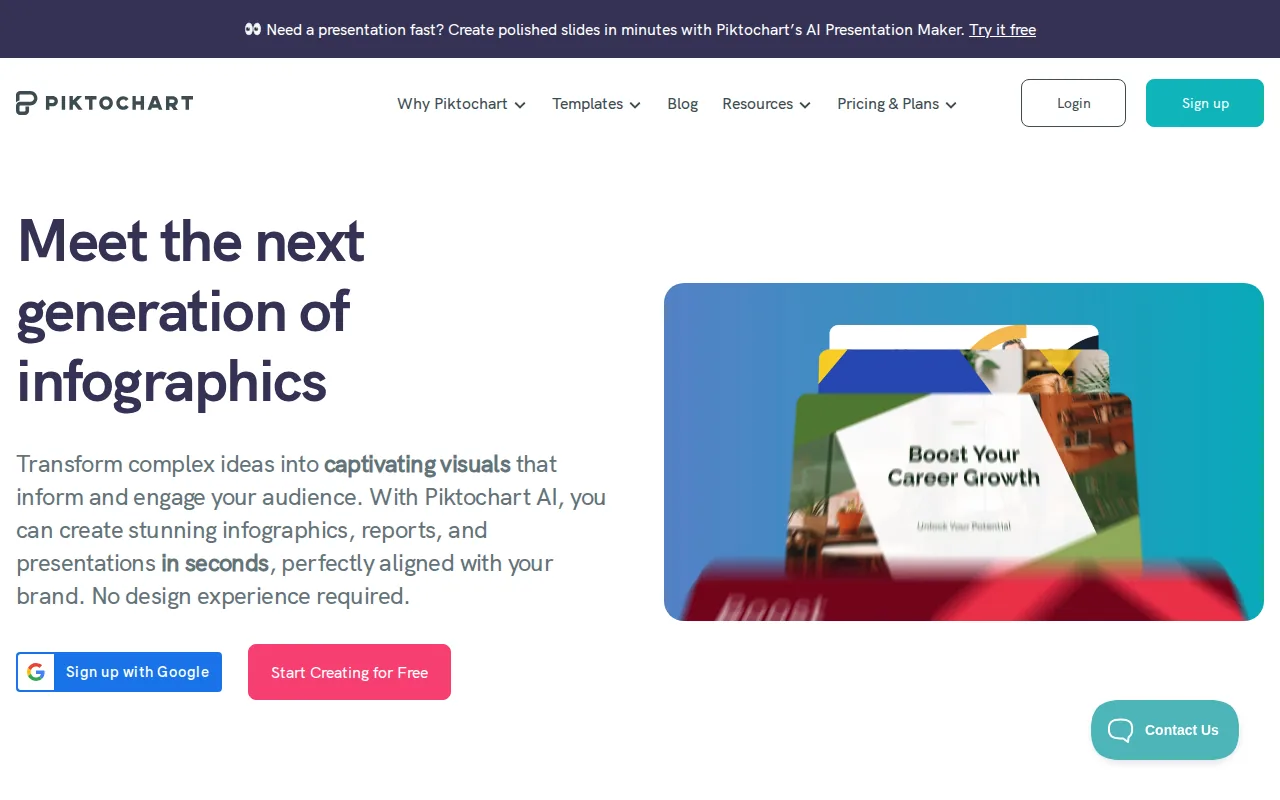
A visual proposal can help a client scan a complex project, especially when the work itself involves design, marketing, or a process that benefits from a simple chart. Keep the design in service of the decision. A graphic should explain a milestone, compare options, or show what the client will receive. Decorative pages add reading time without answering the client’s questions.
Build the content before polishing the look. Include a short overview, the problem you’re addressing, the work included, a timeline, pricing, terms, and a clear next action. Use one or two relevant examples. Don’t add unsupported performance claims just to make the page feel persuasive.
Piktochart makes sense when presentation is part of your pitch. If the client needs a short cover letter inside a freelance marketplace, a design-first document may be more than the job calls for. Match the format to how the client will review and approve the work.
9. Qwilr: Interactive web-based proposals
Qwilr turns proposals into interactive web pages. It supports embedded video, interactive pricing, and e-signatures, which can suit service businesses that need to present options or explain a larger scope.
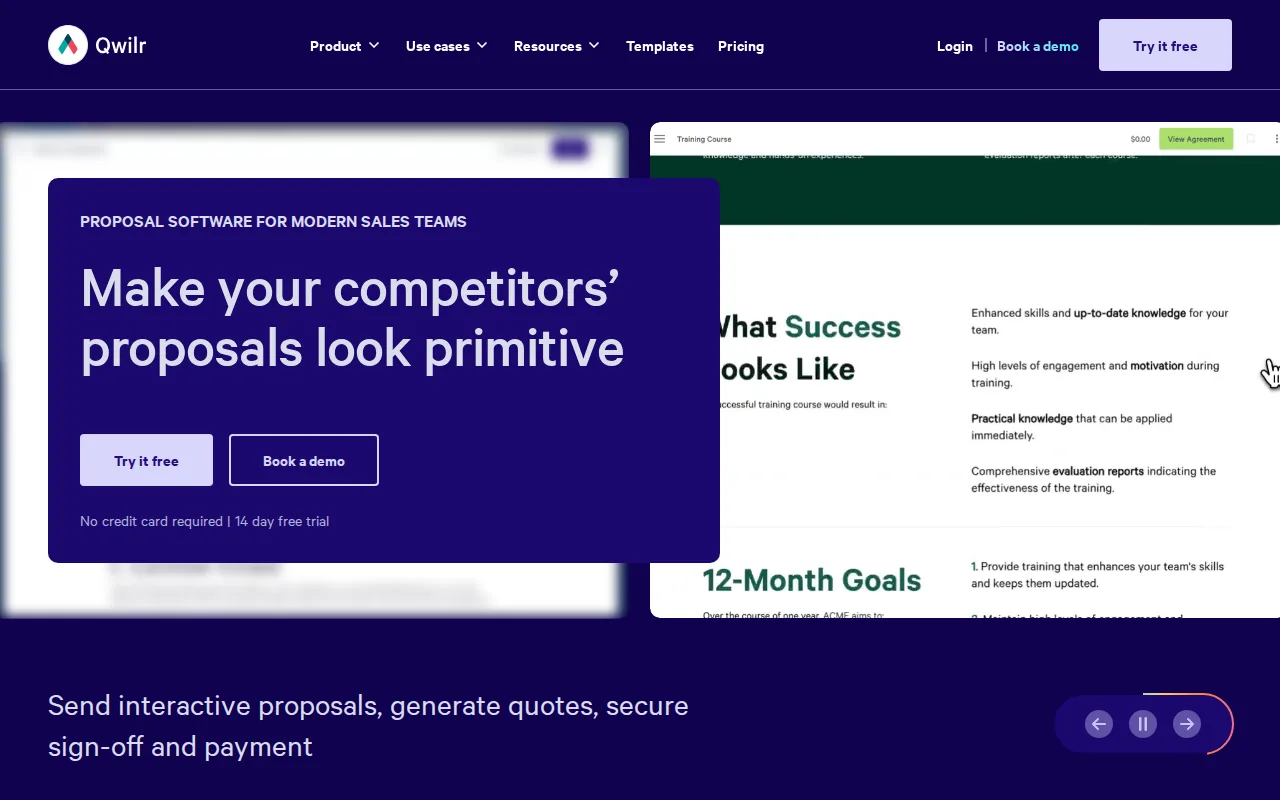
Instead of sending a static PDF, you can use a web-based proposal to show the work in a format that supports media and adjustable pricing. A video walkthrough can explain a process that’s hard to describe in a paragraph. An interactive price table can let a client compare package choices, as long as the differences are clear and the scope for each option is defined.
The format takes planning. A proposal page should load with the client’s decision in mind. Put the outcome and scope where they can find them, not several screens below a long introduction. Also decide whether the client needs to sign the proposal or whether you’ll send a separate contract after they accept.
Qwilr is likely a stronger match for proposals that need interaction than for a brief Upwork cover letter. If you mostly send short pitches, a reusable text template may be quicker to maintain.
10. Hubflo: Proposal workflow for service businesses
Hubflo is aimed at service-based businesses that want proposals within a broader client workflow.
This setup may help a small service firm that moves from a signed proposal into client onboarding. The proposal can state the work and terms, while shared files support the next handoff. That can reduce the need to piece together documents across separate systems, though you should confirm which features and plan options are available for your account.
Before drafting, gather what the client needs to provide. A short intake questionnaire can ask about goals, current tools, decision dates, access needs, and who approves the work. Use the answers to make the proposal specific. If key details are missing, mark them as open questions instead of guessing.
Hubflo is more suited to a service workflow than an individual freelancer who only needs a cover letter. If you already use separate tools for billing or client files, compare the value of moving those steps together against the time needed to set up another system.
Compare the freelance proposal template options
A freelance proposal template is a reusable frame for a client pitch. It saves time on structure, but the details still need to change for each client. For a marketplace cover letter, keep the opening direct and brief.
| Option | Best fit | Key decision |
|---|---|---|
| Apply with AI | Job fit plus user-reviewed drafting | Do you want help choosing opportunities as well as writing? |
| ProposalForge AI | Drafts across several marketplaces | Will its five-proposal monthly allowance cover your use? |
| Proposaly | AI-generated cover letters for any freelancing platform | Do you need proposals usable across platforms? |
| BidPilotPro | Upwork and Freelancer.com bidding and messages | Are you comfortable with its automated bidding workflow? |
| Quick Proposal | Freelancers who bid on Upwork, Fiverr, LinkedIn, Freelancer.com, or Contra | Do its free credits and refinements fit your needs? |
| FreelanceDesk | Reusable documents, clients, and template styles | Do its document, client, and template limits fit your needs? |
| Bookipi Proposal AI | Branded proposals | Does its free core proposal maker fit your needs? |
| Piktochart | Visual proposals | Will graphics help explain the work? |
| Qwilr | Interactive web proposals | Does the client need embedded media or flexible pricing? |
| Hubflo | Proposal and service-business workflow | Would contracts, billing, and file sharing fit your process? |
What to put in the proposal
Use the template to keep the structure steady, then tailor the message to the brief. A client should be able to find these parts without hunting:
- Overview: Restate the client’s goal in their words, then say what you propose.
- Scope: Name the work and deliverables. Note what isn’t included.
- Timeline: Set a start point and milestones. Mention what you need from the client to stay on schedule.
- Pricing: Explain the fee and payment schedule. For milestone work, tie each payment to a stated phase.
- Terms: Include revision limits, cancellation terms, ownership, and any key assumptions.
- Call to action: Ask for one next step, such as confirming the scope or choosing a package.
Show competence with evidence, not broad claims. Pick one or two relevant samples and explain why they match the client’s need. If you have a verified result, give context so the client knows what you did. A small value-add, such as a quick audit note or a useful resource, can show how you think. Keep it limited so you don’t give away the paid work.
Proposal or contract?
A proposal explains the work you’re asking the client to approve. A contract sets the agreed legal terms. Some tools include contract features, but that doesn’t mean every proposal is a complete contract. For complex work, unclear ownership, or high financial risk, get qualified legal advice. Don’t copy terms you don’t understand.
Set expectations for outcomes with care. You can state what you’ll deliver and how you’ll measure it. Avoid promising a result you can’t control. If a client cares about a KPI, explain what you’ll track and what conditions may affect it.
Key Takeaway: Use a template for repeatable structure, then personalize the problem, proof, scope, and next step for every client.Freelance proposal template FAQ
What should a freelance proposal include?
A freelance proposal should explain the client’s goal, the work you’ll do, the timeline, the price, key terms, and the next step. Add relevant proof, such as a work sample or a clear example of similar work. A reusable freelance proposal template can hold these sections, but tailor the details to the client’s request each time.
How do I personalize a freelance proposal template?
Personalize a freelance proposal template by referring to a specific need in the client’s brief, then connect that need to your approach. Use the client’s terms when they’re clear. Add one relevant sample and ask a focused question if a key detail is missing. Check every claim, rate, and timeline before sending.
Is a proposal the same as a contract?
No. A proposal sets out the work you want the client to approve, while a contract records the terms both sides agree to follow. A proposal may include basic terms, but don’t assume it replaces a contract. For legal wording that affects your rights or payment, ask a qualified lawyer to review it.
Where can I find a free freelance proposal template?
You can use a document or design tool with a free plan, or start with a reusable template you build from the sections in this article. Several tools on this list offer free plans or starter credits, but limits vary. Check the current terms before you depend on a free allowance for client work.
Should I use AI to write freelance proposals?
AI can help draft a freelance proposal, but you should review it before sending. Confirm that the text reflects the client’s request and your actual experience. Remove made-up details and vague claims. A tool such as Apply with AI can assist with job fit and drafting, while you decide what to submit.
Conclusion
If you want help finding suitable jobs as well as preparing tailored pitches, start with Apply with AI and review each draft before you send it. Choose one relevant opening on Upwork or another supported site, check the fit, then edit the proposal against the client’s brief.