Best AI Tools for Freelancers: 9 Picks
Compare AI tools for freelancers, from proposal and writing support to design and project workflows. Find a tool that fits your work and budget.

AI can cut time spent on first drafts and admin, but mass applications aren’t a smart shortcut if the work isn’t a fit. Here are nine AI tools for freelancers, with a clear look at what each helps with and where you’ll still need to use your judgment.
Table of Contents
- Apply with AI
- Claude by Anthropic: for long briefs and detailed proposals
- Grammarly: for a polished final client-facing pass
- Canva Pro: for freelance design and visual content
- Descript: for podcast, audio, and video freelance work
- Bonsai: for proposals, contracts, time tracking, and invoicing
- HoneyBook AI: for client communication and meeting follow-up
- UpCat: for Upwork proposal drafting and job alerts
- Notion AI: for project notes and freelance workflows
- AI tools for freelancers compared by best-fit use case
- A quick fit check: niche, cost, privacy, and human review
- Frequently asked questions
- Conclusion
1. Apply with AI
Apply with AI is a Chrome extension for freelancers applying on Upwork and job seekers using LinkedIn or employer websites. It’s best for Upwork freelancers who want help sorting opportunities and preparing tailored proposals without handing over the final decision.
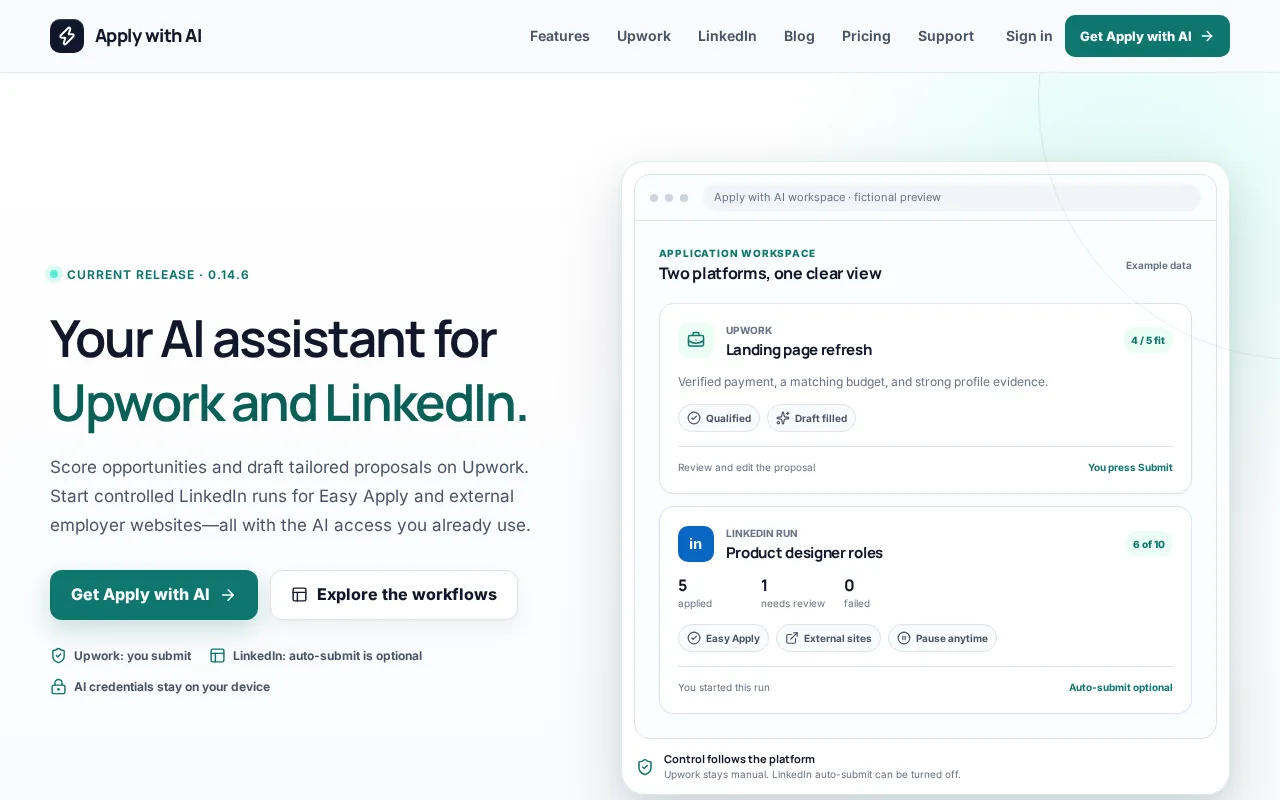
On Upwork, it can score jobs, apply saved filters, and help qualify opportunities. It can also draft or fill proposals, screening answers, and client replies using your own AI provider. You review the result and press Send or Submit yourself. It doesn’t automatically submit Upwork proposals or send messages.
That matters when each proposal needs to reflect a real project match. A job score can help you focus your time, but you still decide whether the client, scope, and pay make sense. For more on this workflow, see these AI proposal generator tools for freelancers.
For LinkedIn and supported employer sites, you start an application run. Auto-submit is on by default; turn it off if you want to check the details before an application goes out.
Pro Tip: Treat a draft as a starting point. Check every claim against your work history before sending it.2. Claude by Anthropic: for long briefs and detailed proposals
Claude by Anthropic is a writing assistant that can keep track of a long, detailed brief. It suits freelancers who write proposals, statements of work, or client content that must follow a style guide.
Give it the client’s scope, key requirements, and relevant examples, then ask for an outline or first draft. This can help when you need to respond to several parts of a brief without losing the client’s tone or priorities. For instance, you might ask it to map each request to a section in your proposal.
Still, a clear draft isn’t proof that every promise is accurate. Review the scope, timeline, and claims yourself. Claude has a free tier, but the details of a plan can change, so check current terms before relying on it for ongoing work.
3. Grammarly: for a polished final client-facing pass
Grammarly checks writing after you’ve drafted it, which makes it useful as a final pass on proposals, emails, and deliverables. It fits freelancers who already have a drafting process but want another check before a client sees the work.
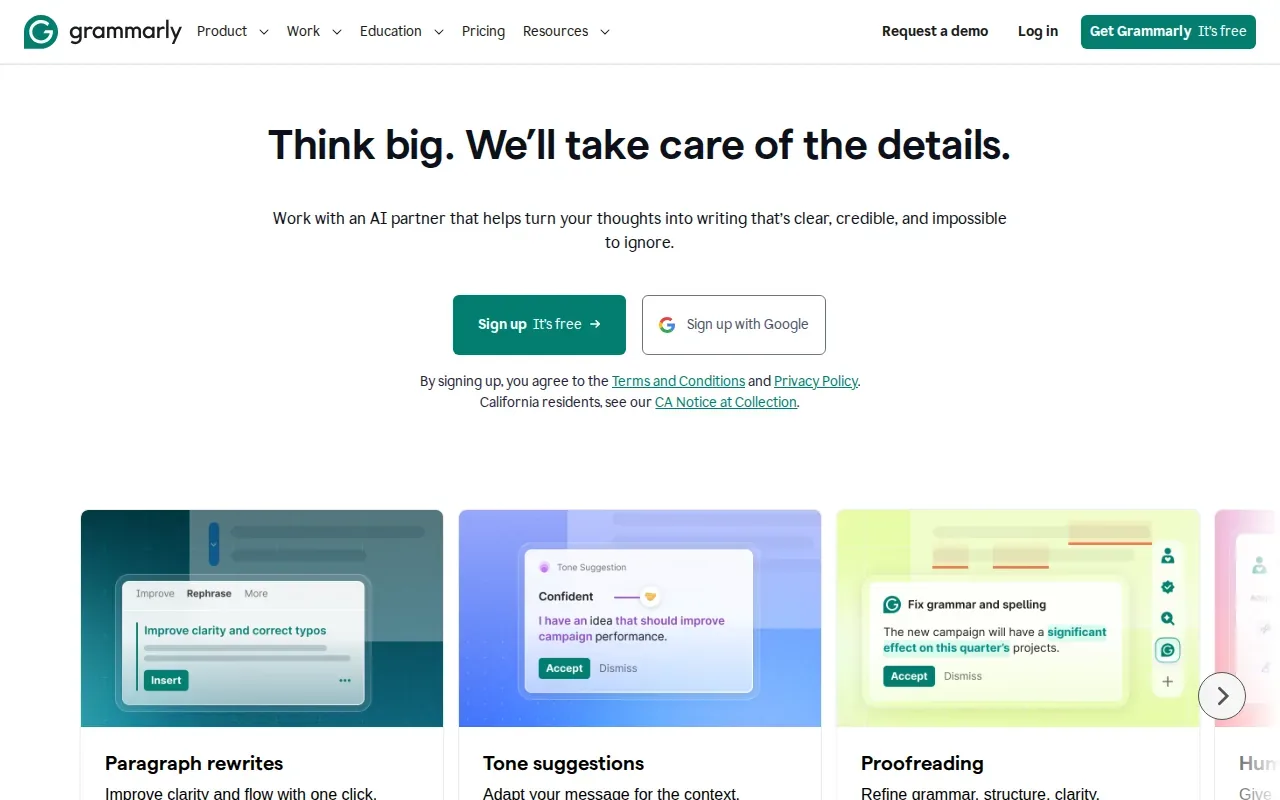
Use it to spot grammar issues or wording that may not match the tone you intend. A quick review can be helpful before sending a firm note about a late payment or explaining a change in scope. Grammarly has a free tier, so you can assess whether its review fits your routine before paying for more.
Don’t accept every suggested rewrite. A tool can flag a sentence, but you know the client relationship and the point you need to make. Keep the phrasing that sounds like you and says what you mean.
4. Canva Pro: for freelance design and visual content
Canva Pro is a design platform with AI tools for social content, photos, videos, and presentations. It’s a fit for freelancers who need to make visual work for clients, especially when the task is a presentation or a set of social assets.
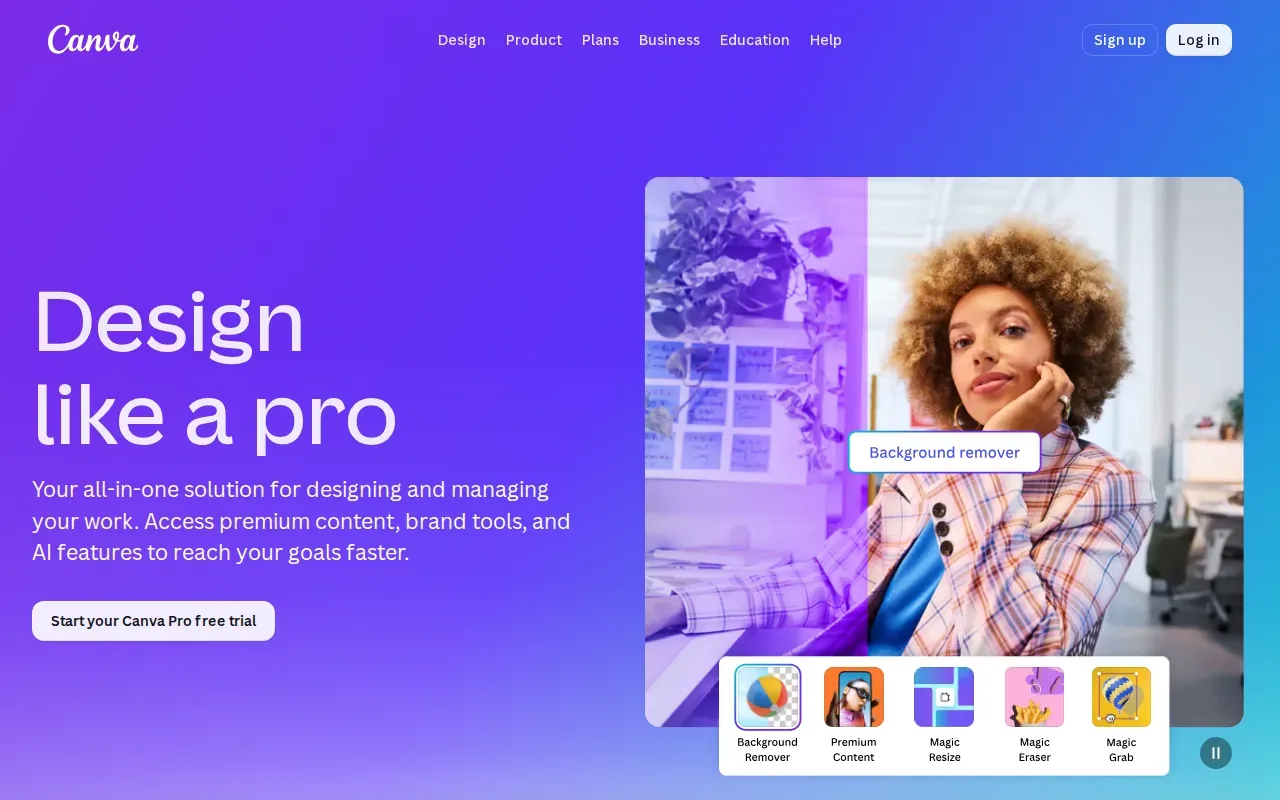
For example, a content freelancer can turn an approved campaign outline into a client-facing presentation, then prepare visual assets that match the brief. The AI layer can support parts of that work, but the final design still needs a human check for brand fit, accuracy, and readability.
Canva Pro is worth considering when visual work is part of your regular service. If you’re handling custom identity work, judge the output against the client’s actual brief rather than assuming a quick layout is ready to deliver.
5. Descript: for podcast, audio, and video freelance work
Descript lets you edit audio or video by editing its text transcript. It’s best for freelance video editors, podcast producers, and audio professionals who deliver spoken-word media to clients.
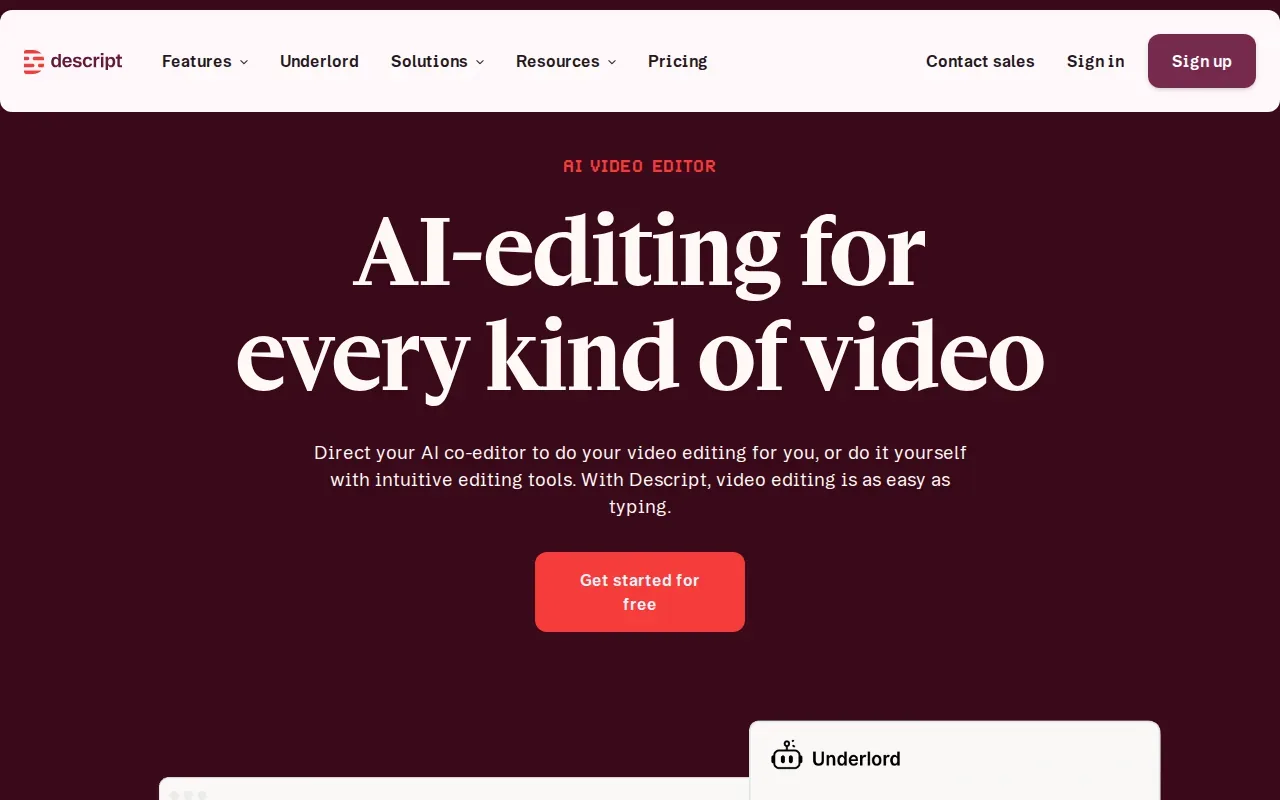
When you remove text from the transcript, the matching section of the recording is cut too. That can make it easier to find and remove a repeated phrase or reshape an interview without hunting through a long timeline. It also gives editors a text view of what’s in the media.
Transcripts can miss words, especially when speakers use niche terms or have hard-to-hear audio. Check the transcript against the recording before you make a cut. Descript has a free tier, which may help you test the text-based editing workflow before you use it on paid client work.
6. Bonsai: for proposals, contracts, time tracking, and invoicing
Bonsai is built for freelance business tasks, including proposals, contracts with e-signatures, time tracking, and invoicing. It suits solo freelancers who want those steps together instead of spread across separate apps.
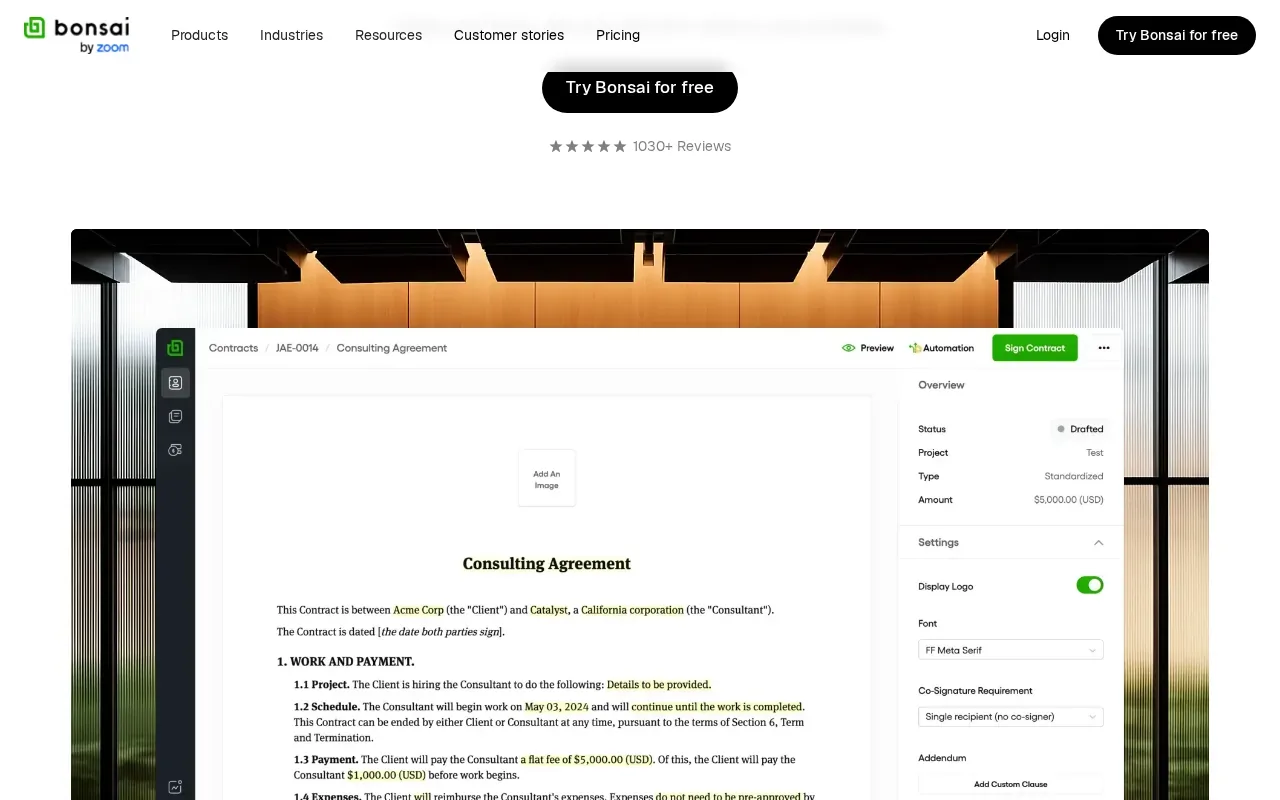
A linked timer and invoice workflow can help when you bill by the hour: track time on a project, then use those hours to prepare the invoice. Bonsai also supports recurring invoices and payment reminders. Its proposal and contract tools may be useful when you need a repeatable way to set out scope before work begins.
Check its current pricing and terms before moving client records or relying on it for billing. If your main need is a polished proposal document, compare that task with the workflow in these freelance proposal template tools.
7. HoneyBook AI: for client communication and meeting follow-up
HoneyBook AI helps with chat, email drafts, and meeting notes. It’s a fit for freelancers who want AI support in client communication and follow-up, using context about client relationships, projects, and finances.
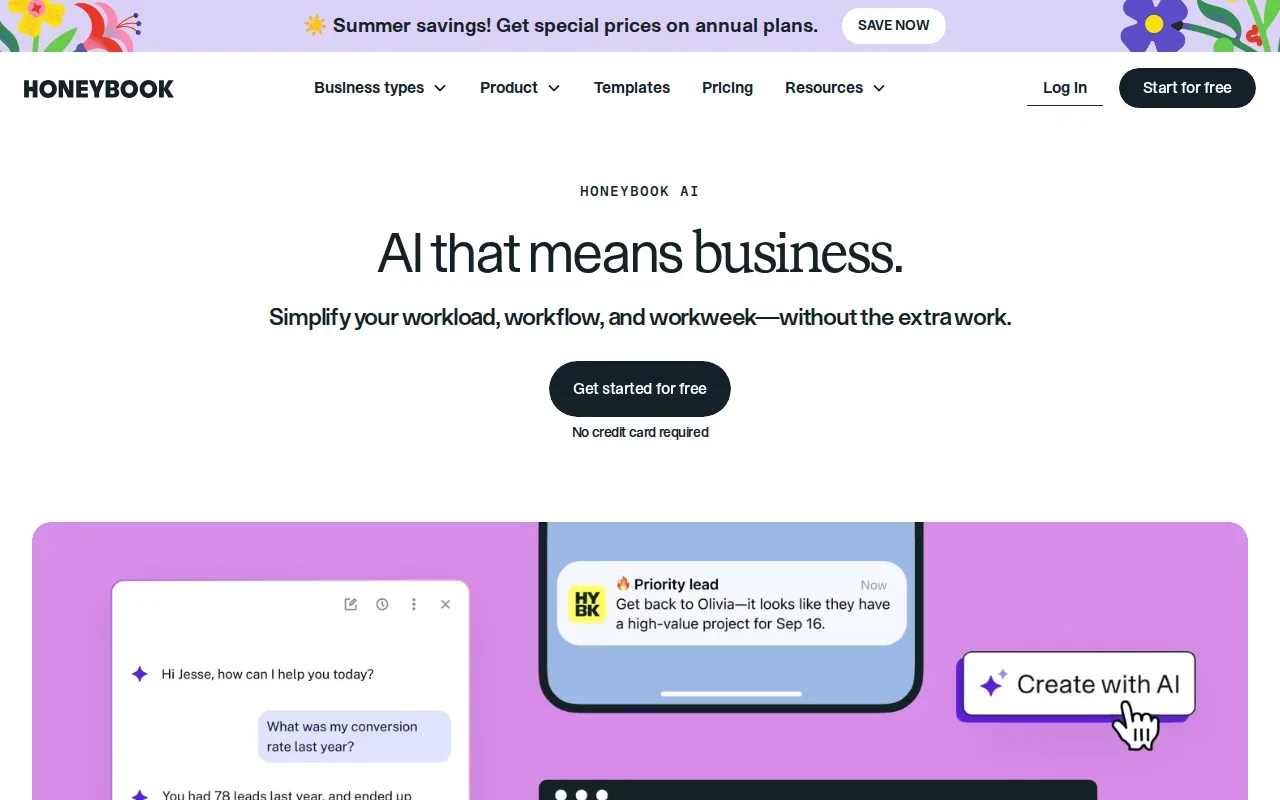
The tool can also learn a user’s brand, style, services, and tone of voice. That context may help when you’re drafting an update for a client whose project has several moving parts.
A drafted note still needs your review. Check that it reflects what was agreed, especially when a meeting changes a deadline or adds work. Keep sensitive details out of any tool unless its data terms fit your needs.
8. UpCat: for Upwork proposal drafting and job alerts
UpCat helps write personalized Upwork cover letters and provides real-time job alerts. It’s aimed at freelancers who want support drafting applications and spotting new opportunities on Upwork.
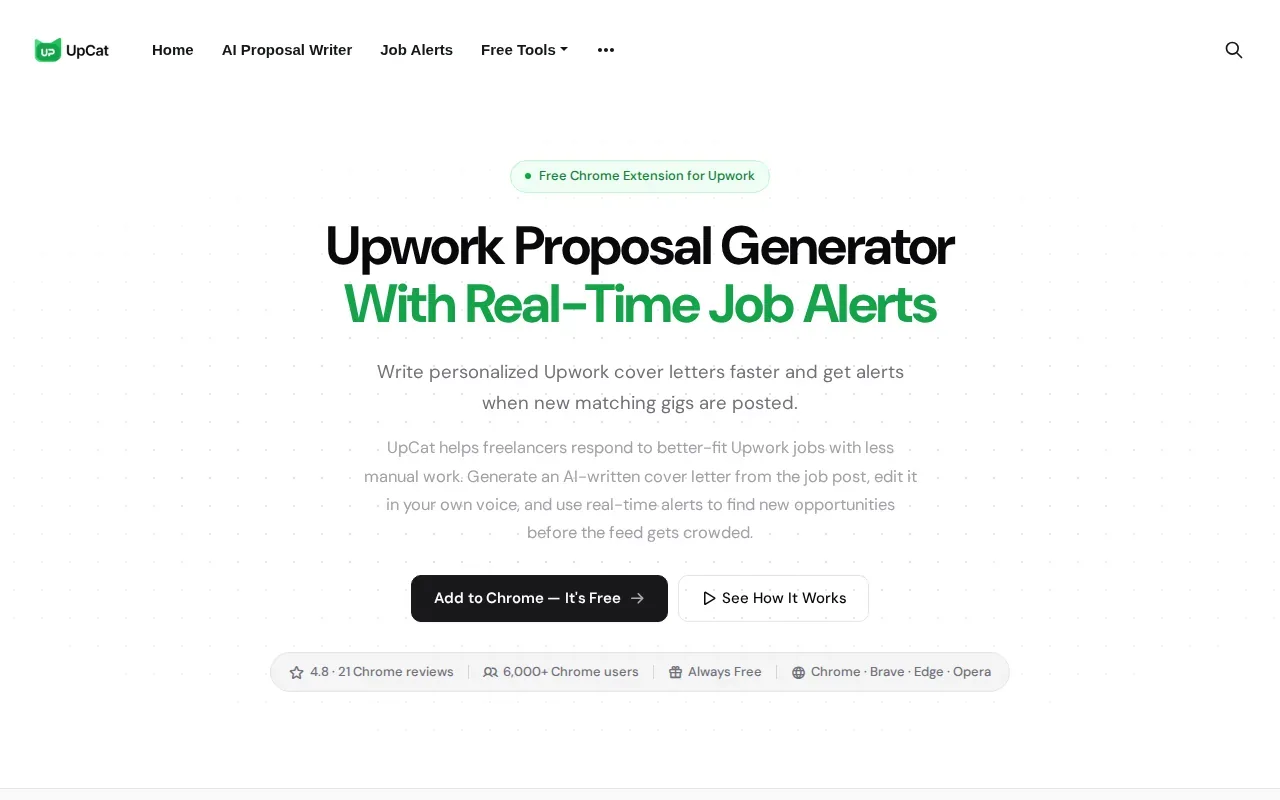
Use a draft as a base, then make sure it speaks to the specific project. A proposal that repeats a generic pitch may be quick to send but can miss the client’s actual needs.
UpCat is a focused choice for Upwork applications. If control over selection and final submission is important to you, check how the tool’s workflow matches your own review process before using it for client-facing text.
9. Notion AI: for project notes and freelance workflows
Notion AI adds AI features to a workspace for project management, documents, meeting notes, and agents. It suits freelancers managing several client projects who want briefs, tasks, notes, and deliverables in one place.
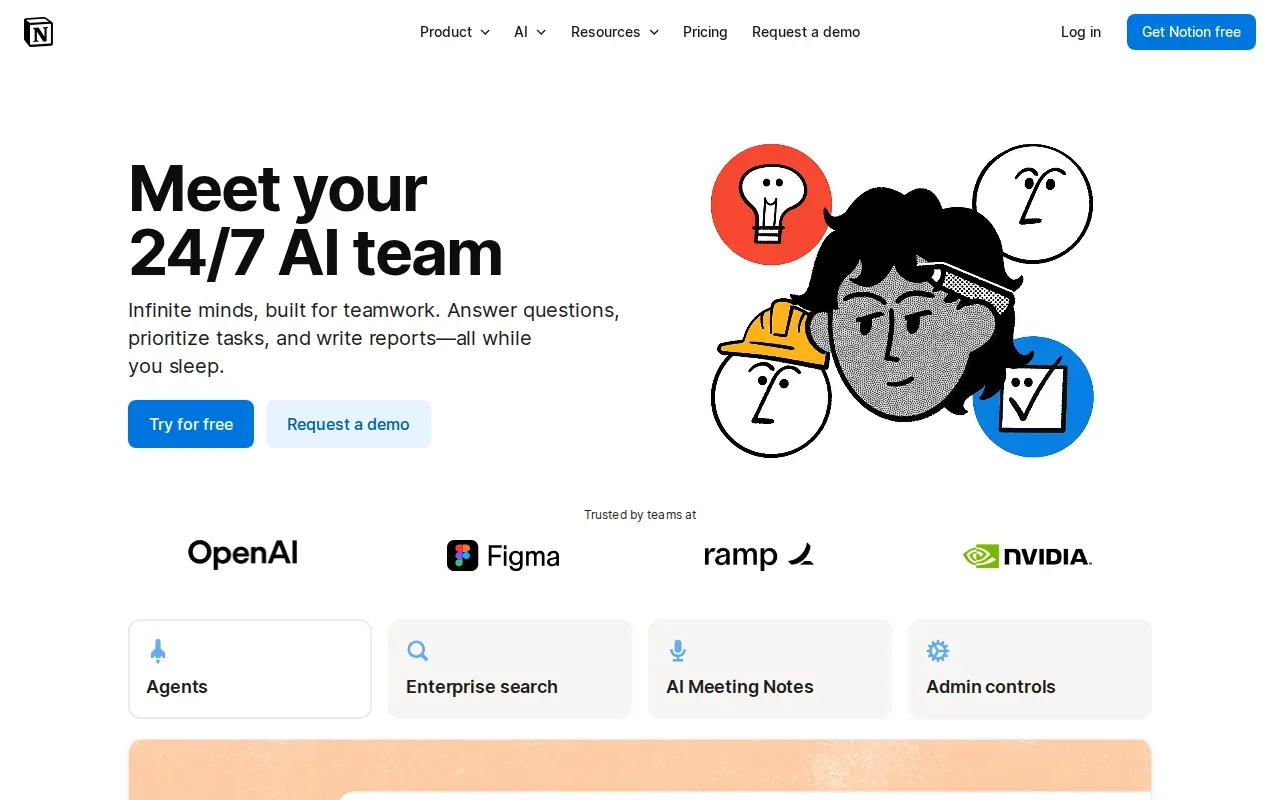
Notion AI can work with information kept in the workspace, and its integrations include Slack, Google Drive, and GitHub. That can help when your notes and project details already live there. For example, you can keep a client brief beside the task list tied to that work.
It also won’t tidy up a workspace for you by itself. Set up clear pages and project habits first, then decide whether AI features make the system easier to use.
AI tools for freelancers compared by best-fit use case
The right pick depends on where your work gets stuck.
| Tool | Best-fit task | Free access detail |
|---|---|---|
| Apply with AI | Upwork job fit and user-reviewed proposal drafts | 3-day free trial |
| Claude by Anthropic | Long briefs and detailed proposal drafts | Free tier: yes |
| Grammarly | Final writing and tone check | Free tier: yes |
| Canva Pro | Design and visual content | See website |
| Descript | Transcript-based audio and video editing | Free tier: yes |
| Bonsai | Freelance proposals, contracts, time, and invoices | See website |
| HoneyBook AI | Client messages, email drafts, and meeting notes | See website |
| UpCat | Upwork cover letters and job alerts | See website |
| Notion AI | Notes and project workflows | See website |
Don’t pay for overlap. If you mainly need to qualify Upwork jobs and draft proposals, a writing checker alone won’t solve that task. If your work is media editing, a proposal tool won’t replace transcript-based editing.
Key Takeaway: Start with the bottleneck that costs you the most focused work time, then test one tool against that task.A quick fit check: niche, cost, privacy, and human review
Choose based on the work you sell. A podcast editor has a different need from a freelancer who spends each morning sorting project posts. Pick a tool that supports a task you do often, not one with a long feature list you may never use.
Check the cost before you build a process around a tool. Review current terms before paying or moving client work into a new system.
Privacy needs the same care. Don’t paste client material into an AI service until you’ve checked its data terms and your client agreement. Keep your own notes or approved source documents as the record of truth, especially for private briefs and personal details.
Then check the output yourself. An AI tool can save typing, but it can’t take responsibility for a false claim, a wrong deadline, or a poor fit. Apply with AI keeps the final Upwork Send or Submit action with you; its workflow is useful when you want help preparing an application, not an unattended bid. You can compare that approach with Upwork auto-bid and AI proposal writing workflows.
Pro Tip: Test one recurring task with a sample that contains no private client information.Frequently asked questions
What are the best AI tools for freelancers?
The best AI tools for freelancers depend on the work you need help with. Apply with AI fits Upwork job screening and user-reviewed proposal drafts. Claude by Anthropic supports long-form drafting, while Descript suits transcript-based media editing. Start with one task you repeat often, then judge whether the tool saves time after you’ve checked its output.
Can freelancers use AI to write proposals?
Yes, freelancers can use AI to draft proposals, but the final text should match the job and your real experience. Apply with AI can help Upwork freelancers score and filter jobs, then draft or fill proposals for review. You press Send or Submit yourself. Check every promise, skill, and detail before sending a client-facing proposal.
Are there free AI tools for freelancers?
Some tools in this shortlist have a free tier, including Claude by Anthropic, Grammarly, and Descript. Free access can change, so check current terms and test a tool with a low-risk task before relying on it.
Should freelancers let AI submit job applications?
Freelancers should keep control of the claims and choices in each application. Apply with AI does not automatically submit Upwork proposals or send Upwork messages; you review the draft and press Send or Submit. For LinkedIn and supported employer sites, you start a run and can turn off auto-submit. Always check the site’s current rules and your application details.
How should freelancers protect client information when using AI?
Check a tool’s data terms and your client agreement before sharing client material. Avoid entering private briefs, personal details, or confidential files unless the service’s terms meet your needs. You can test a workflow with sample text first. AI tools for freelancers can help with drafting and admin, but your records and judgment should remain the source of truth.
Conclusion
If Upwork is where you find clients, start with Apply with AI to screen jobs and prepare proposals you can review before sending. Pick one suitable opportunity, try the workflow, and check every detail yourself before you submit.