Best Cover Letter Writing Service Options
Compare cover letter writing service options for personalization, cost, timing, and control. See which AI tools suit your job search.

A cover letter can add the missing link between your past work and the job you want. But many tools called a cover letter writing service are AI generators, not expert human writers. Here are three AI options, what each can do, and what to check before you send a draft.
Table of Contents
- CoverDoc.ai: Live company research for a tailored draft
- Resumly: A structured generator built around three inputs
- ChatGPT by OpenAI: Flexible drafting with your own review
- Compare the options: personalization, turnaround, revisions, and support
- FAQ
- Conclusion
1. CoverDoc.ai: Live company research for a tailored draft
CoverDoc.ai is an AI cover letter builder that pulls live company information into a draft and exports it to Google Docs. It’s best for job seekers who want a DIY start and can bring clear details about their skills, target role, and reasons for applying.
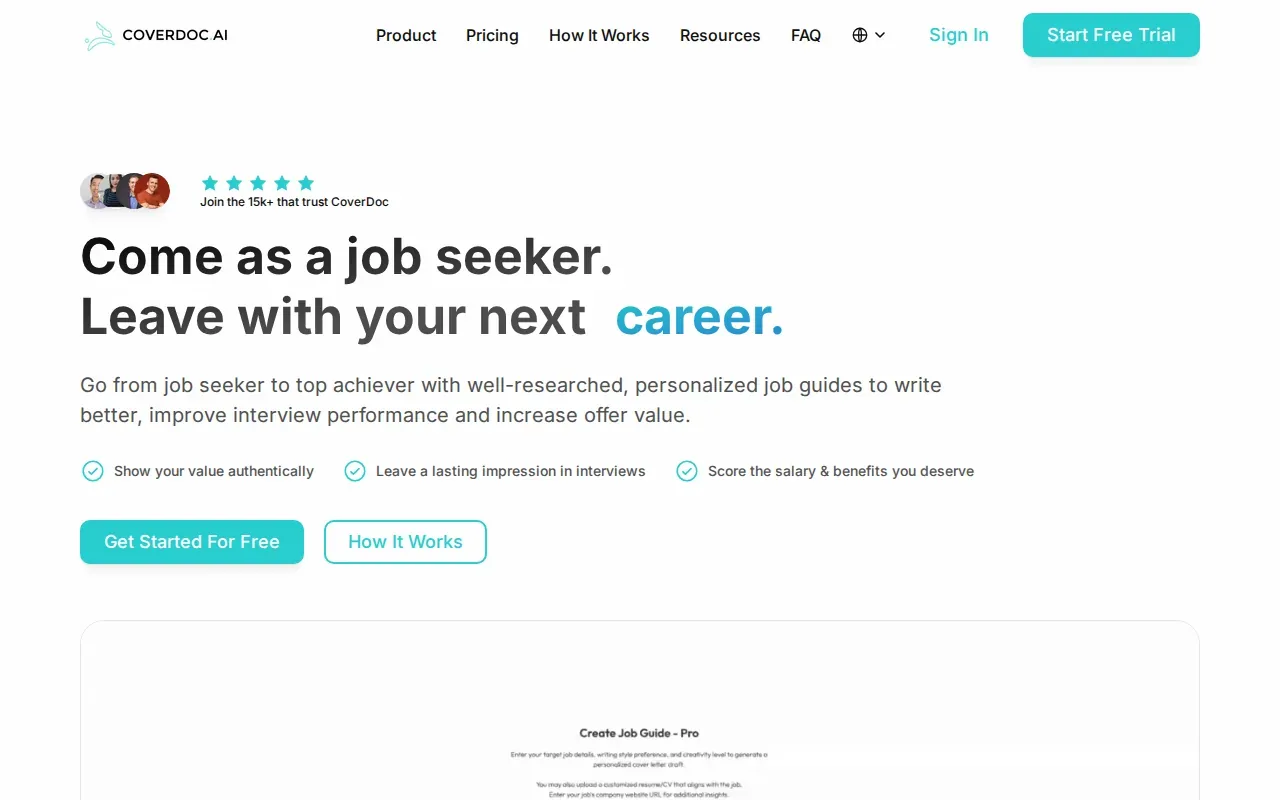
Company context can help a letter sound less like a copy of the resume. For example, a candidate can use a verified company detail to explain why the role fits their next step. The tool’s live research can support that part of the draft. Still, check every detail yourself. A polished sentence isn’t proof that the company fact is current or relevant.
Since the draft is made with AI, plan to review the tone and claims before you use it. Exporting to Google Docs gives you a place to edit, but it doesn’t replace a careful read.
If you’re comparing generators with broader application tools, this overview of AI cover letter generators explains the difference between drafting a letter and preparing an application.
There’s also a second question to ask: does the tool help you express a true reason for wanting the role, or does it only add company details? Company facts work best when you connect them to a specific part of your experience. A name or mission statement by itself can feel pasted in.
Key Takeaway: Pick CoverDoc.ai if live company context and a Google Docs draft fit your process, then verify and edit the content yourself.2. Resumly: A structured generator built around three inputs
Resumly is an AI cover letter generator that builds each draft from your resume, the parsed job posting, and a job-match analysis. It’s a fit for job seekers who prefer a guided start over writing a detailed prompt from scratch.
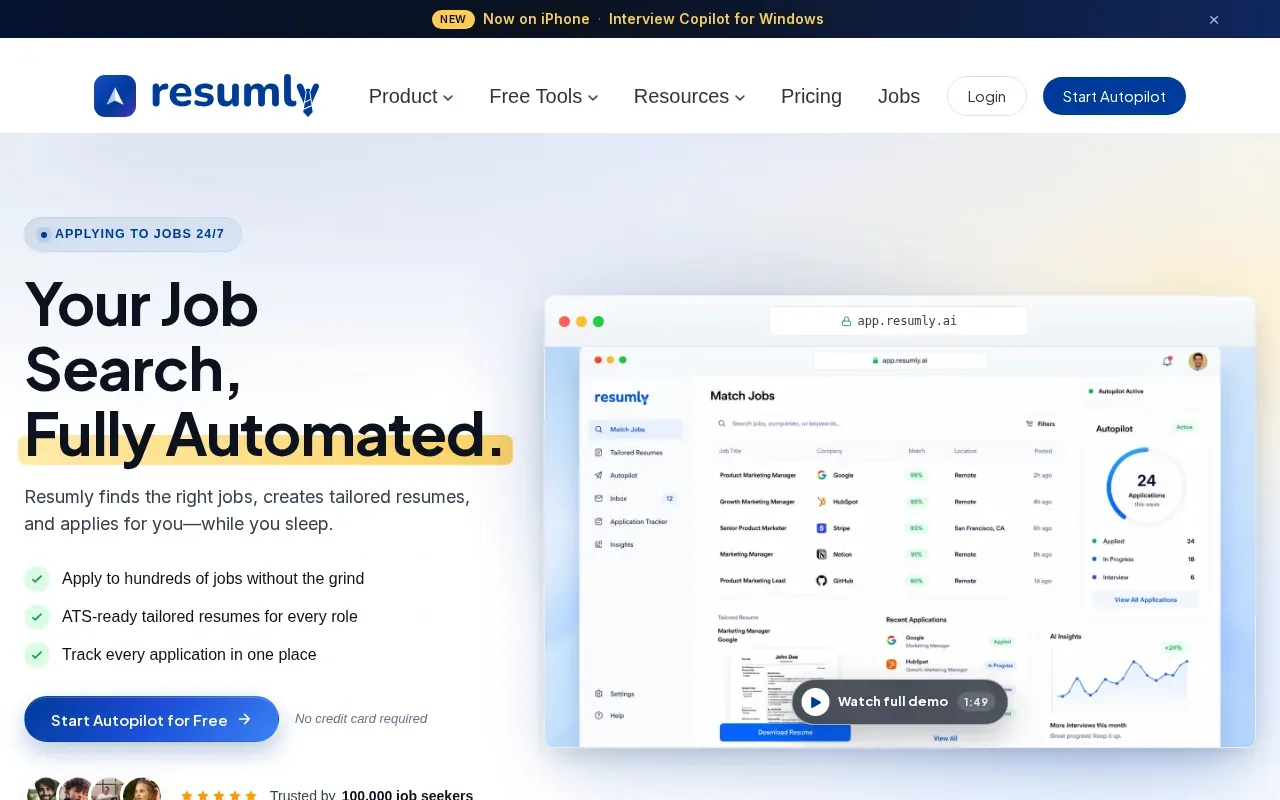
Using the resume and job posting together gives the tool context about both your background and the role. The match analysis adds another input to the draft process. Resumly can generate role-specific letters in seconds, but a fast draft is still a first draft. Check that the letter names the right role and doesn’t claim skills or results that aren’t in your work history.
Resumly offers a free-forever tier with no credit card. It includes cover letter generation, 10 auto-applies, and 250 AI credits. The service can also generate letters and attach them during auto-apply submissions. Those features may suit someone managing repeat applications, but automation doesn’t make each application a good fit. Review the job match and letter before relying on a submission process.
If you need a writer to interview you and revise a letter with you, confirm that service is available before paying for any plan.
Resumly is most useful when your resume and the job post are accurate and complete. If either has gaps, fix those first. The generator can only work with the information it receives.
3. ChatGPT by OpenAI: Flexible drafting with your own review
ChatGPT by OpenAI is a general AI language model that can draft a cover letter when you provide your resume, the job description, and company context. It’s best for people who want control over the prompt and don’t need a tool to submit applications for them.
You can ask for a short letter that explains why the role interests you and connects one relevant achievement to the employer’s needs. Give the tool true facts, then check the result against your resume. If it adds a result, qualification, or company detail you didn’t provide, remove it. A confident tone doesn’t make an unsupported claim safe to use.
Unlike a specialized service with a set workflow, a general language model depends on the instructions and material you supply. It can make a draft sound neat while leaving it generic. Add a real reason for applying, then ask someone who knows your voice to read the final version. That second read can catch stiff wording that a grammar check won’t flag.
ChatGPT by OpenAI doesn’t automate the application process. You’ll need to place the final letter in the form or document yourself.
For a useful draft, share only the details needed for the task. Leave out private information that doesn’t belong in a cover letter, and never let a generated sentence stand in for checking the facts.
Compare the options: personalization, turnaround, revisions, and support
These three picks are AI drafting tools, not professional writing services with expert writers. That distinction matters if you expect an intake call, tailored editing, or a set revision process.
For personalization, CoverDoc.ai adds live company information. Resumly uses your resume alongside the parsed job posting and its job-match analysis. ChatGPT by OpenAI relies on the context you provide. In every case, you need to check that the company detail is accurate and the letter speaks to the role.
On timing, Resumly generates a letter in seconds. The other two also draft quickly, but an AI draft isn’t the same as a reviewed final letter. Resumly’s free tier is the clearest starting point, though its free-use limits may not match your application needs.
Use this quick check before you commit:
- Need a human writer? Ask about who writes the letter, how revisions work, and whether you can speak with the writer.
- Need a draft fast? Resumly produces letters in seconds. Leave time to check the result.
- Need company context? CoverDoc.ai’s live company information may help, but verify the details.
- Need flexible prompts? ChatGPT by OpenAI gives you room to shape the request, but you supply and check the facts.
A strong letter usually stays under one page, uses a clear layout, and gives each sentence a job. Open with a real reason for applying. Then connect one relevant achievement to a need in the posting. Don’t repeat the resume in paragraph form or use a greeting that sounds copied into every application.
Use keywords from the job description where they fit your experience. Don’t stuff them into the letter. A hiring team should be able to see the link between the role’s needs and your proof without sorting through a long list of claims. There’s no reliable promise that a cover letter will raise your odds of an interview.
If you’re applying through Upwork, LinkedIn, or employer sites, a letter generator may not cover the rest of the workflow. Apply with AI helps job seekers and freelancers prepare tailored applications or proposals, and lets you decide how much of each step to hand over. On Upwork, you review the proposal and press Send or Submit yourself. For LinkedIn and employer sites, you start the run, and auto-submit can be turned off.
Pro Tip: Before sending, read the letter beside the job post. Confirm the company name, role title, and every claim. Then cut any sentence that only repeats your resume.For a wider view of tools that help with the application workflow, see these AI job application tool options. If you use a service that fills forms or prepares submissions, keep the final review step in your hands.
Key Takeaway: Choose a generator for a draft, but confirm writing support, revisions, pricing, and delivery terms if you need a human service.Next step: Ready to reduce repetitive application work on runs you start? Explore Apply with AI.FAQ
What is the best cover letter writing service?
The best cover letter writing service depends on whether you want an AI draft or a human writer. CoverDoc.ai, Resumly, and ChatGPT by OpenAI are AI options with different ways to build a draft. They are AI drafting tools, so if expert editing is what you need, look for a service with named writers.
Can AI write a good cover letter?
AI can help draft a cover letter when you give it accurate details about your experience and the role. It can still produce generic lines or add claims you didn’t make. Check each sentence against your resume and the job posting, then revise the tone so it sounds like something you’d say.
How much does a cover letter writing service cost?
Pricing varies, and paid rates change often, so check each site. Resumly has a free tier with cover letter generation, 10 auto-applies, and 250 AI credits. Before paying for a tool or writer, check what the plan includes and whether revisions or human editing cost extra.
How long does it take to get a cover letter?
Resumly generates letters in seconds. CoverDoc.ai and ChatGPT by OpenAI also draft quickly. If you’re hiring a person, ask for a delivery estimate before placing an order, then leave time to review the letter.
Should I use AI to apply for jobs on LinkedIn Easy Apply?
AI can help prepare a cover letter or application text for a LinkedIn role, but you should check every detail before submission. Apply with AI can help with application workflows on LinkedIn and employer sites; you start the run, and auto-submit can be turned off. This LinkedIn Easy Apply guide can help you judge when that route fits.
Conclusion
For a tailored AI draft, choose the option whose inputs match the work you’re willing to do: live company context, a structured resume-and-job workflow, or an open prompt. If your main problem is managing applications rather than writing one letter, explore Apply with AI and try it on a role or project you’ve already judged to be a fit.